00192231-09_VD_SSW 407.05_de en.pdf - 第93页
Software Version Description, Station Software Version 407.05 07/2008 Edition Log-Book Entries If you wish to read the log file, activate the applicable entry and click on Finish. The notepad editor with the correspond…
Software Version Description, Station Software Version 407.05 07/2008 Edition
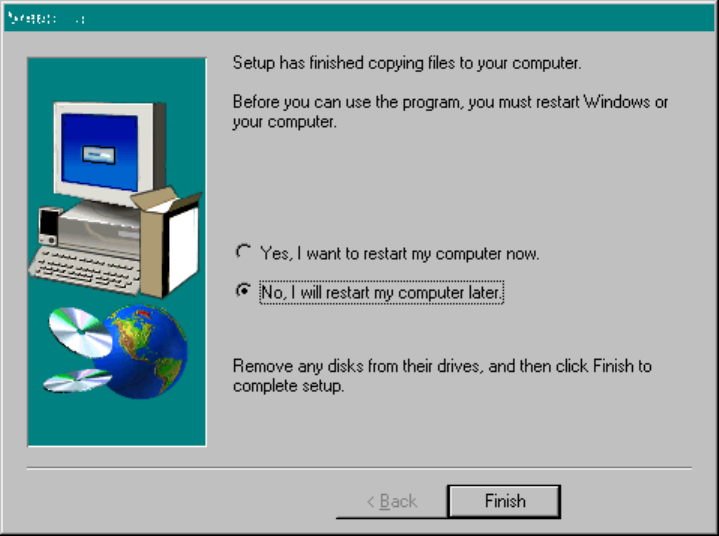
Choose "No". The station is rebooted after SIPLACE has been fully installed. Click "Finish" to complete
installation of the touch screen.
Service Pack
At the end of the installation, Service Pack 6 for NT 4.0 is to be installed on the computer (this step is
dispensed with if the Service Pack was previously installed and no touch screen driver was selected).
92 of 104
Software Version Description, Station Software Version 407.05 07/2008 Edition
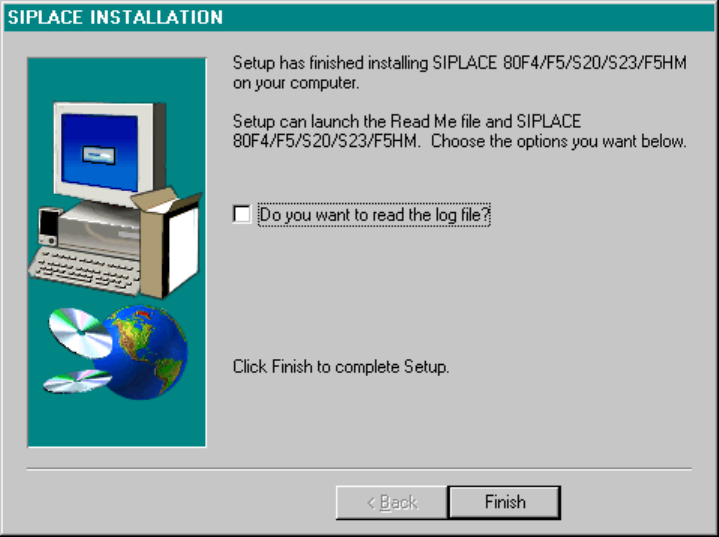
Log-Book Entries
If you wish to read the log file, activate the applicable entry and click on Finish. The notepad editor with the
corresponding file will be loaded.
Fig.: Log-Book Entries
93 of 104
Software Version Description, Station Software Version 407.05 07/2008 Edition
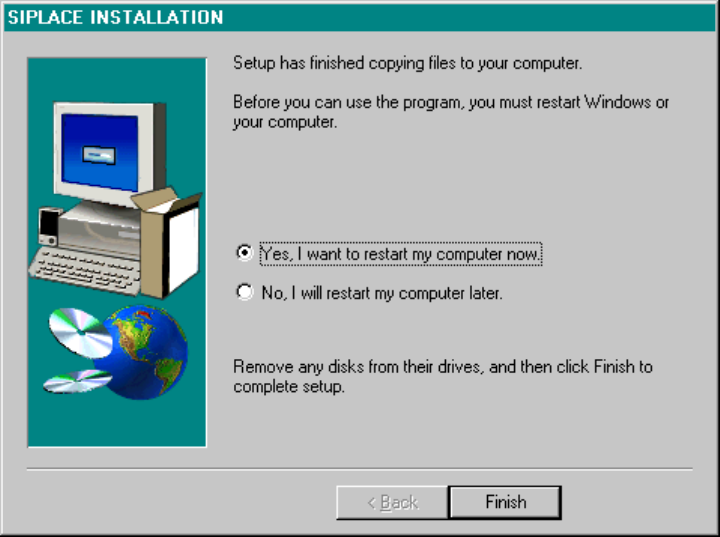
Closing Screen
At the end of the installation, the screen shown below is displayed. Clicking on the Finish button causes a
reboot to be performed. The installed packages are now ready for use.
Fig.: Closing Screen of the Installation from CD-ROM
94 of 104