00198260-01_IM_SQL_Server_2016_EN.pdf - 第29页
SQL Server 2016 / I nstallation Manual 12/2016 Edition 29 The following windo w is displayed after successful installation. Figure 4-30: Installation c ompleted The computer has to b e restarted for the changes to t ake …
SQL Server 2016 / Installation Manual 12/2016 Edition
28
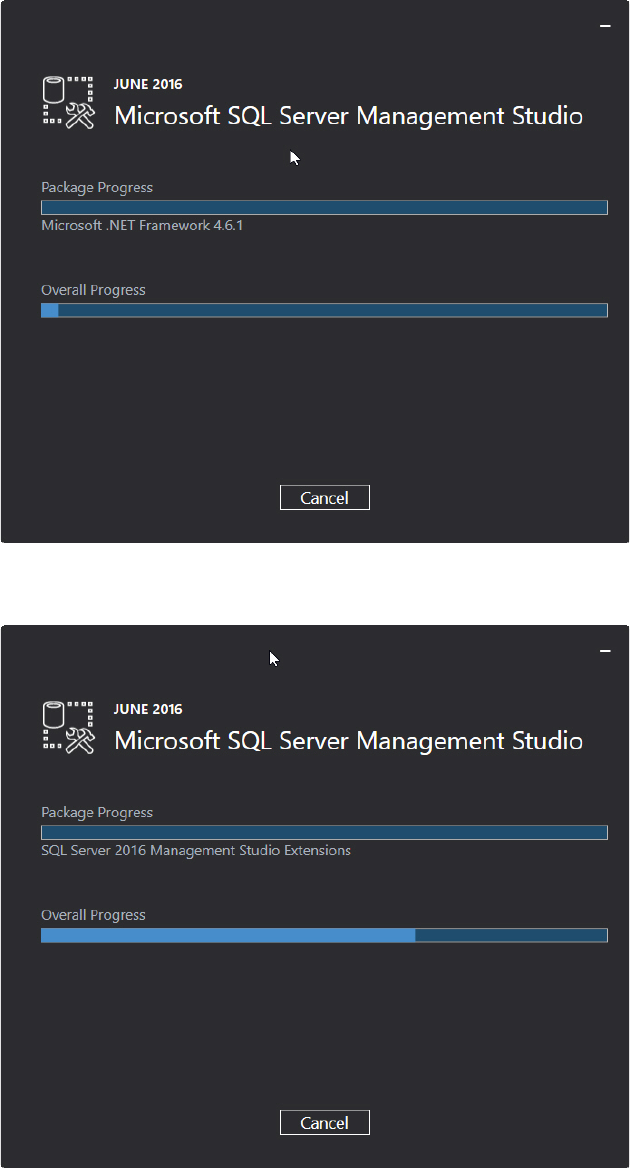
The installation begins and the progress is displayed.
Figure 4-28: Installation started
► Accept any possibly appearing User Account Control message by clicking its Yes button.
Figure 4-29: Progress displayed
SQL Server 2016 / Installation Manual 12/2016 Edition
29
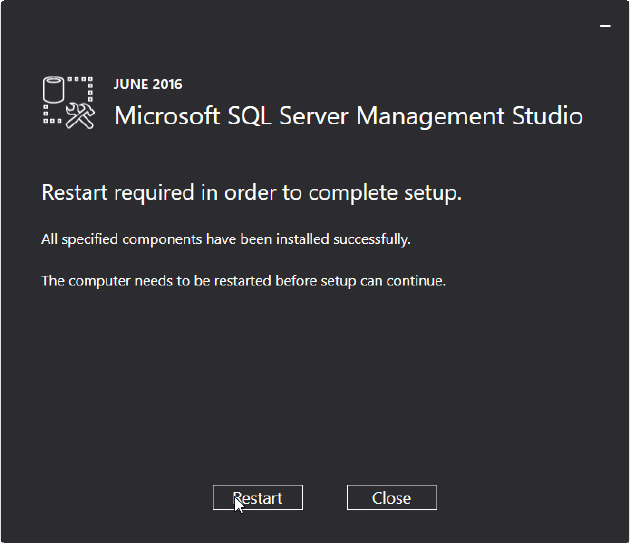
The following window is displayed after successful installation.
Figure 4-30: Installation completed
The computer has to be restarted for the changes to take effect.
► Click the Restart button.
► Continue with the following chapter which describes additionally settings.
SQL Server 2016 / Installation Manual 12/2016 Edition
30
5 After Installation
This chapter describes how to perform some additionally required and optional settings after the
SQL installation and how to define settings you missed to set during the installation.
5.1 Additionally Required Settings
5.1.1 TCP/IP Network Protocol Enabled
After installation, you have to verify that the TCP/IP network protocol is enabled for communication.
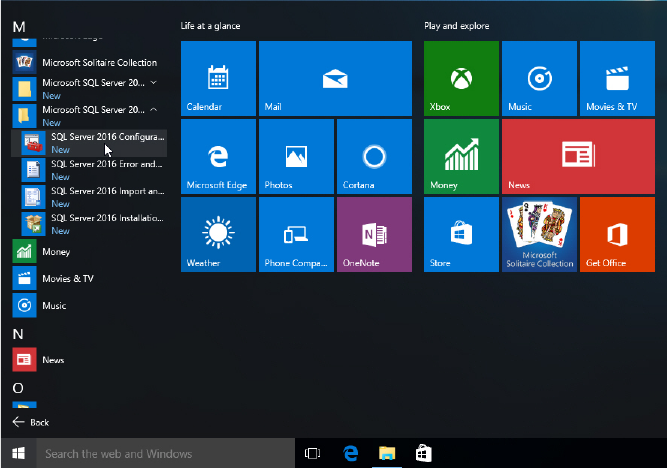
► Click the Start/Windows button.
► Expand the All apps group.
► Expand Microsoft SQL Server 2016
► Select SQL Server 2016 Configuration Manager.
Figure 5-1: Selecting SQL Server 2016 Configuration Manager
► Accept any possibly appearing User Account Control message by clicking its Yes button.