CM88Maintenace2x.PDF - 第79页
Page 3-51 SOLUTIONS FOR ERROR 3 s e m a n e l u d o M . o N s e m a N s k r a m e R y d o b n i a M 2 1 1 L Vn e p o p m a l c h t d i w d r a o B 3 1 1 L Vp m a l c Y d r a o B 4 1 1 L Vp m a l c Z d r a o B 5 1 1 L Vp …
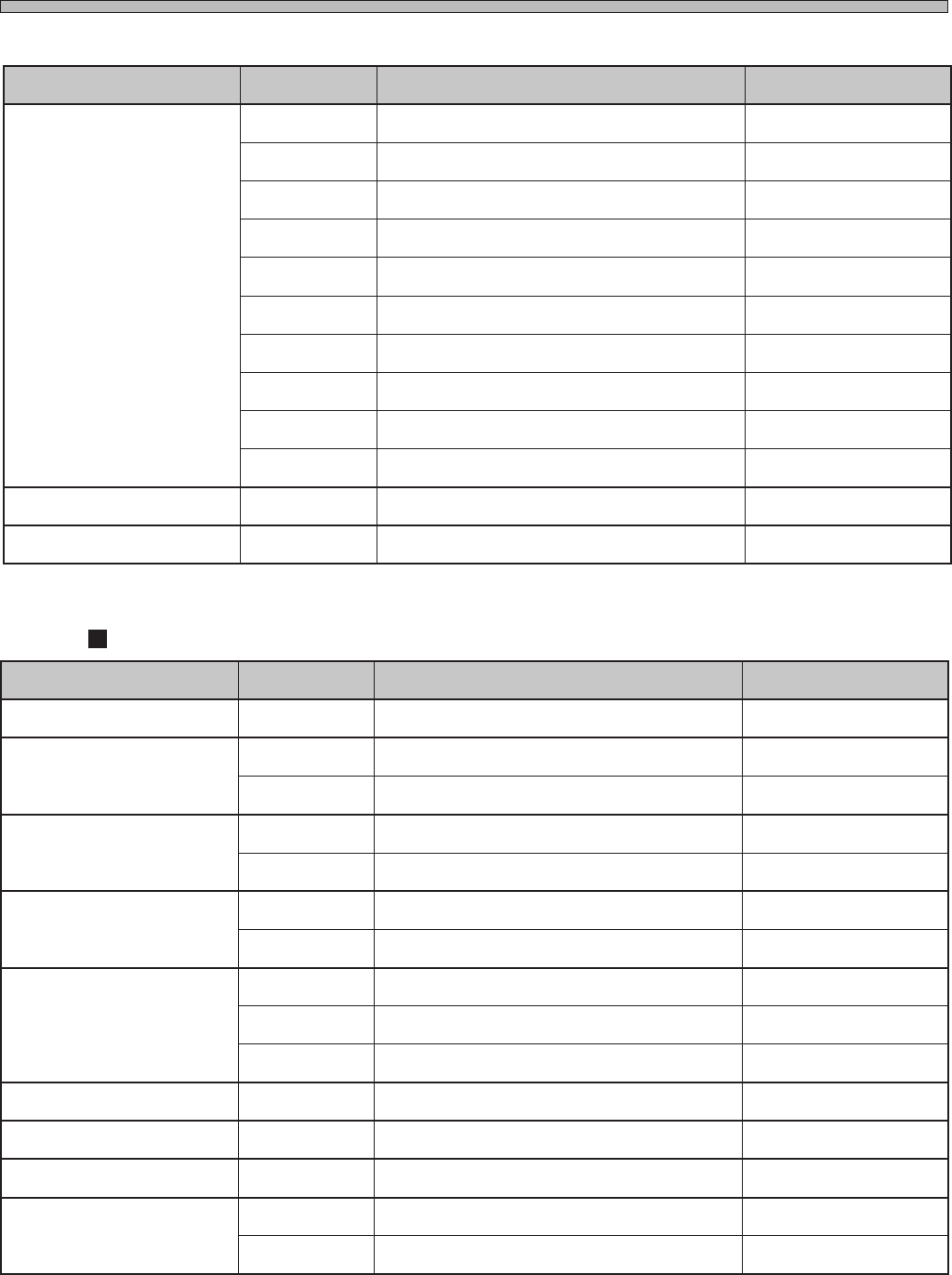
Page 3-50
semaneludoM .oN semaN skrameR
emarfelohwC/M.B5SMevirdrotomniaM
elbatY-XaremaC
9Mevirdsixa-X
01Mevirdsixa-Y
royevnoctnorF
11Mjdahtdiw-otuavnoctfeL
23M,13MevirdvnoctfeL
royevnocraeR
31Mjdahtdiw-otuavnocthgiR
63M,53MevirdvnocthgiR
elbatZYXdraoB
1SMevirdsixa-X
2SMevirdsixa-Y
6SMevirdsixa-Z
redlohdraoB33MevirdroyevnocelddiM
pu-ekaTC/M.B21MpukciprofevirdrotomlatigidZ
redeefepaTC/M.B7SMegnahcredeefepaT
tfahsevirdredeeF
3SMevirdCNsixa-1U
4SMevirdCNsixa-2U
3Y3C-E-MMD03-A04-02
3Y3C-099TE
Load List
Motor List (M)
semaneludoM .oN semaN skrameR
elbatZYXdraoB
011HPFURYelbaT
111HPREVO+YelbaT
211HPREVO-YelbaT
121HPREVO+ZelbaT
321HPFURZelbaT
521HPtimilrewolredlohBCP
051HPFURXelbaT
151HPREVO+XelbaT
251HPREVO-XelbaT
551HPSLtimilreppuredlohBCP
redlohdraoB421HProyevnocoterefretniniP
reppotsdraoB532HP)nigirothgir(tcetedBCP
3Y3C-098TE
(2/2)
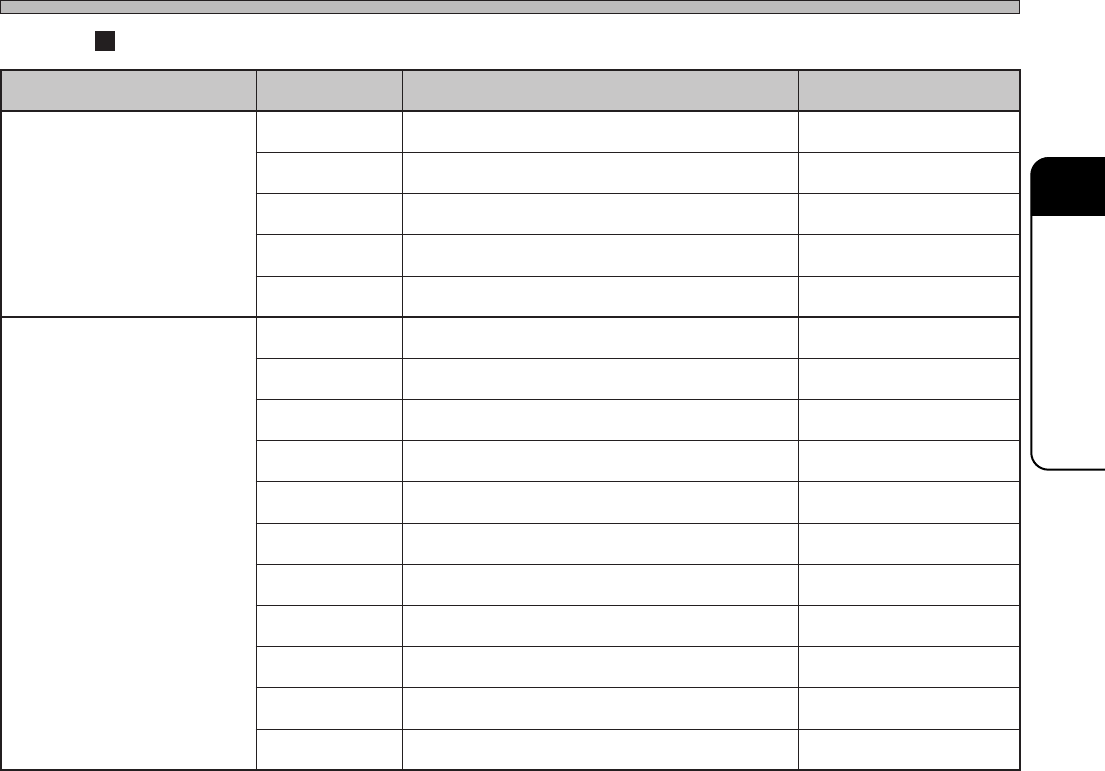
Page 3-51
SOLUTIONS FOR ERROR
3
semaneludoM .oN semaN skrameR
ydobniaM
211LVnepopmalchtdiwdraoB
311LVpmalcYdraoB
411LVpmalcZdraoB
511LVpuredlohdraoB
611LVnwodredlohdraoB
emarfelohwC/M.B
212LVnoissimrepdeefepaT
312LVnoissimrepdeefepatevisehdAnoitpO
712LVnoissimrepwolB
022LVnoissimreppukciP
122LVnoissimrepelzzondnetxE
222LVnoissimrepnielzzoN
322LVtibihorptucepaT
422LVnoissimreptnuoM
522LVecnalabeuqroT
622LVreppotsecnereferthgiRnoitpO
722LVreppotsecnerefertfeL
3Y3C-E-MMD03-A04-02
3Y3C-100TE
Load List
Solenoid List (VL)
Page 3-52
3Y3C-E-MMD03-A04-02
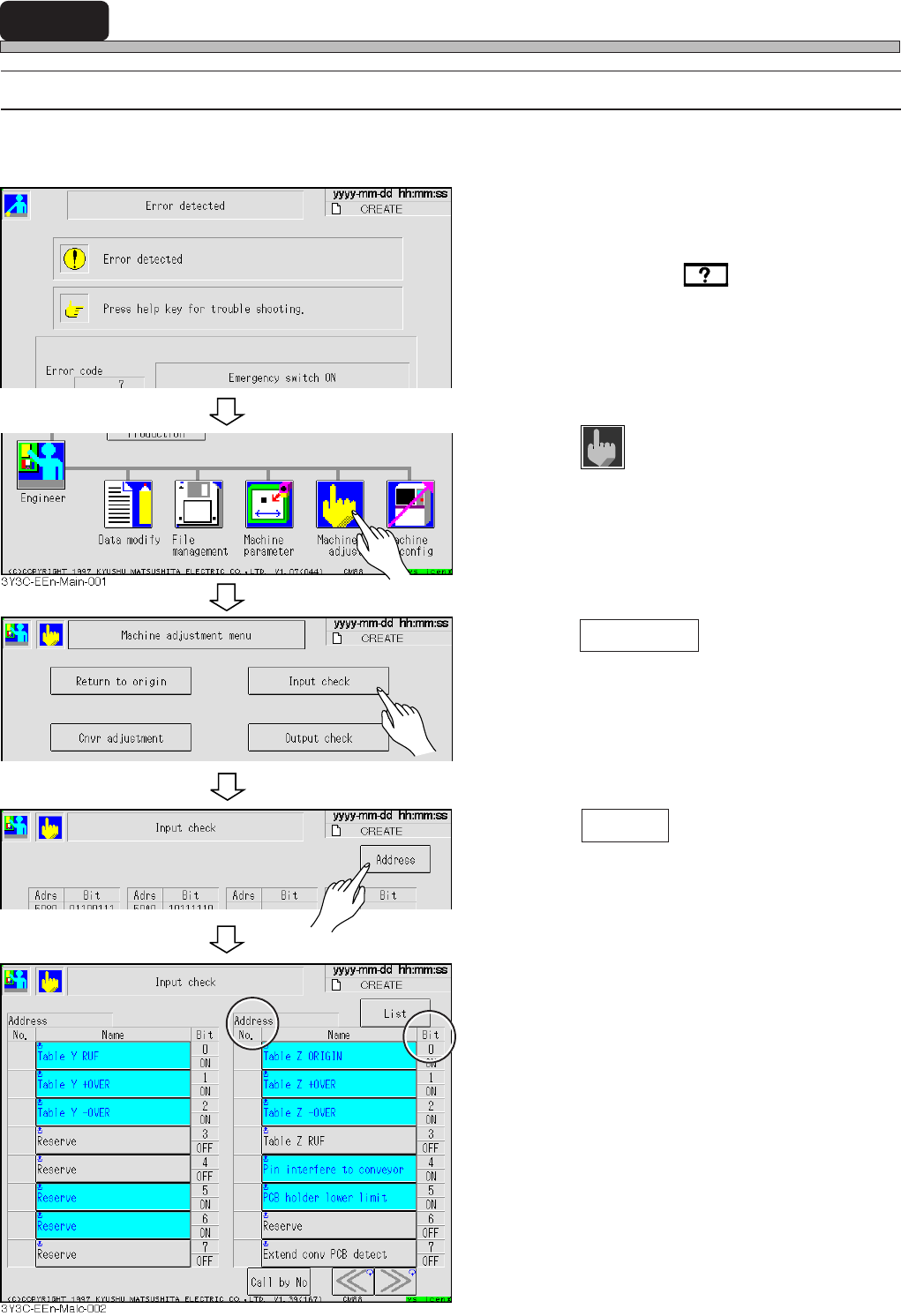
3-5 The Input and Output Check of Machine
3-5-1 Input Check after Error
The trouble in the sensor can be thought as one reason to make errors.
This section describes checking the proper input state (ON and OFF) of the sensor related to that error.
1. Check the error message.
• Check solutions by on the touch panel or
in the error message list in the maintenance
manual.
2. Return to the main menu.
3. Press
Machine
adjust
.
• The machine adjustment screen appears.
4. Press Input check .
• The list screen of input check appears.
5. Press Address .
• The address screen of input check appears.
6. Check that the bit (....H : Bit.) of ad-
dress described in the solutions is
proper (ON and OFF).
• If the input state of sensor is not proper, the
trouble or disconnection can be thought. Make
contact with us for changing.
3Y3C-EOp-Er-001
3Y3C-EEn-Ma-001
3Y3C-EEn-Malc-001