00198611-01_IM_712.0_R18-2_EN.pdf - 第76页
Station Software Ver sion 712.0 (R18 - 2) / Installation Manual 11/2018 Edition 76
Station Software Version 712.0 (R18-2) / Installation Manual 11/2018 Edition
75
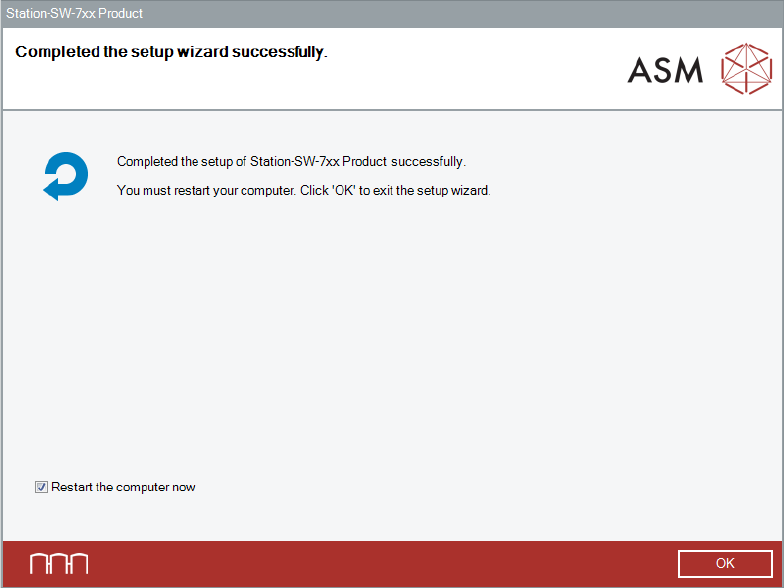
After successful removal, the following dialog is displayed.
Figure 10-3: Uninstalling completed
► Click OK to exit the wizard and restart the computer.
After restart, an automatic login under the Operator user account will be done.
► Log off from the Operator user account.
► Log in under the ASM_Admin user account again.
► Continue with the installation of the station software version you want to downgrade to.
Station Software Version 712.0 (R18-2) / Installation Manual 11/2018 Edition
76
Station Software Version 712.0 (R18-2) / Installation Manual 11/2018 Edition
77