KE-750_MS.pdf - 第195页
4.7 XY Correction Coefficients Select "1/Initial set-up" then "7/Correct coeffici ent of XY axis..." and the dialog will appear as follows. (1) Setting Items No. Item Contents 1 XY Correction Coeffici…
4.6.3 Various
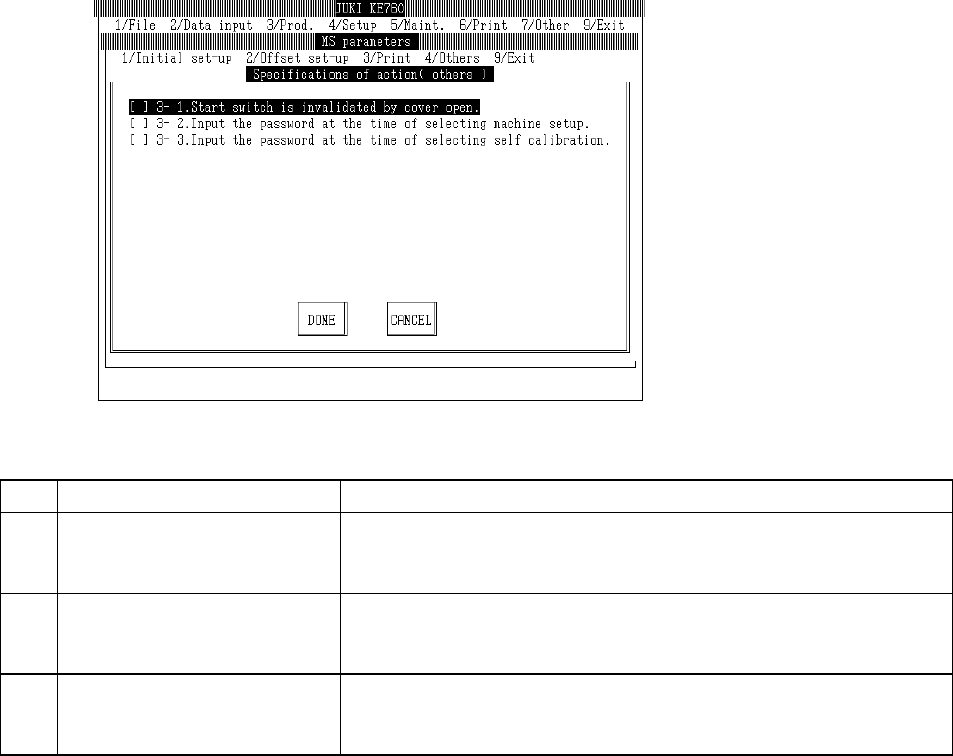
Select "1/Initial set-up" then "6/Specifications of action", "5/Others" and the dialog will appear as
follows.
(1) Setting Items
No. Item Contents
1 3 - 1. Invalidate START switch
when cover open
START switch specifications when cover open
[ ] : Valid (Default value)
[×] : Invalid
2 3 - 2. Password input when
machine setup selected
Password input specifications when machine setup selected
[ ] : No password input (Default value)
[×] : Password input
3 3 - 3. Password input when
self-calibration selected
Password input specifications when self-calibration selected
[ ] : No password input (Default value)
[×] : Password input
(2) Method of Setting
– Select option units listed in the above table with the check box.
2-27
4.7 XY Correction Coefficients
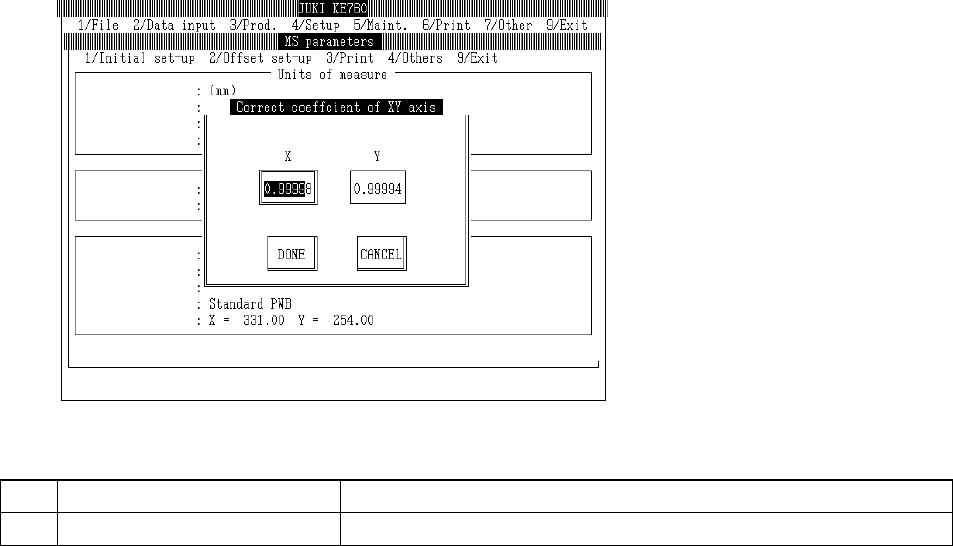
Select "1/Initial set-up" then "7/Correct coefficient of XY axis..." and the dialog will appear as follows.
(1) Setting Items
No. Item Contents
1 XY Correction Coefficients (XY) Separate correction coefficients for X & Y axes.
(2) Method of Setting
Enter X & Y separately directly from keyboard.
Select "Exit" and the following dialog will appear.
Select "OK" and XY correction coefficients set are reflected. After origin return and OCC
recognition of CAL block No. 1 mark, system exits.
Select "Cancel" to erase settings and exit.
2-28
4.8 Comment
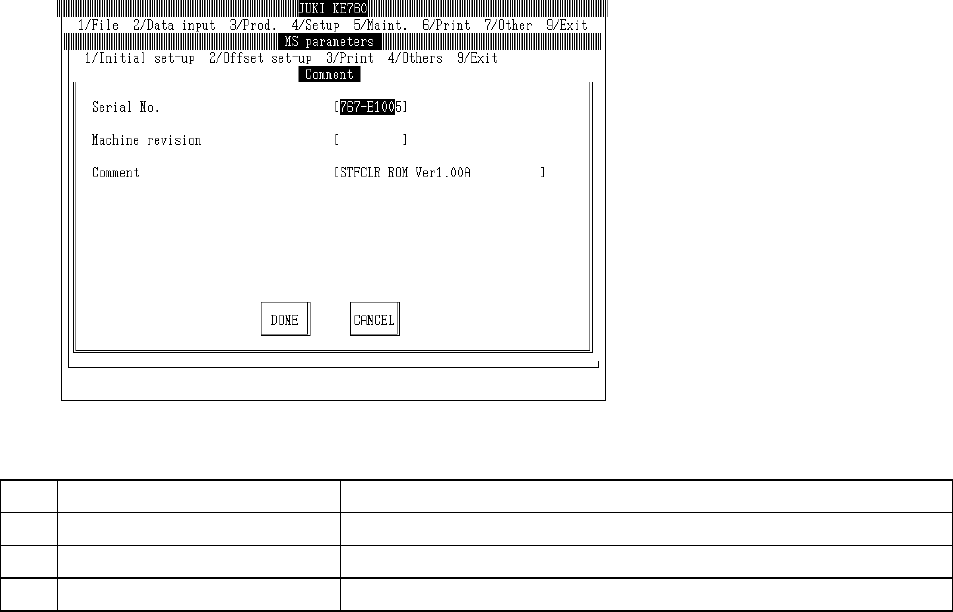
Select "1/Initial set-up" then "8/Comment..." and the revision (etc.) setting dialog will appear as follows.
(1) Setting Items
No. Item Contents
1 Serial No. Serial no.
2 Machine Revision Machine revision report
3 Comments Comment report
(2) Method of Setting
– Enter values directly from keyboard.
2-29