KE-750_MS.pdf - 第250页
4.21.4 VCS Version Upgrade Select "4/Others" then "4/Upgrade VCS S/W" and the dialog for program data transfer to imaging equipment appears. Inquiry Cancel Current VCS version is RR-VV-LLX STD M It wi…
4.21.3 EEPROM Clear
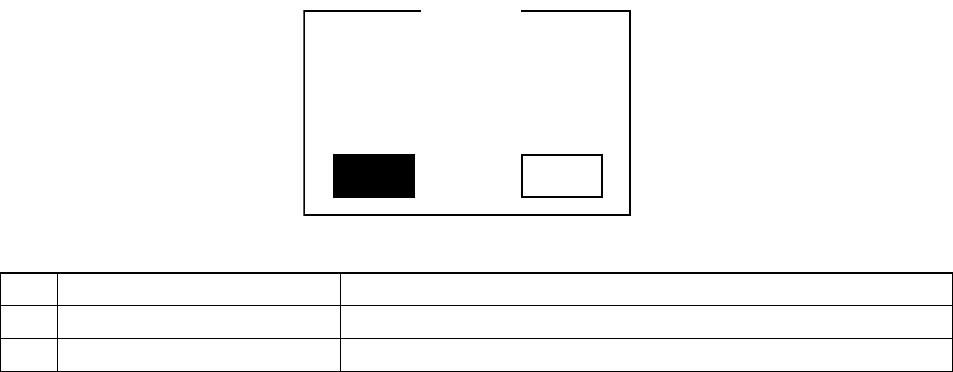
Select "4/Others" then "3/EEPROM Clear" and the clear inquiry dialog appears.
Yes No
Current data will be lost.
Would you like to stop?
Q004103
Inquir
y
No. Button Selection Process
1 Yes Stops total clearing of EEPROM domain. Protects currently stored data.
2 No Totally clears EEPROM domain. Currently stored data is lost.
(1) Relevant Data
Totally clears EEPROM domain
– MS Parameters
– Machine Coordinate Data
– Machine Setup Data
– Mechanical Control Parameters
– Operating Options, Units
– Mark Data Base
(2) Specifications for Clear
– Only clears data within the EEPROM
Has no effect on data in RAM.
– In case EEPROM is accidentally cleared, save data when exiting MS parameters.
However, the only types of data that can be saved in EEPROM from MS parameter input are
MS parameters, machine coordinate value data and machine setup data. Nothing else can
be recovered.
– If EEPROM is cleared without saving and power is cut, when restarted, all data from RAM is
set to default.
Default data is not saved in EEPROM. It is obtained when machine is started up.
To save default data in EEPROM, input through MS parameters.
However, the only types of data that can be saved in EEPROM from MS parameter input are
MS parameters, machine coordinate value data and machine setup data. Nothing else can
be saved.
2-82
4.21.4 VCS Version Upgrade
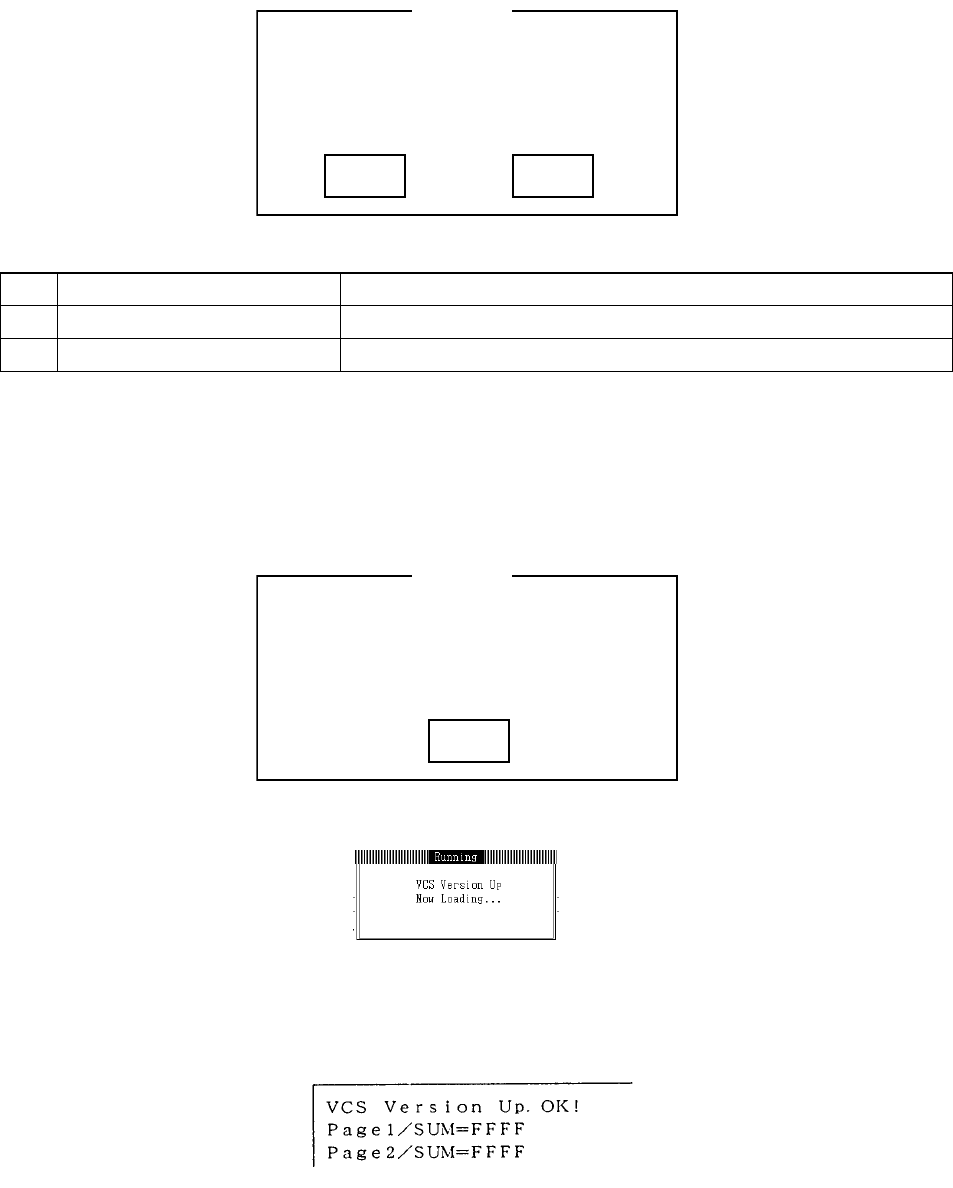
Select "4/Others" then "4/Upgrade VCS S/W" and the dialog for program data transfer to imaging
equipment appears.
Inquiry Cancel
Current VCS version is RR-VV-LLX STD M
It will with versions from 02-00-01D onwards
Q004057
Inquir
y
No. Button Selection Process
1 OK Executes transfer of program to imaging equipment
2 Cancel Stops execution of program transfer to imaging equipment
(1) Process Outline
When the above inquiry is answered "OK", the system file directory on the hard disk opens
<<GX3VCS.DAT>> and transfers to the imaging equipment. At this time, if the program data file
is not discovered, the following message will appear and processing stop.
OK
VCS program file waslost while opening (Code)
GX3VCS.DAT
Q004057
E004056
While program is transferring, the LCD screen will display the following message.
When message clears, data transfer is complete and the image processing equipment has
begun to enter.
While in entry processing, vision monitor is off. At this time do not try to operate.
When entry processing is completed, vision monitor displays the result.
With this, the program transfer is completed.
If power drops make sure that the transferred version appears when restarted.
2-83
(2) Points of Caution
– Make a copy of the VCS program data file in the system directory (C:エ KE740 for KE-740).
– Definitely do not use imaging equipment versions older than 02-00-01D.
– This function is only valid with 68040 CPU imaging system (Known as: New Imaging
Equipment 97/04 New). If older imaging equipment is used, data will transfer but be read as
an error.
2-84