00194335-02.pdf - 第26页
2 Retrofit instructions Coplanarity module - SIPLACE HF ser ies Coplanarity module 10/2004 Edition 26 : Guide th e cable a long the thic k cable bundle to t he compute r unit. : Plug in t he two line s on the b ack panel…
Coplanarity module 2 Retrofit instructions Coplanarity module - SIPLACE HF series
10/2004 Edition
25
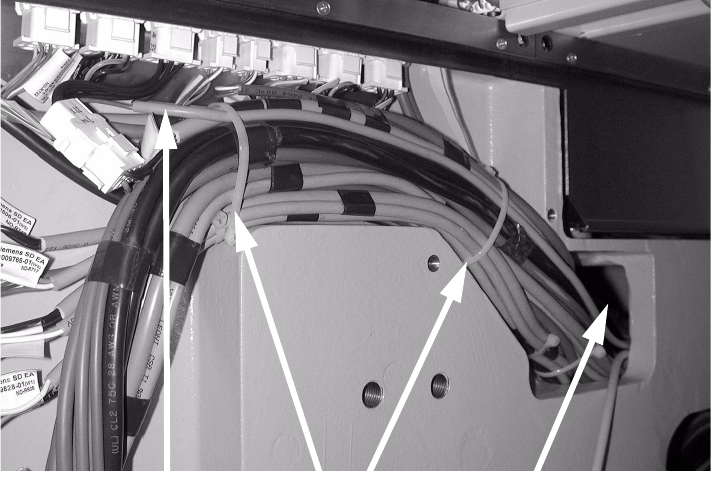
: Fix the cable using cable ties.
: Run it through the machine base.
2
2
: In the computer unit, remove the shield for the coplanarity processor (TORX key size 8).
: Install the coplanarity processor (slotted-head screwdriver).
2
2
2
2
2
2
2
2
2
2
2
Recess in the
machine base
Cable
Cable ties
2 Retrofit instructions Coplanarity module - SIPLACE HF series Coplanarity module
10/2004 Edition
26
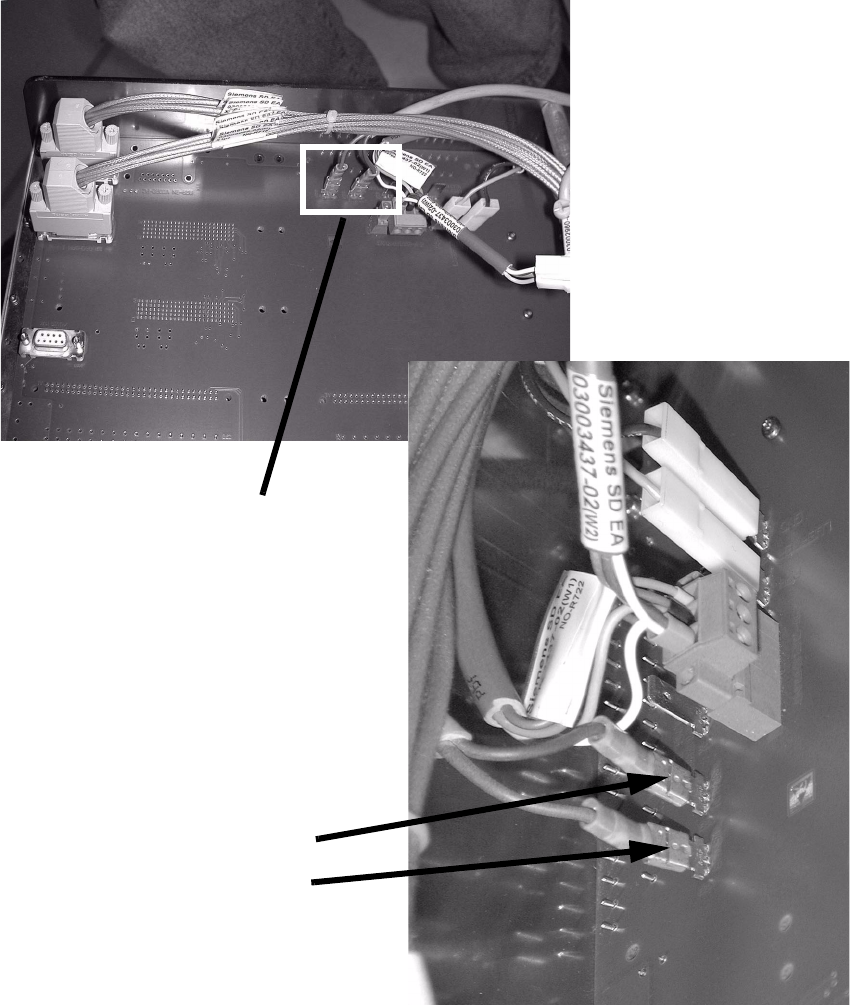
: Guide the cable along the thick cable bundle to the computer unit.
: Plug in the two lines on the back panel of the computer unit.
2
2
2
2
Connector (white)
Connector (black)
2 connectors
Coplanarity module 2 Retrofit instructions Coplanarity module - SIPLACE HF series
10/2004 Edition
27
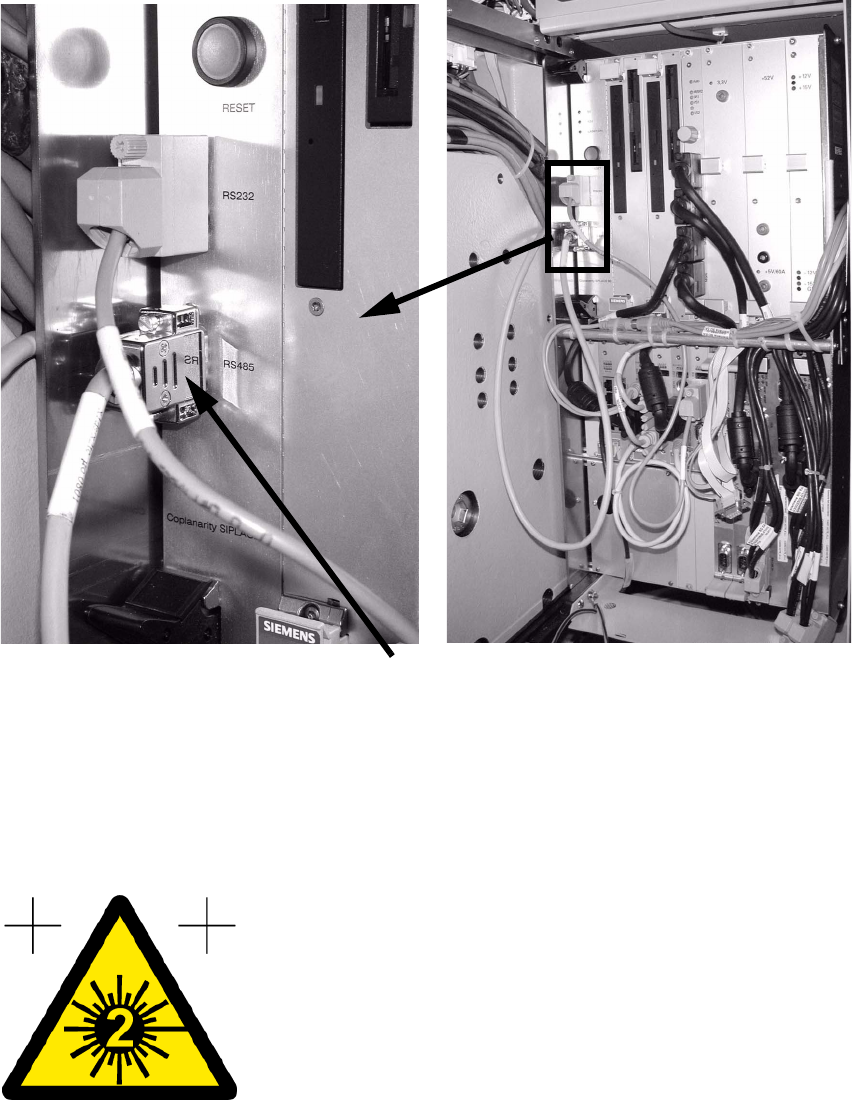
: Plug the cable to the coplanarity module in at the RS 485 interface on the front panel of the
computer unit.
2
: Push all the units back into position and refit all the covers.
: Connect the RS232 interface of the coplanarity module and the COM-A interface of the ma-
chine controller using the interface cable (00336796-02).
: Stick the warning label visible onto the coplanarity module.
2
: Switch the placement machine on at the main switch.
Cable to coplanarity module