00197193-02_IM_SIPLACE_EDM_2.1_EN.pdf - 第31页
EDM V2.1 / I nstallat ion Ma nual Ausgabe 11/2012 E dition 31 Forced pul l mod e For this t ype of dat a transfer , the tim e after which th e data pre paration en gineer wi ll be notifie d that no new d ata has been pul…
EDM V2.1 / Installation Manual Ausgabe 11/2012 Edition
30
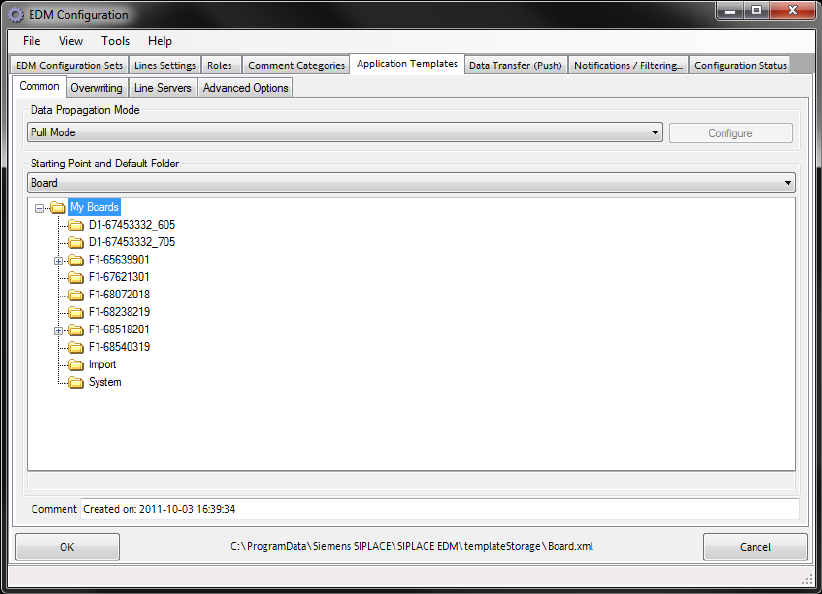
Figure 5-1: General settings for application templates
The general settings include:
● Type of data transfer. Currently, you can only select Pull Mode, Push Mode or Forced Pull
Mode.
● Starting Point specifies the object type for which this template can be valid. A template can
only be valid for one object type at a time. However, it is possible to define more than one
template for an object type.
● Objects found in the Default folder and all its subfolders can be subsequently specified by the
line engineer for pulling and pushing from the master.
● An optional comment.
Pull mode and push mode
No additional settings can be specified for these types of data transfer between the Master Server
and Client computers.
EDM V2.1 / Installation Manual Ausgabe 11/2012 Edition
31
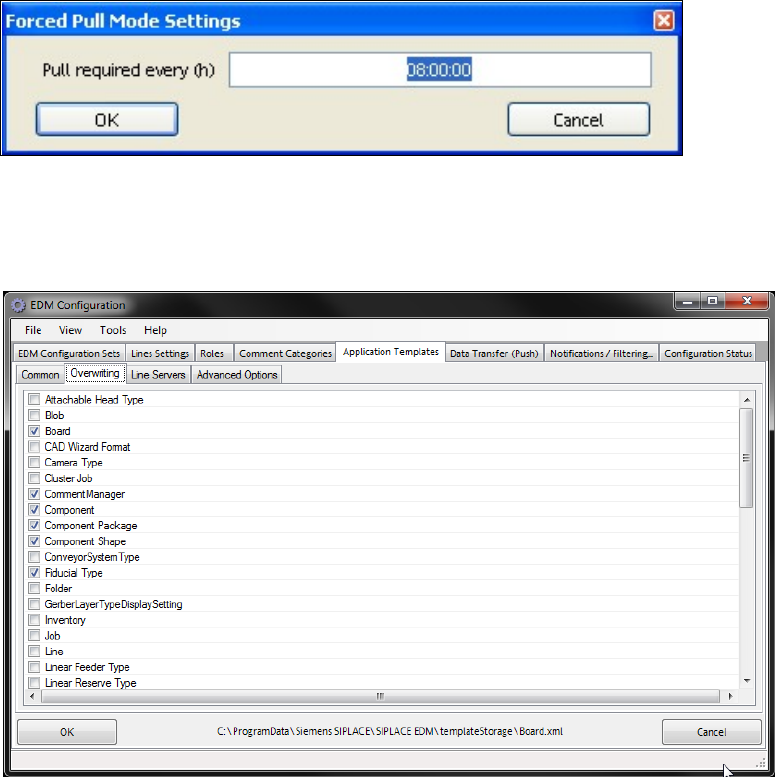
Forced pull mode
For this type of data transfer, the time after which the data preparation engineer will be notified that
no new data has been pulled for the line must be specified via Configure. The time is specified in
hours.
Figure 5-2: Forced pull mode configuration
5.3.6.2 Overwriting
Figure 5-3: Settings for overwriting object types
You can select the object types to be overwritten when the data is imported to the line here.
5.3.6.3 Line server
EDM V2.1 / Installation Manual Ausgabe 11/2012 Edition
32
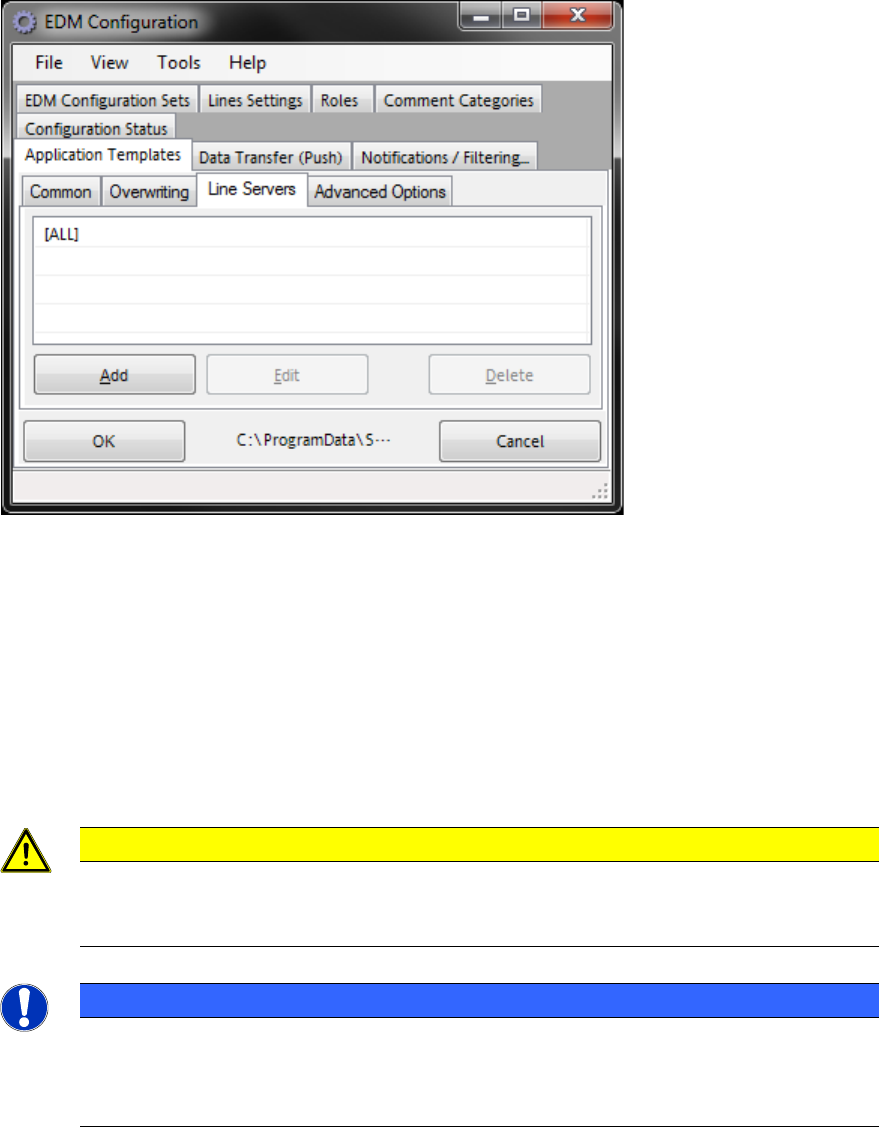
Figure 5-4: Line servers
Here you specify the list of Line Servers for which the application template has to be applied.
● (A list of) Line alias name(s) (as defined in the Lines Settings tab, cf. section 5.3.3) make the
template visible to the specified EDM line(s)
● [All] (the default value) makes EDM present the template to all line servers
5.3.7 Notifications/Rules…
CAUTION
This part of the system is highly sensitive. In extreme cases, incorrect settings can lead
to the loss of important changes or, on the other hand, the data preparati
on engineer can
be "bombarded" with notifications regarding irrelevant changes.
NOTICE
With version EDM 2.1, this part of the EDM system has experienced major changes.
Notification filter definitions used in former versions of EDM are barely compatible to the
rules system. It is strongly recommended to re-implement the filters in use on the
installation site, based on the users’ wishes.
It is not always desirable to inform the data preparation engineer about a data change on a Line
Server, for example, when a re-optimization is being performed on the line. In this case, a number
of internal SIPLACE Pro objects (for example HeadSteps, i.e. individual process steps for a head)
are changed, and these changes would then need to be commented accordingly by the user and
put in the Clearing Pool, but they do not contain any information. Furthermore, there are customer
processes that imply a selection of change notifications, for example, when just the pure product
data (board, components, etc.) is centrally administered and the process-specific data is recreated
on each line. In such a scenario, only changes to the product data are of interest, and changes to
the jobs and recipes are not.
The notification filter rules are intended to consider these circumstances. You specify the object
types and objects for which no change notifications are to be sent to the Master Server. The
notification filter rules only affect data changed on an EDM Line Server.