00197193-02_IM_SIPLACE_EDM_2.1_EN.pdf - 第40页
EDM V2.1 / I nstallat ion Ma nual Ausgabe 11/2012 E dition 40 6 Append ix (Techn ical Refer ence) 6.1 File system f older struc ture By default, the EDM Setup creates the followin g subdir ectories on th e com puters’ f …
EDM V2.1 / Installation Manual Ausgabe 11/2012 Edition
40
6 Appendix (Technical Reference)
6.1 File system folder structure
By default, the EDM Setup creates the following subdirectories on the computers’ file system:
6.1.1 Standard Installation Path
Default value: “%ProgramFiles%\SIPLACE\EDM”
This path points to the installation directories of the EDM files that are considered read-only during
“normal” operation. During installation, the user has the possibility to change this path to another
location (the actual EDM Installation folder can be determined by examining the registry value of:
“HKEY_LOCAL_MACHINE\SOFTWARE\Wow6432Node\Siemens SIPLACE\EDM\SetupLog\CurrentVersion\Path”).
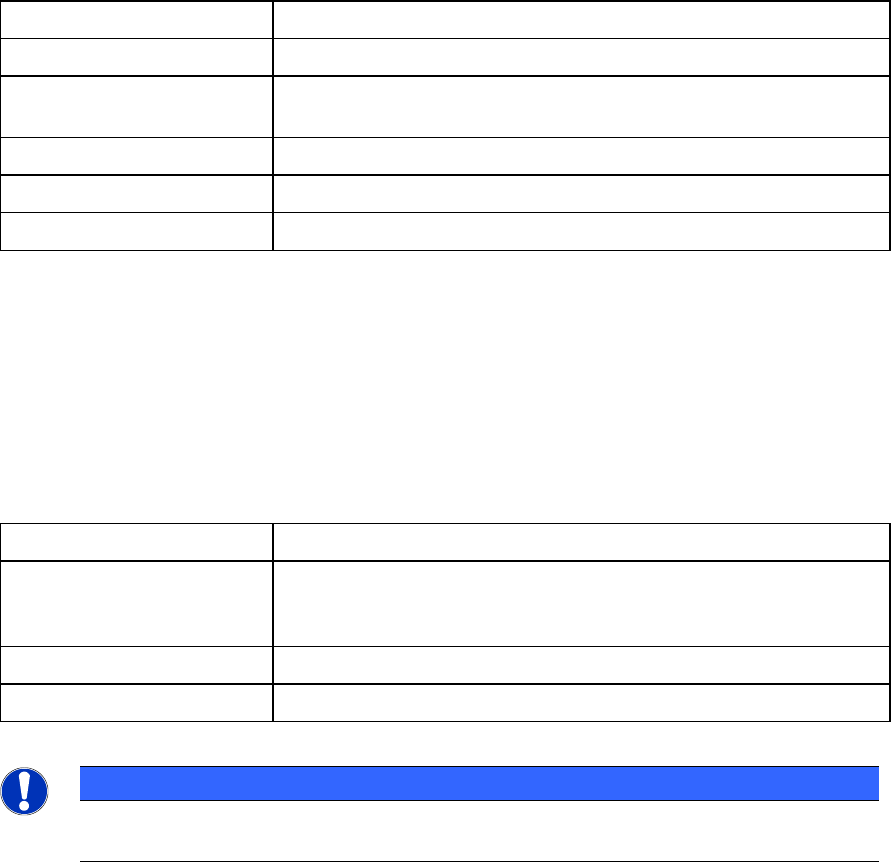
Folder Contents
SIPLACE EDM Applications and libraries
Database Database for change notifications and Clearing Pool
(Master Server only )
DBScripts Scripts to create and access the database (Master Server only)
de, en, … Language-dependent resources
help Online documentation
Table 6-1: Folders of the default installation path
6.1.2 Program Data Installation Path
Default value: “%ProgramData%\SIPLACE\EDM”
This path is the location where SIPLACE EDM puts its variable data and log files. This location can
be changed by modifying the “DataDir” and “ConfigDir” EDM registry settings (see 6.2).
Folder Contents
config Application configuration, client workflow configuration, filter
configuration, email configuration and logging configuration.
See 6.3 for details about the contents of this folder.
logs Log files (for debugging among other things)
templateStorage Storage location for application templates
Table 6-2: Folders of the program data path
NOTICE
Under Windows XP, the config, templateStorage and logs folders are located under the
standard installation path.

EDM V2.1 / Installation Manual Ausgabe 11/2012 Edition
41
6.2 Registry Keys
This section describes the Windows Registry keys used by EDM. This includes user-defined
settings as well as the settings that need to be accessed when the application starts. The
installation program presets these with sensible values.
The core EDM settings are found in:
HKEY_LOCAL_MACHINE\Software\Siemens\SIPLACE\EDM
(
HKEY_LOCAL_MACHINE\SOFTWARE\Wow6432Node\Siemens SIPLACE\EDM on x64 Based Systems)
Key Type Contents
DataDir String Folder where EDM looks for its data files.
If the Key is not present, the default value of:
“%ProgramData%” (Windows Vista or newer) or the EDM
Installation folder (Windows XP) will be used.
ConfigDir String Location of the EDM configuration files. If the key is not
present, the search continues in the "config" subfolder of
the location specified in “DataDir”.
ConfigurationServer
String This is the URI of the EDM Configuration Server to use
for configuration updates and status messages. On the
Configuration Server it will also be used by all EDM
Applications except the EDM Service (which will use the
values from the SystemConfig referenced in the local
EdmConfiguration).
ConfigurationMode String The value indicated which configuration distribution
scheme is used on this system. Possible values are:
• Centralized: Indicates that this is a configuration
client (which receives its configuration from the
configuration server specified in the
“ConfigurationServer” value). It will use the
applicaton specific config files stored in the
“_cache” sub-folder of the EDM “ConfigDir” if the
configuration sever is not available.
• Server: This is an EDM configuration sever. It will
use the local configuration found in “ConfigDir”
• Local: In this mode disables the centralized
configuration feature for this machine. EDM
applications will thus use local configuration found
in “ConfigDir”. It is not recommended to use this
mode as it will likely cause an inconsistent EDM
environment.
Table 6-3: Global EDM configuration entries (HKLM)