CP-7[732-742]-series Mechanical Reference(2.9E).pdf - 第204页
1. T roubleshooting T able This chapter describes troubleshooting measures for problems which may occur during production. Separate troubleshooting tables are provided for each type of problem. When a problem occurs, beg…

Part 5
Troubleshooting

1. Troubleshooting Table
This chapter describes troubleshooting measures for problems which may occur during
production.
Separate troubleshooting tables are provided for each type of problem. When a problem
occurs, begin by identifying the appropriate table for the problem in question, then refer
to the "Cause" column of that table to find the problem cause. After locating the cause,
refer to the "Remedy" and "Remarks" columns to the right of that item for details
regarding appropriate corrective actions. The "Ref. Page" column at the far right of the
table indicates reference material (manuals, etc.) chapter numbers where information is
given regarding the procedure in question.
The following alphabetic codes are used in the "Ref. Page" column to indicate the various
reference materials:
M: CP-7 series Mechanical Reference (MEC-CP733-✽.✽E)
S: CP-7 series System Reference (SYS-CP733-✽.✽E)
T: FujiCam Tutorial Manual (EKEN201✽)
U: F4G User's Manual (ELEN008✽)
FM: CP Feeders Mechanical Reference (MEC-CPFDR-✽.✽E)
FJ: CP Tape Feeder Jig Instruction Manual (INS-CPFJG-✽.✽E)
SG: Feeder Setup Guide (GDE-FEEDER-✽.✽E)
PG: WC Feeder Pickup Position Adjustment Guide (GDE-PKUPT-✽.✽E)
Part 5 Chapter 1 Troubleshooting Table
Edition 2.7 5-1-1 CP-7 series Mechanical Reference
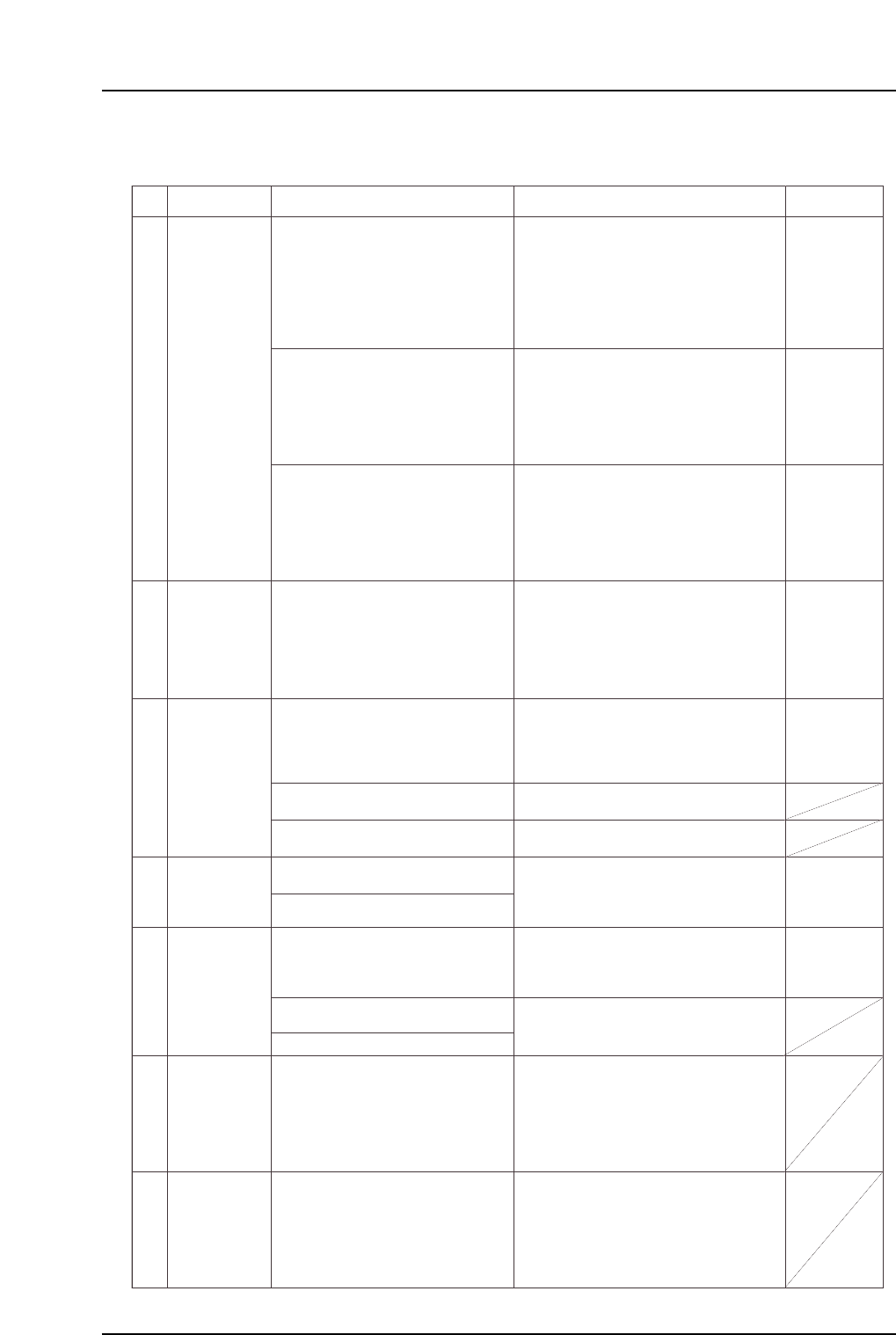
1.1 Poor Placing Accuracy
No.
T: Part 3,
Lesson 2
"2.1.3"
U: Part 2
Chapt 4
"Nozzle"
"Speed"
T: Part 3
Lesson 2
"2.1.3"
U: Part 2
Chapt 4
"Speed"
T: Part 3
Lesson 2
"2.1.1"
U: Part 2
Chapt 4
"Appearance"
M: Part 3
Chapt 3
"3.1"
M: Part 2
Chapt 2
M: Part 4
Chapt 1
"1.11"
1-1
1-2
1-3
1-4
M: Part 6
Chapt 1
1-5
1-6
1-7
Setting error
in Part data.
Specify the appropriate nozzle size and
cam speed settings using the Tech
Report issued by Fuji as a reference.
If accuracy deviations or defects are
occurring for a specific part, decrease
the XY table speed setting in the Part
data where the problem is occurring.
Check for errors in the part height
information.
Check the backup pin heights, quantity,
and configuration, and verify that the
panel is flat.
Check for a problem with the Proper
data Z0 (0.3 mm push in).
Check for the reference and followup
rails' flatness problem.
Replace mechanical valves where the
spool motion is not smooth.
Adjust the vacuum break lever position
and the speed controller.
(1) Use the nozzle check command to
check for bent nozzles.
(2) Verify that the nozzle spring-back
motion is smooth.
(3) Verify that the nozzle is not clogged.
If a problem is found with any of the
above, replace the nozzle.
Defective nozzle
Improper
placement
height
Vacuum break
problem
Cause Remedy Remarks Ref. Page
Unsuitable nozzle size, part weight, and cam
speed, etc., settings can result in an
insufficient holding force when handling
parts, causing nozzle and part slippage.
The Fuji Tech Report is meant for reference
purposes only. The recommended cam
speed may be different even if the part shap
is the same.
An unsuitable XY table speed can apply a
force which exceeds the holding capacity of
the part's solder, resulting in position
deviations.
Solder adhesion decreases when it dries.
Therefore, the sooner placement occurs after
printing, the better.
"Missing parts" conditions may occur if there
is an error in the part height information, or
in the table reference height Proper
data.
Fuji recommends actually measuring the part
height, and entering the measured value in
Part data.
A bent or stuck nozzle will make it impossible
to place parts properly.
A misalignment between the ST9 nozzle
down limit and the panel height can prevent
the part from being pressed onto the board
properly, and it may become impossible to
maintain accuracy.
Note: Machine adjustments can be performed
only by those with a Level 3 training.
Note: Machine adjustments can be performed
only by those with a Level 3 training.
A malfunctioning vacuum break may affect
placing accuracy.
Note: Machine adjustments can be performed
only by those with a Level 3 training.
The solder printing condition or dryness can
cause part deviations during board
conveyance, or can affect the self-alignment
at reflow operations.
Solder adhesion weakens when the solder
dries. Therefore, the sooner placement
occurs after printing, the better.
Improper reflow conditions can cause self-
alignments and tombstoning.
Provide a profile in which the temperature is
increased evenly over the entire board. If the
solder's melting speed differs from point to
point, parts will be pulled toward the solder
which melts first.
Failure to level the machine base after the
machine has been moved, etc., can affect the
XY-table flatness, making the current Prope
data settings unsuitable.
Verify that the machine base is level
(if not, level it).
Measure the X0/Y0 and camera
resolution.
Perform a calibration using a PAM part.
Check the solder condition after printing.
Check the reflow temperature profile.
Problem after
machine status
change.
Printing
conditions
problems.
Reflow
conditions
problems.
Part 5 Chapter 1 Troubleshooting Table
Edition 2.7 5-1-2 CP-7 series Mechanical Reference