00195011-01.pdf - 第18页
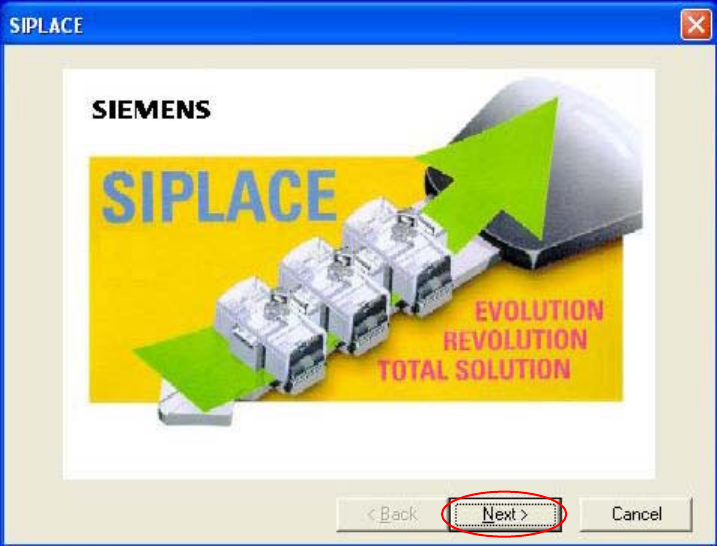
Installation Manual Station Software Version 408.01 Welcome screen Fig. 4-5 Welcome screen → Click the Next button. 18 of 104
Installation Manual, Station Software Version 408.01 Edition 03/2006
4.1.3 Installing the station computer and the machine controller
Note:
The installation requires approximately 30 minutes.
4.1.3.1 Installation program
→ Switch on the SIPLACE placement machine.
→ Log in to the station computer as the Administrator.
(Keep the Shift key pressed as soon as the XP logo appears)
→ Put the CD into the CD drive and wait until the machine starts to read it. The installation begins
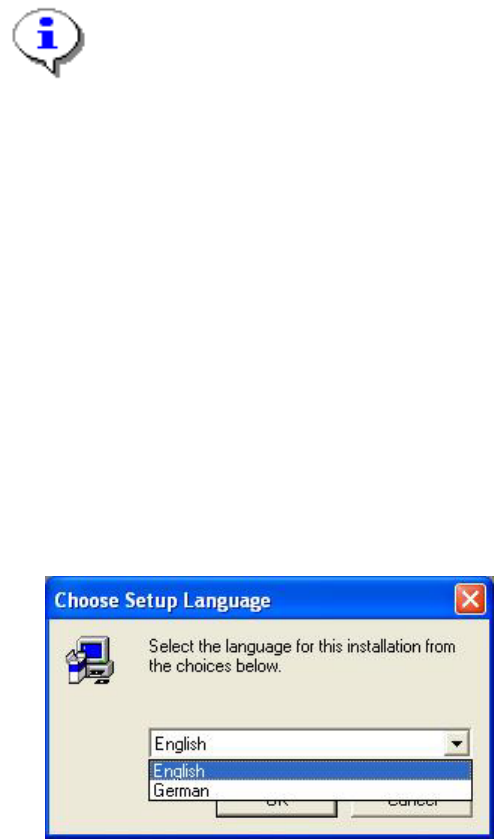
by asking you to select a language.
Language selection
→ Select the language which is to be used during the installation.
You can choose between German and English.
Fig. 4-4: Language selection
→ Click the OK button.
17 of 104
Installation Manual Station Software Version 408.01
Welcome screen
Fig. 4-5 Welcome screen
→ Click the Next button.
18 of 104
Installation Manual, Station Software Version 408.01 Edition 03/2006
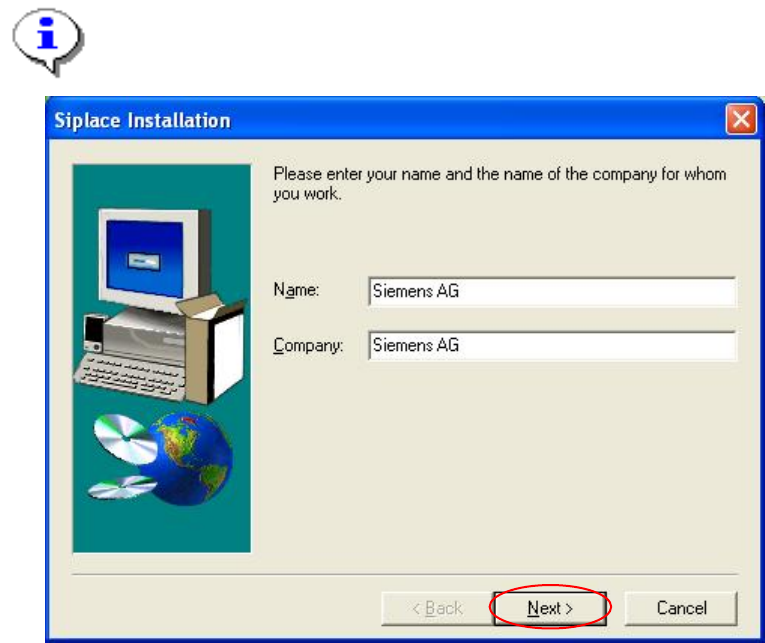
Registration
→ Enter the Name and the Company.
Note:
The information which you enter here is saved in a log file. This log file is created by the
installation program.
Fig. 4-6: Registration
→ Click the Next button.
19 of 104