00192662-01.pdf - 第130页
3 Introduction and Basic Concepts User Manual SIPLA CE F5/F5 HM 3.2 Principles of the Graphic User Interface Software version SR.407.xx 01/2001 US Edition 130 Meaning of t he other i cons and markings 3 A messag e windo …
User Manual SIPLACE F5/F5 HM 3 Introduction and Basic Concepts
Software version SR.407.xx 01/2001 US Edition 3.2 Principles of the Graphic User Interface
129
3.2.2.1 Icons in the Working or Display Area
In main view, certain operating statuses (processing, error etc.) are indicated by different icons or
by changes in the color of the corresponding graphic in the display area. 3
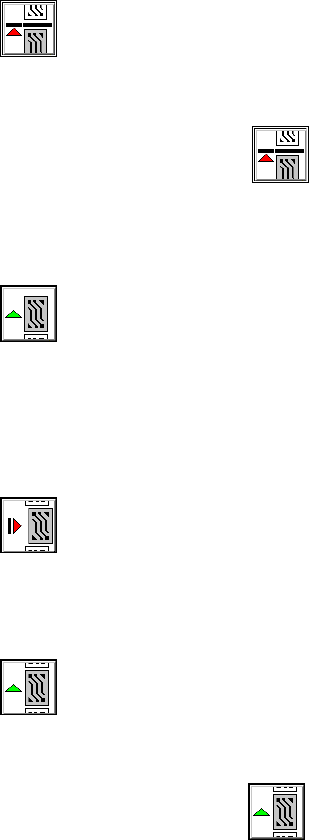
Meaning of the individual operating status icons 3
3
Stop processing PCB 3
You can pause the processing in order to carry out single functions, for example. 3
Å Click on the icon.
Processing will be paused as soon as the PCB on the center conveyor is complete. The color
of the "Processing" icon will change to green.
3
Processing PCB 3
If you paused processing (placement) of a PCB in order to switch to the "Single functions" menu,
for example, you can click on this icon to resume placement. The color of the "Pause processing"
icon will change to red. 3
3
Abort processing 3
The color of the icon changes to red. Click on this icon to cancel processing a PCB (after a fatal
error message, for example). You will be prompted to confirm this action.
3
Continue processing 3
The color of the icon changes to green. 3
3
Å Click on the icon if you wish to continue processing the PCB even after a fatal error mes-
sage, for example. The placement process will be resumed.
3
3 Introduction and Basic Concepts User Manual SIPLACE F5/F5 HM
3.2 Principles of the Graphic User Interface Software version SR.407.xx 01/2001 US Edition
130
Meaning of the other icons and markings 3
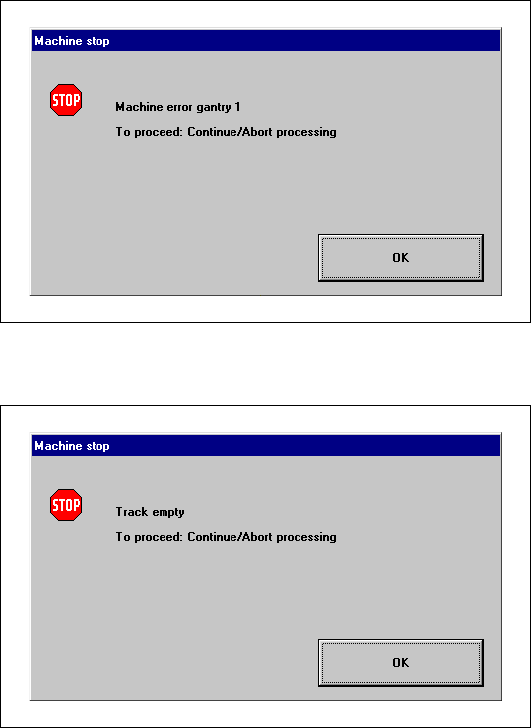
A message window will be overlaid if a track, machine or transport error occurs (see the following
examples). 3
Machine error gantry 1 3
3
3
3
3
3
3
3
3
Track empty error 3
3
3
User Manual SIPLACE F5/F5 HM 3 Introduction and Basic Concepts
Software version SR.407.xx 01/2001 US Edition 3.2 Principles of the Graphic User Interface
131
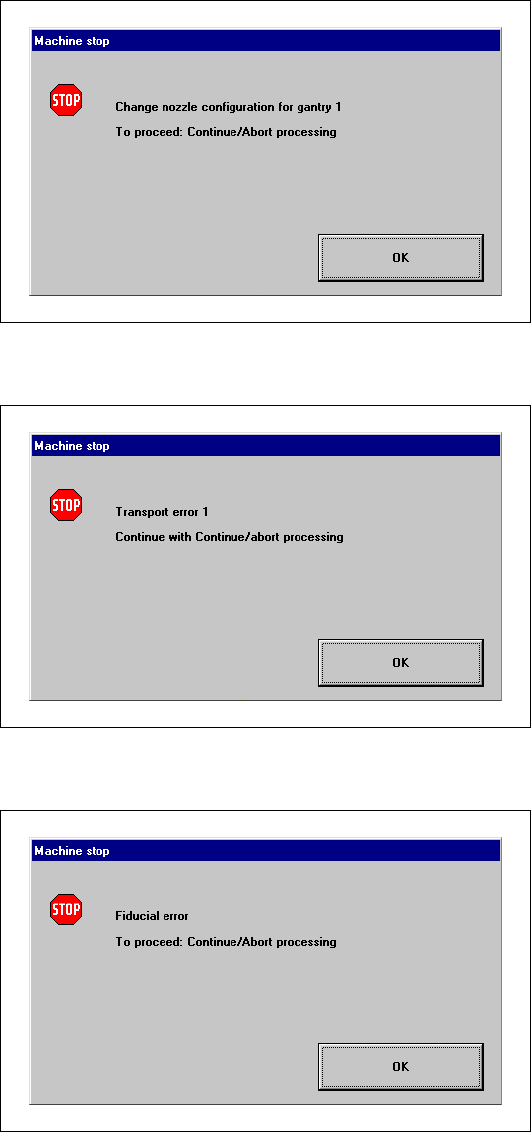
Nozzle configuration error 3
3
3
Transport error 1 3
3
3
Fiducial error 3
3
3
3
3
3
3
3
3
3