00192662-01.pdf - 第192页
5 Single Functions User Manual SIPLACE F5/F5 HM 5.2 Single functions, Gantry Software version SR.407.x x 01/2001 US E dition 192 5.2.5 "Nozzle offset" screen 5 Å In th e curre nt sc reen f or the singl e func t…
User Manual SIPLACE F5/F5 HM 5 Single Functions
Software version SR.407.xx 01/2001 US Edition 5.2 Single functions, Gantry
191
5.2.4.1 Functions
In the "Vacuum test" screen only the "Measure" button is available. This is used to start the vac-
uum test for all nozzles.
Measure 5
This function is used to start a head reference run. This measures the vacuum values in the open
and closed pick-up positions for each of the nozzles.
Å Click the Measure button.
The vacuum calculation procedure is started.
The calculated vacuum values for each of the nozzles are displayed in two columns, "Pick-up
open (mbar)" and "Pick-up closed (mbar)". You can use these values to see, for example,
whether a nozzle on a particular segment is dirty.
5 Single Functions User Manual SIPLACE F5/F5 HM
5.2 Single functions, Gantry Software version SR.407.xx 01/2001 US Edition
192
5.2.5 "Nozzle offset" screen
5
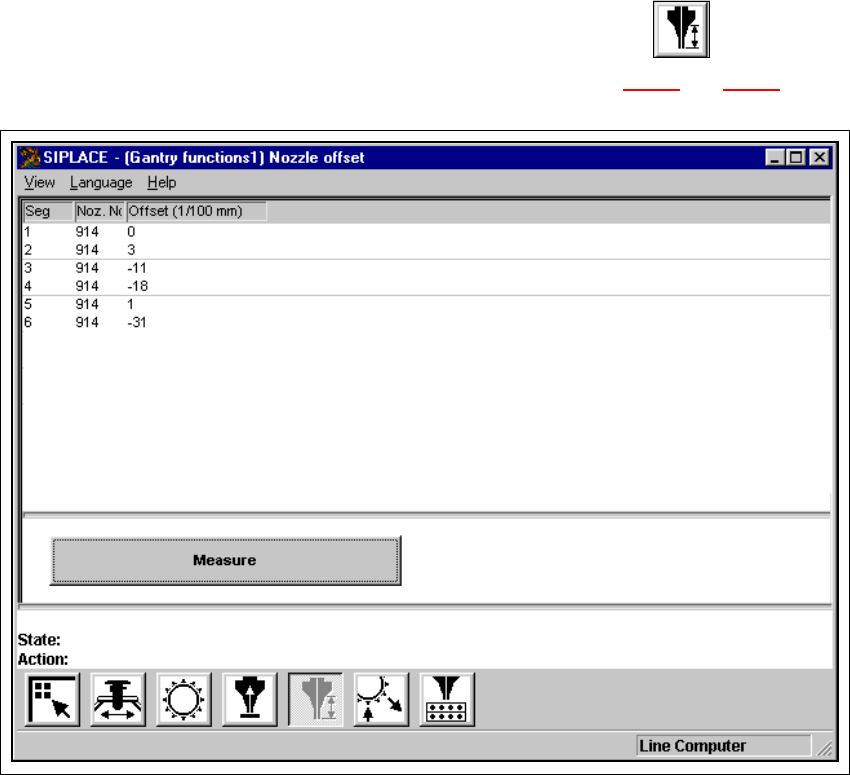
Å In the current screen for the single functions for Gantry, click the symbol .
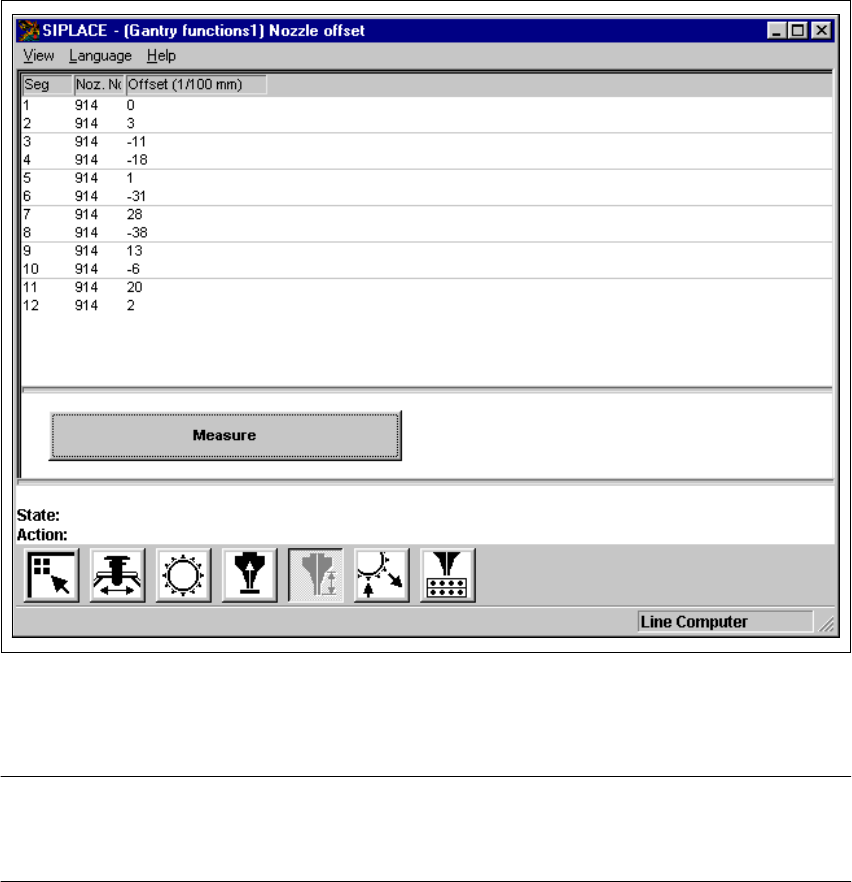
The user interface is switched to the "Nozzle offset" screen (see Fig. 5.2 - 7
and 5.2 - 8).
5
Fig. 5.2 - 7 "Nozzle offset" screen (6-nozzle Collect&Place head)
User Manual SIPLACE F5/F5 HM 5 Single Functions
Software version SR.407.xx 01/2001 US Edition 5.2 Single functions, Gantry
193
5
Fig. 5.2 - 8 "Nozzle offset" screen (12-nozzle Collect&Place head)
NOTE
Since the functions in the "Nozzle offset" screen are identical for the 6-nozzle and 12-nozzle Col-
lect&Place heads, they will not be described separately. 5