00192662-01.pdf - 第262页
6 Vision functions User Manua l SIPLACE F5/F5 HM 6.5 Teach F iducial Software version SR. 407.xx 01/2001 US E dition 262 NOTE 6 Buttons ar e activ e when the text on the butt on is bla ck (r ather than gray). T his mean …
User Manual SIPLACE F5/F5 HM 6 Vision functions
Software version SR.407.xx 01/2001 US Edition 6.5 Teach Fiducial
261
6.5.3 Select Fiducial Menu
When the Teach fiducial option is selected in the Main view menu the following actions will be
started: 6
– The functions for the vision system are activated in the station computer
– The Select fiducial menu will drop down.
– The station computer asks the line computer for the list of fiducial numbers with commentaries
and displays them on the screen. The transformation tables for the screen colors are held lo-
cally in the station computer.
6
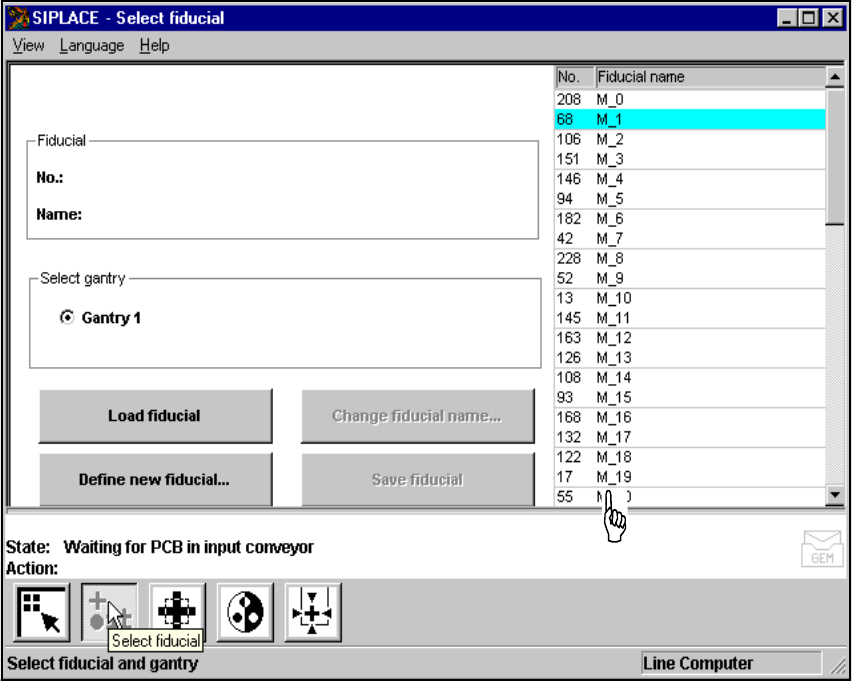
Fig. 6.5 - 6 ’Select fiducial’ menu
As the diagram shows, the menu offers the following options for selection. 6
– Select gantry
– Load fiducial
– Define new fiducial
– Change fiducial name
– Save fiducial
Fiducial numbers list 6
6 Vision functions User Manual SIPLACE F5/F5 HM
6.5 Teach Fiducial Software version SR.407.xx 01/2001 US Edition
262
NOTE 6
Buttons are active when the text on the button is black (rather than gray). This means that you
can launch the associated function by clicking on the button with the mouse.
The Load fiducial button will, for example, only be active if you have previously clicked on a
fiducial in the lists field.
The Change fiducial name button will only be active if you have loaded a fiducial and the Save
fiducial button will only be active if you have either changed the fiducial name or fiducial param-
eters.
You can switch from the ’Teach fiducial’ menu to the Main menu at any time in order to start actions
such as "Fill track" etc. The settings in the ’Teach fiducial’ menu will be retained, which means that
the same conditions will be set up when you return to the ’Teach fiducial’ menu. 6
However, if you have changed fiducial data or taught a new fiducial and then switch from the Main
menu to the ’Test component’, ’Single functions’, ’SITEST’ or ’Continue placement’ menu, the
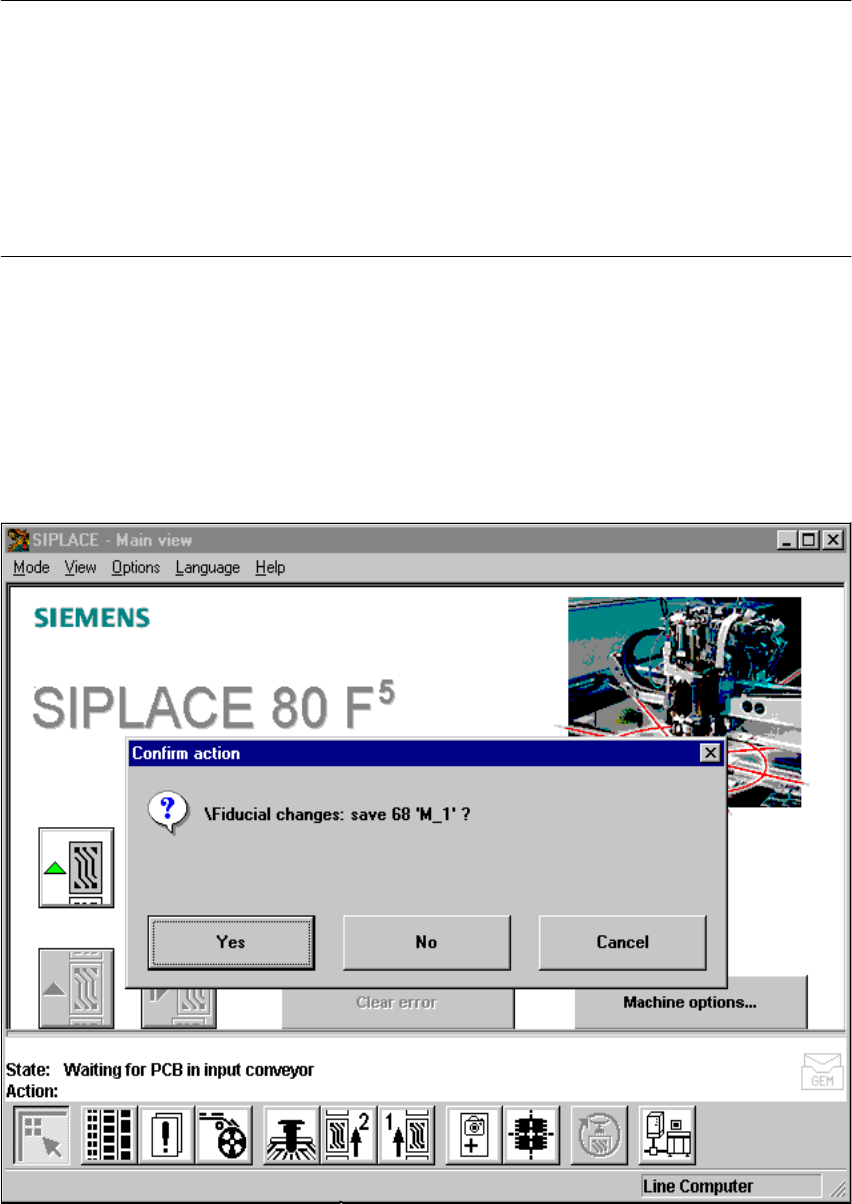
’Save fiducial data’ selection box will appear when you leave the ’Teach fiducial’ option. You can
then either save the modified or new data or delete it. 6
6
Fig. 6.5 - 7 ’Select fiducial’ menu, ’Save fiducial data’ option box
User Manual SIPLACE F5/F5 HM 6 Vision functions
Software version SR.407.xx 01/2001 US Edition 6.5 Teach Fiducial
263
Selecting the Save fiducial option causes the station computer to send the new or changed fidu-
cial data to the line computer and to update the fiducial numbers list. The fiducial data is also up-
dated in the remaining stations. The transformation tables are held locally in the station
computer. 6
6.5.3.1 Select Gantry Option
Since F
5
and F
5
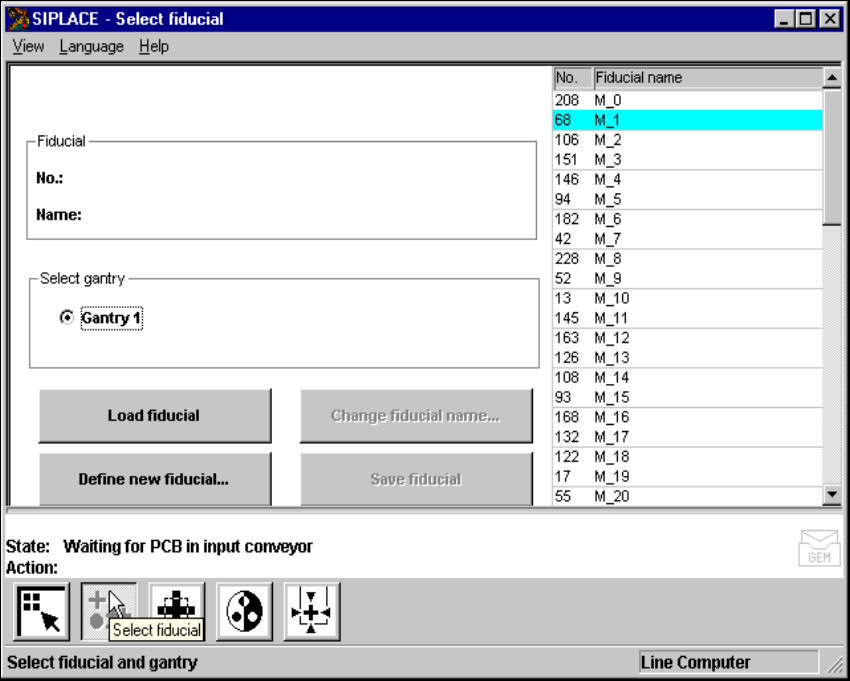
HM placement machines have only one gantry, this option is permanently set to
‘Gantry 1’. 6
6
Fig. 6.5 - 8 Select fiducial menu, Select gantry option