CP43操作手册.pdf.pdf - 第145页
• Action of the Function Keys AUTO : Press to carry out automatic operation. CAM ORG POS Pr ess to return cam axis to its origin position. While this key remains pr essed the cam will move toward its origin position. Mov…
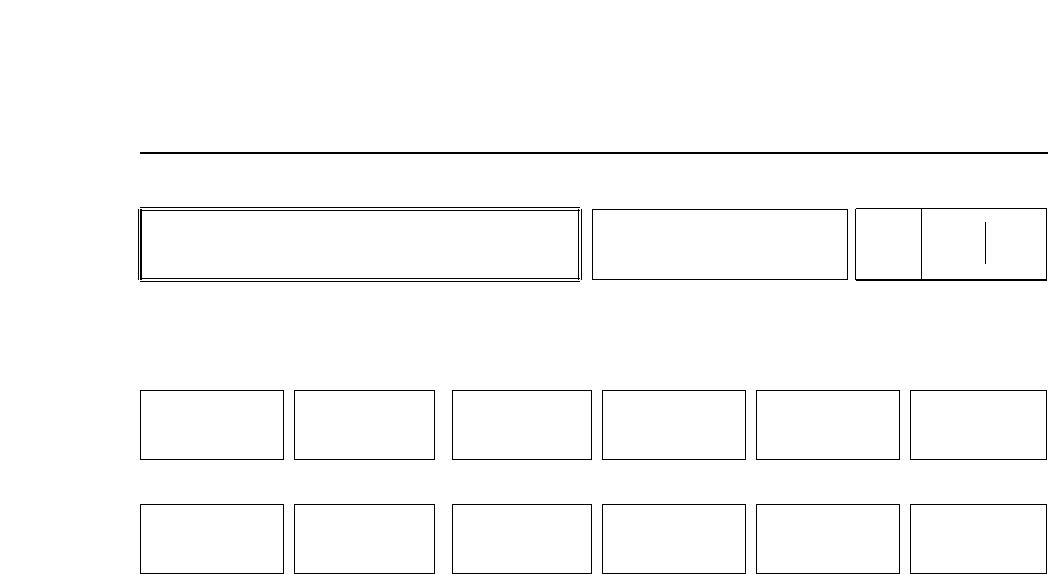
• Action of the Function Keys
CHANGEOVER :In manual termination of Changeover mode, only the Passive
Cell is effective. When this key is pressed, the YES/NO
display will appear. When the [YES] key is pressed,
communication with LMS is established, and the machine will
clear off boards before starting changeover. When the [NO]
command key is pressed, the previous display will appear
again.
S STOP :Press to stop production after the current board is completed.
When the board has been completed the display returns to
Page 000/000. After this command has been selected, “Stop
After Current Board” is displayed in the first display area.
CANCEL :Press to cancel the [S STOP] command. This command
displays only after [S STOP] has been selected.
YES :Press to begin communication with LMS. The machine will
wait until any boards in the machine are cleared before
beginning changeover.
NO :Press to return to the previous function key display
• Cycle Stop Button
Pressing the [CYCLE STOP] button causes the machine to stop after the current
sequence is finished. The display then returns to Page 100/000.
• When an alarm occurs
Production is interrupted and the alarms are displayed in the second display area.
The buzzer sounds to indicate that the [RESET] button should be pressed. The
system returns to Page 100/000 when the [RESET] button is pressed.
When the operator presses [CHANGEOVER], changeover will begin.
• Function Key Menu
Chapter 3 Description of Commands
During Automatic Operation
(HELPS Only)
Part 3
3 – 19
Page
170 000
CHANGEOVER S STOP
NO
Version 5.0
FCP IV-3 Operation
YES
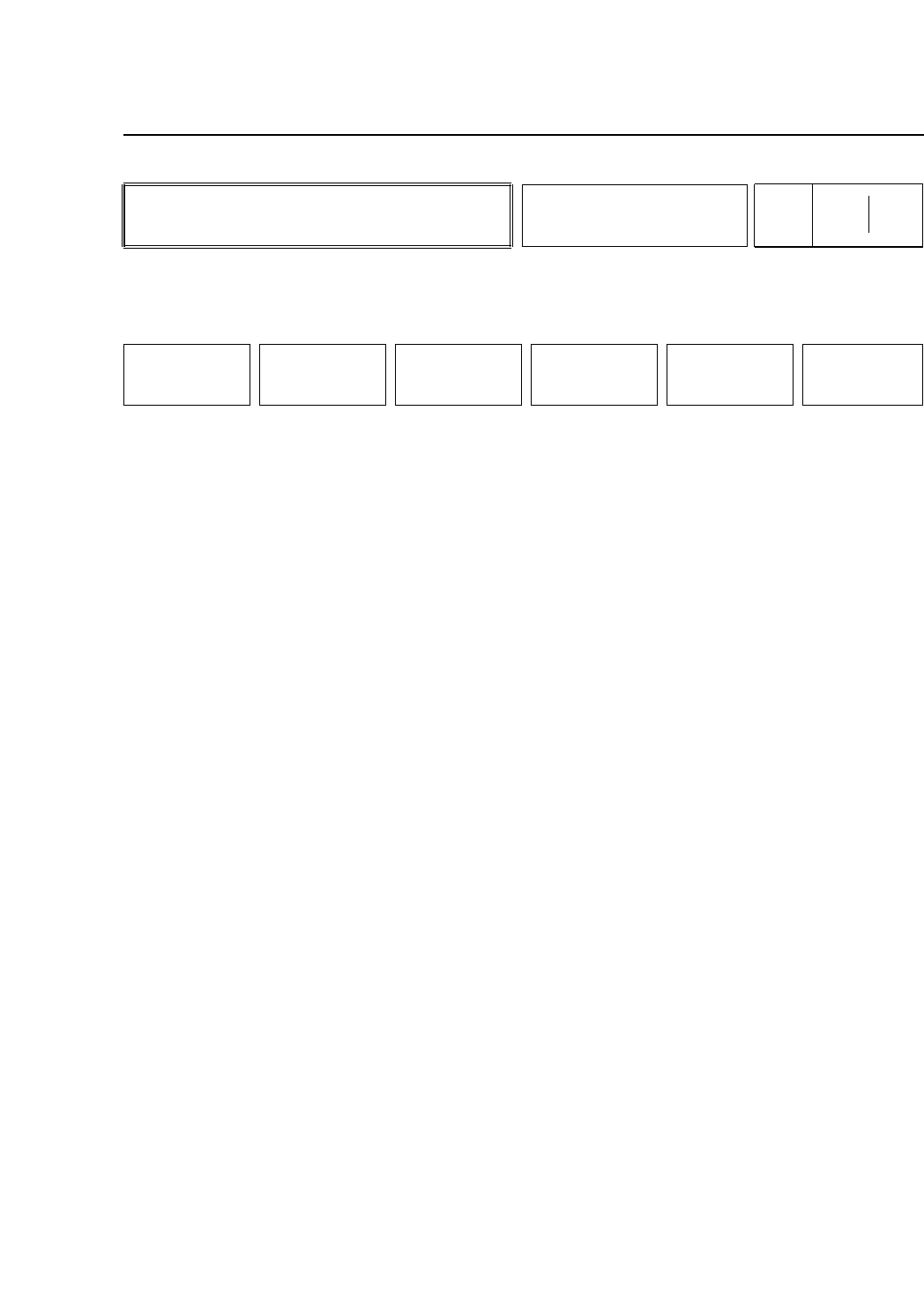
• Action of the Function Keys
AUTO :Press to carry out automatic operation.
CAM ORG POS Press to return cam axis to its origin position.
While this key remains pressed the cam will
move toward its origin position. Movement
stops when the cam returns to its origin.
Movement also stops if the key is released
before the cam reaches its origin.
The message "Return Cam to Zero" displays
in the second display area until the cam
reaches its origin. When the cam has
returned the message "Press START"
displays.
MARK EDITORFiducial Mark Recovery command.
Same as MARK EDITOR in page 100/000.
SEQ. NO. :Press to input the sequence number from
which operation is to start.
MODE :Press to select the operation mode.
RETURN :Press to return to Page 000/000.
• START Button
Pressing the [START] button once executes one program
sequence. Pressing it again carries out the next sequence, and
so on.
• Second Display Area
If start conditions are fulfiled, the message “Press START”
flashes. Otherwise an error displays.
• Function Key Menu
Chapter 3 Description of Commands
To Page 100/000
To Page 130/000
To Page 000/000
Step Operation
Part 3
3 – 20
STEP
Page
200 000
AUTO CAM ORG POS MARK EDITOR SEQ. NO. MODE RETURN
Version 5.0
FCP IV-3 Operation
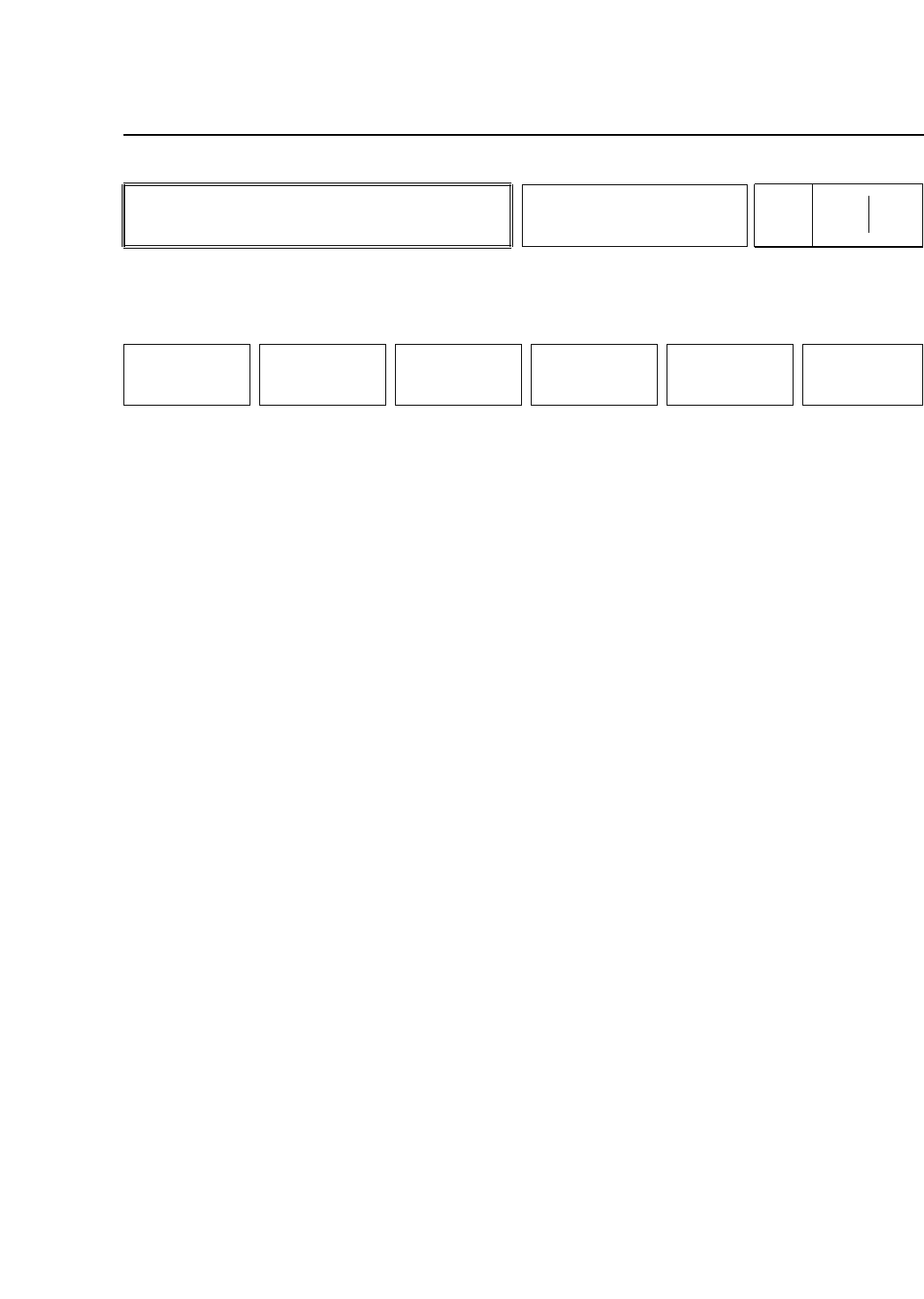
• Action of the Function Keys
UNLOAD PCB:Press to unload the board.
LOAD PCB :Press to load a new board.
LOAD PSTN :Press to move the table to the loading
position.
LIFTER▲/▼ :Press to raise or lower the table. If this
command is pressed and the table is not in
the loading position, the display "Not at
Loading Position" appears. If the table does
not raise or lower in the time allowed, the
message "Lifter Timeout UP/DN" displays.
RETURN :Press to return to Page 000/000.
• Function Key Menu
Chapter 3 Description of Commands
To Page 310/000
To Page 320/000
To Page 330/000
To Page 000/000
Operating the Loader
Part 3
3 – 21
LOADER
Page
300 000
UNLOAD PCB LOAD PCB LOAD PSTN
LIFTER▼
(LIFTER▲)
RETURN
Version 5.0
FCP IV-3 Operation