CP43操作手册.pdf.pdf - 第164页
Chapter 3 Description of Commands Part 3 3 – 39 V ersion 5.0 FCP IV -3 Operation No. : Device number Proper : The Proper data settings for Device Of fset 1 ~ Device Offset 140 are displayed her e. These settings can be e…
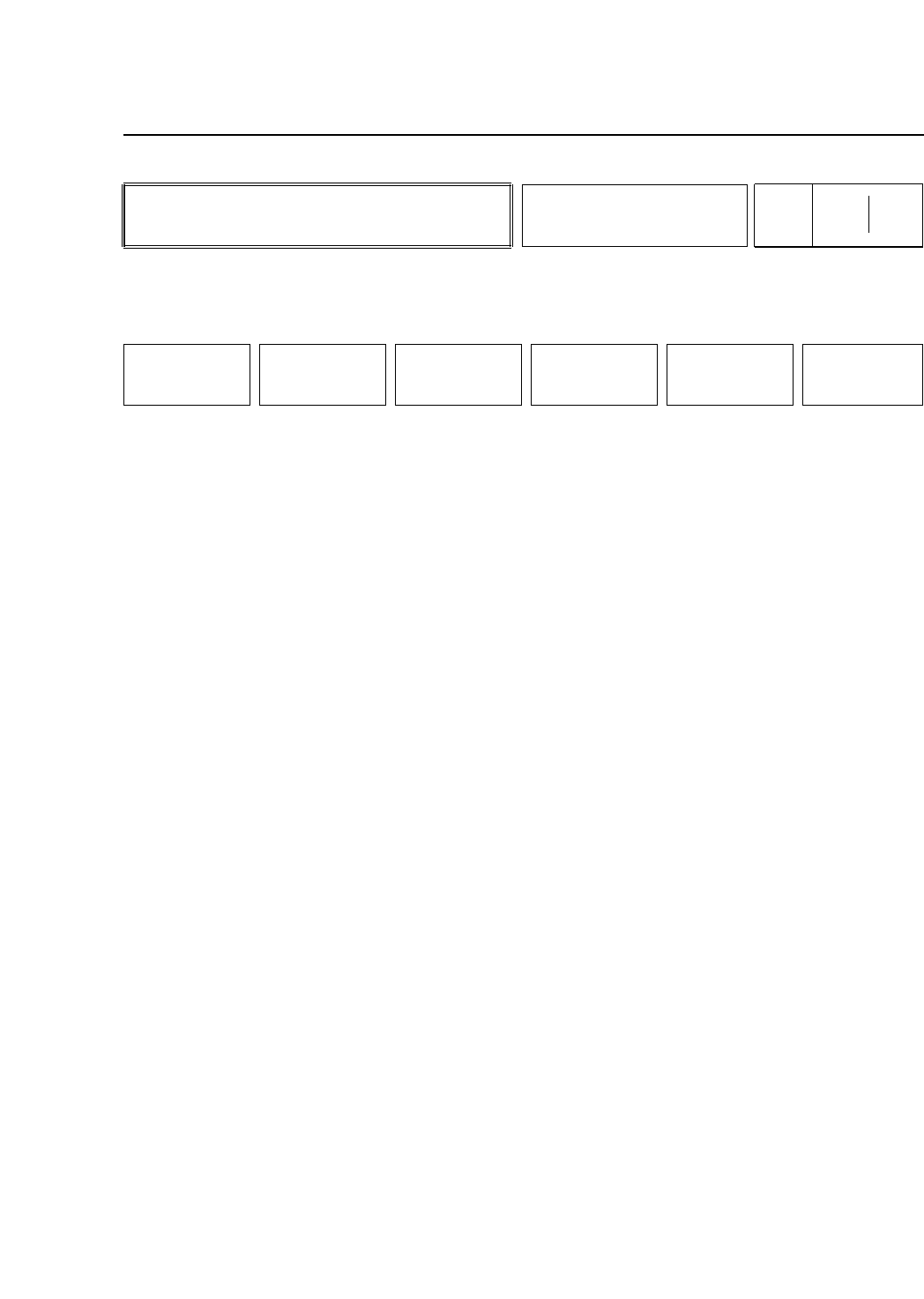
• Action of the Function Keys
+ PAGE : Press to display the next page.
- PAGE : Press to display the previous page.
▲ :Press to move the cursor up one line.
▼ :Press to move the cursor down one line.
DATA INPUT :Press this key after selecting the device
number. "DATA?" will display in the second
status area. Enter offset values in Proper Data
from the numerical keypad in units of
1/1000mm.
RETURN :Press to return to Page 450/000.
• First Status Area
Offset
• Second Status Area
D No ?
• First Display Area
DEVICE OFFSET Editor
No. Proper DATA Part DATA Auto Rev.
D001 -00.241 [mm] **** [mm] ****** [mm]
D002 -00.205 [mm] **** [mm] ****** [mm]
D003 00.000 [mm] **** [mm] ****** [mm]
D004 00.000 [mm] **** [mm] ****** [mm]
D005 00.000 [mm] **** [mm] ****** [mm]
D006 00.000 [mm] **** [mm] ****** [mm]
D007 00.000 [mm] **** [mm] ****** [mm]
D008 00.000 [mm] **** [mm] ****** [mm]
D009 00.000 [mm] **** [mm] ****** [mm]
D010 00.000 [mm] **** [mm] ****** [mm]
• Function Key Menu
Chapter 3 Description of Commands
To Page 455/500
To Page 450/000
Setting Device Offsets
Part 3
3 – 38
OFFSET
Page
455 000
+PAGE -PAGE
▲
▼
DATA INPUT RETURN
Version 5.0
FCP IV-3 Operation

Chapter 3 Description of Commands
Part 3
3 – 39
Version 5.0
FCP IV-3 Operation
No. : Device number
Proper : The Proper data settings for Device Offset 1 ~ Device Offset 140
are displayed here. These settings can be entered directly at the
machine.
Part Data : The Part data settings in Pickup_ofset are displayed here. The
asterisks indicate that the device is not being used. These settings
cannot be entered directly at the machine.
Auto Rev. : The amount of automatic offset is displayed here. The asterisks
indicate that the device is not being used. These settings cannot
be entered directly at the machine.
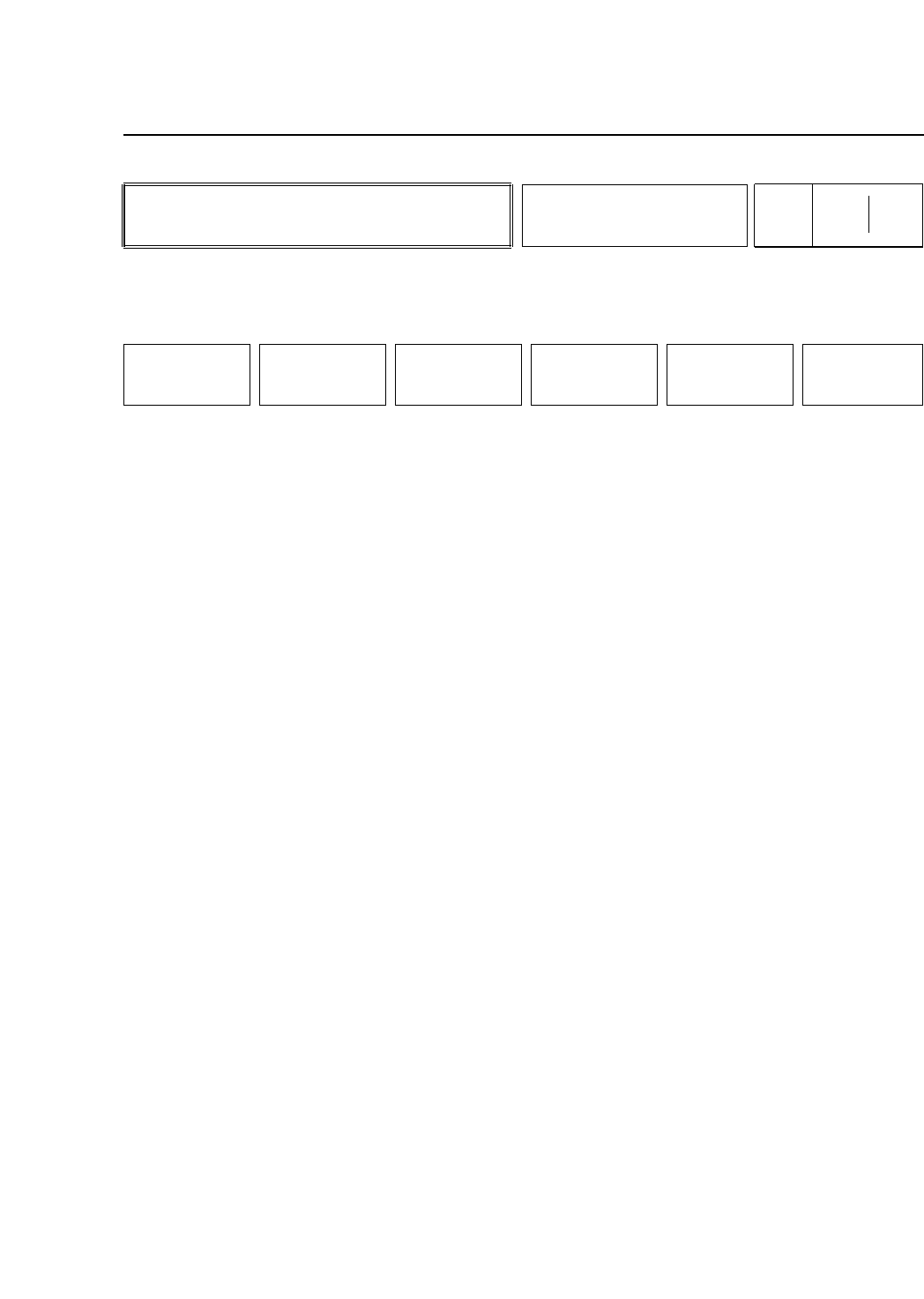
• Action of the Function Keys
STATUS : Press to change the machine status.
MANUAL : Press to perform manual settings.
PROPER : Press to make Proper Data measurements. To
use this command the operator must enter an
ID code. Refer to the maintenance manual for
further information.
SERVO : Press to set servo parameters.
POSITION : Press to move the X, Y D1 and D2 axes to
desired positions.
RETURN : Press to return to Page 000/000.
• Function Key Menu
Chapter 3 Description of Commands
To Page 510/000
To Page 520/000
To Page 530/000
To Page 540/000
To Page 550/000
To Page 000/000
Performing Settings and
Checks
Part 3
3 – 40
SET
Page
500 000
STATUS MANUAL PROPER SERVO POSITION RETURN
Version 5.0
FCP IV-3 Operation