CP43操作手册.pdf.pdf - 第170页
When HELPS compatible, the display changes. • Action of the Function Keys MCS : Press to switch the MCS communication mode between the following two settings: Local: Only Status data, Pr oper data and programs can be sen…
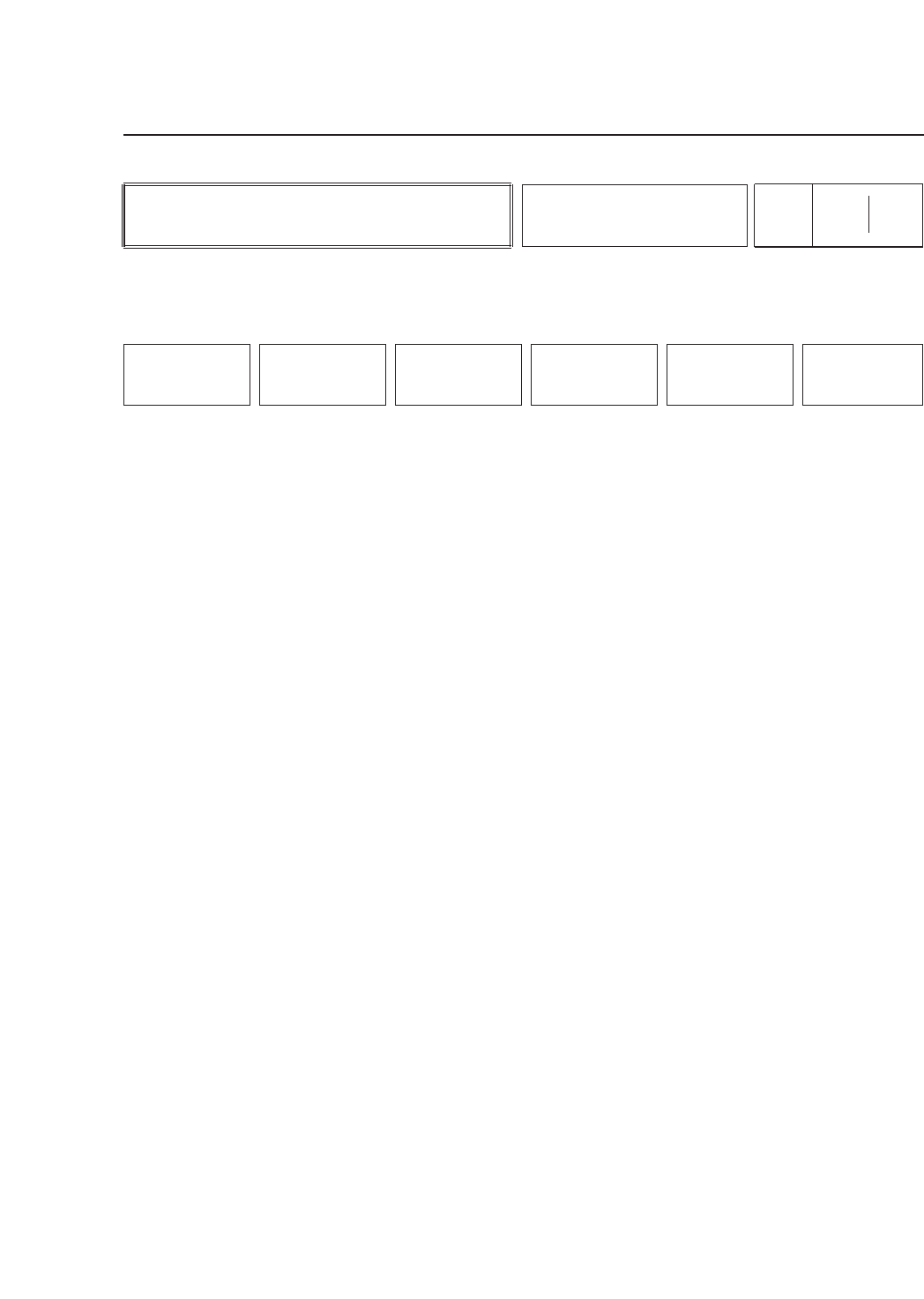
• Action of the Function Keys
MCS : Press to alternate the communication mode
with the MCS 30 computer between the
following two settings:
Local: Only Status data, Proper data and
programs can be sent from the MCS 30
computer.
Off Line: The FCP IV-3 can send production data
to the MCS 30 computer.
Note : The communication mode setting is saved when the power
supply is turned off. The communication mode can also be
changed by changing the Status data.
RETURN : Press to return to page 510/000.
• Function Key Menu
Chapter 3 Description of Commands
To Page 510/000
Changing Transmission Mode
Part 3
3 – 44
LINE
Page
515 000
MCS RETURN
Version 5.0
FCP IV-3 Operation
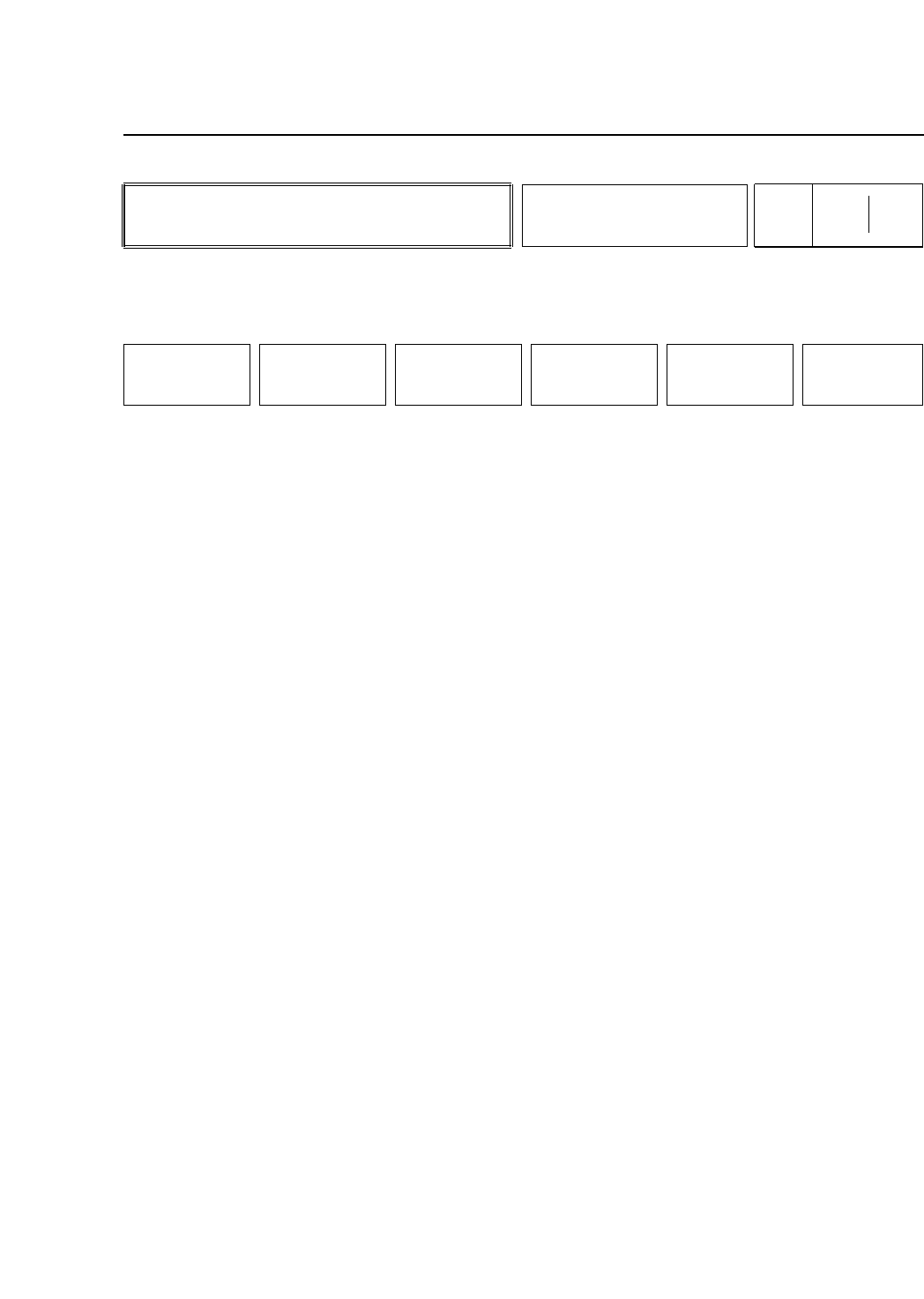
When HELPS compatible, the display changes.
• Action of the Function Keys
MCS : Press to switch the MCS communication mode
between the following two settings:
Local: Only Status data, Proper data and
programs can be sent from the MCS.
Off Line: The M/C can send production data to
the MCS.
Note : The communication mode setting is saved when the power
supply is turned off. The communication mode can also be
changed by changing the Status data.
LMS : Press to make LMS related changes. When this
key is pressed, the M/C requests an ID code. If
an improper ID code is input, the operator
cannot proceed.
RETURN : Press to return to page 510/000.
• Function Key Menu
Chapter 3 Description of Commands
To Page 510/000
Making Commands Related to
MCS and LMS
Part 3
3 – 45
LINE
Page
515 000
MCS LMS RETURN
Version 5.0
FCP IV-3 Operation
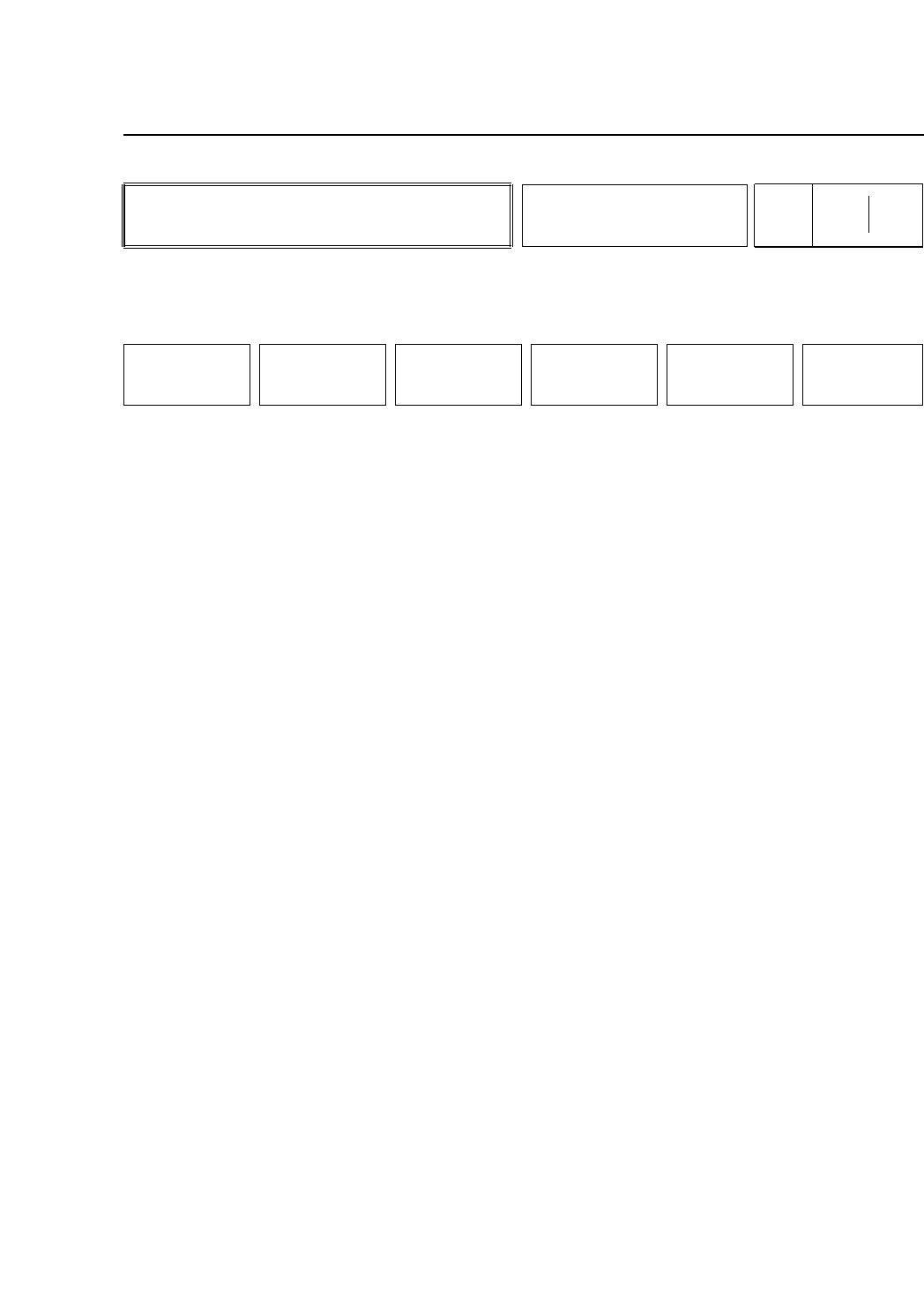
• Action of the Function Keys
I/O : Press to check the input and output signals.
VISION : Press to make various adjustments to the vision
processing system. The user must input an ID
code to enter this mode.
NOZZLE : Press to manually make nozzle skip and nozzle
center measurement settings.
HT : Press to enter commands related to the Handy
Terminal. An ID code is necessary for entering
this command. This command will not appear
if the Handy Terminal option is not used.
MEMORY This command is used for debugging.
RETURN : Press to return to Page 500/000.
• Function Key Menu
Chapter 3 Description of Commands
To Page 521/000
To Page 522/000
To Page 523/000
To Page 524/000
To Page 500/000
Working with Manual Settings
Part 3
3 – 46
MANUAL
Page
520 000
I/O VISION NOZZLE
HT
(OPTION)
MEMORY RETURN
Version 5.0
FCP IV-3 Operation