CP43操作手册.pdf.pdf - 第193页
• Action of the Function Keys ▲ : Pr ess to increase the level set for the block skip mark by 1. ■ : Pr ess this key together with either the [ ▲ ] or [ ▼ ] key to change the level by increments of 10. ▼ : Pr ess to decr…
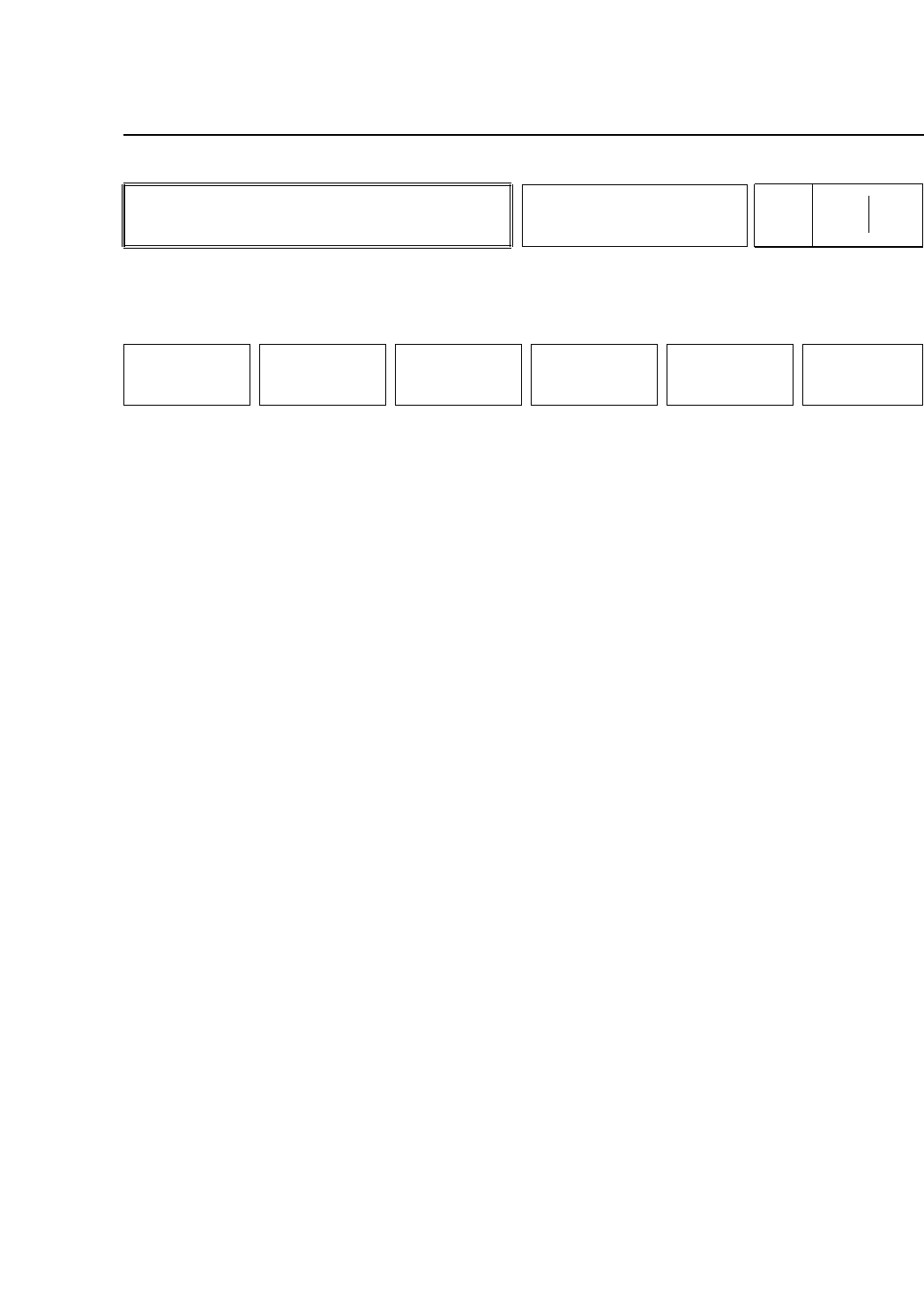
• Action of the Function Keys
BUFFER IMG 1: Press to display the most recent image in
memory on the vision processing board.
BUFFER IMG 2: Press to display the image prior to the most
recent image in memory on the vision
processing board.
ZOOM IN : Press this key to zoom in on the image
displayed on the vision processing monitor.
ZOOM OUT : Press this key to zoom out the image
displayed on the vision processing monitor.
However the image cannot be zoomed out
farther than the original image.
REINSPECT : Press to vision process the selected image
one more time.
RETURN : Press to return to Page 522/130.
There will be no display if there is nothing in memory on the
vision processing board. Even if the image in memory on the
vision processing board is something other than a block skip
mark image this image will display if it is selected.
• First Display Area
B_MARK
DSP MEM-IMG
BUFFER IMG 1
BUFFER IMG 2
• Function Key Menu
Chapter 3 Description of Commands
To Page 522/130
Displaying Memory of Block
Skip Marks
Part 3
3 – 67
DSP MEM-IMG
Page
522 131
BUFFER IMG 1 BUFFER IMG 2 ZOOM IN ZOOM OUT REINSPECT RETURN
Version 5.0
FCP IV-3 Operation
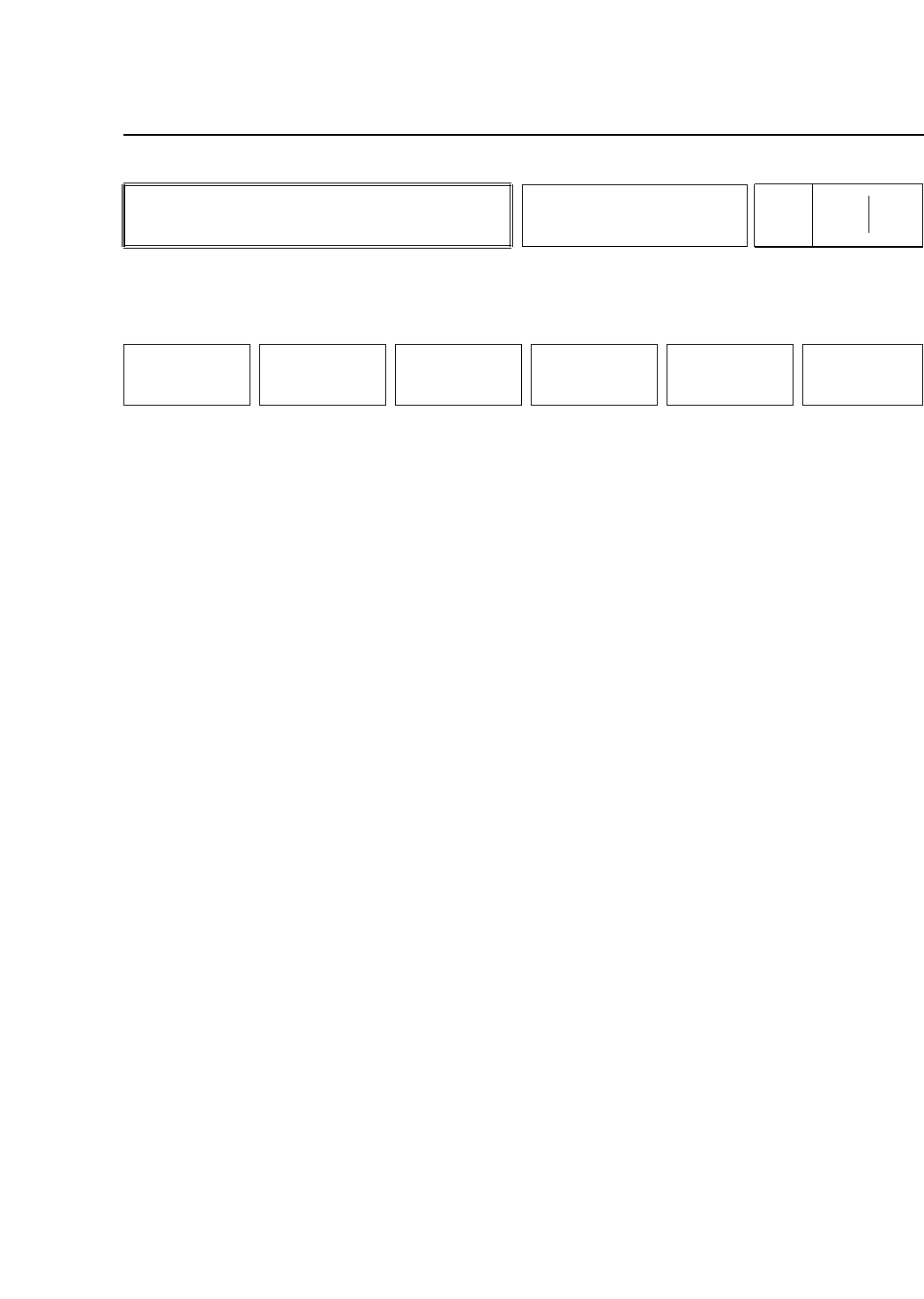
• Action of the Function Keys
▲ : Press to increase the level set for the block
skip mark by 1.
■ : Press this key together with either the [▲] or
[▼] key to change the level by increments of
10.
▼ : Press to decrease the level set for the block
skip mark by 1.
SET SIZE : Press to designate the size of the block skip
mark.
TEST LEVEL : Press to carry out a block skip mark read test.
The results (color, level) will display once the
test is finished.
RETURN : Press to return to Page 522/130.
• First Display Area
BAD MARK LEVEL TEST
SET LEVEL 128
BAD MARK Size X 40[1/100mm]
BAD MARK Size Y 40[1/100]
TEST COLOR : WHITE
TEST AVERAGE : 132
The results of the test level will display inside the [ ] brackets
as shown above.
• Function Key Menu
Chapter 3 Description of Commands
To Page
522/1324
To Page 522/130
Acquiring Block Skip Mark
Image
Part 3
3 – 68
ACQR INSPECT
Page
522 132
▲ ■
▼
SET SIZE TEST LEVEL RETURN
Version 5.0
FCP IV-3 Operation
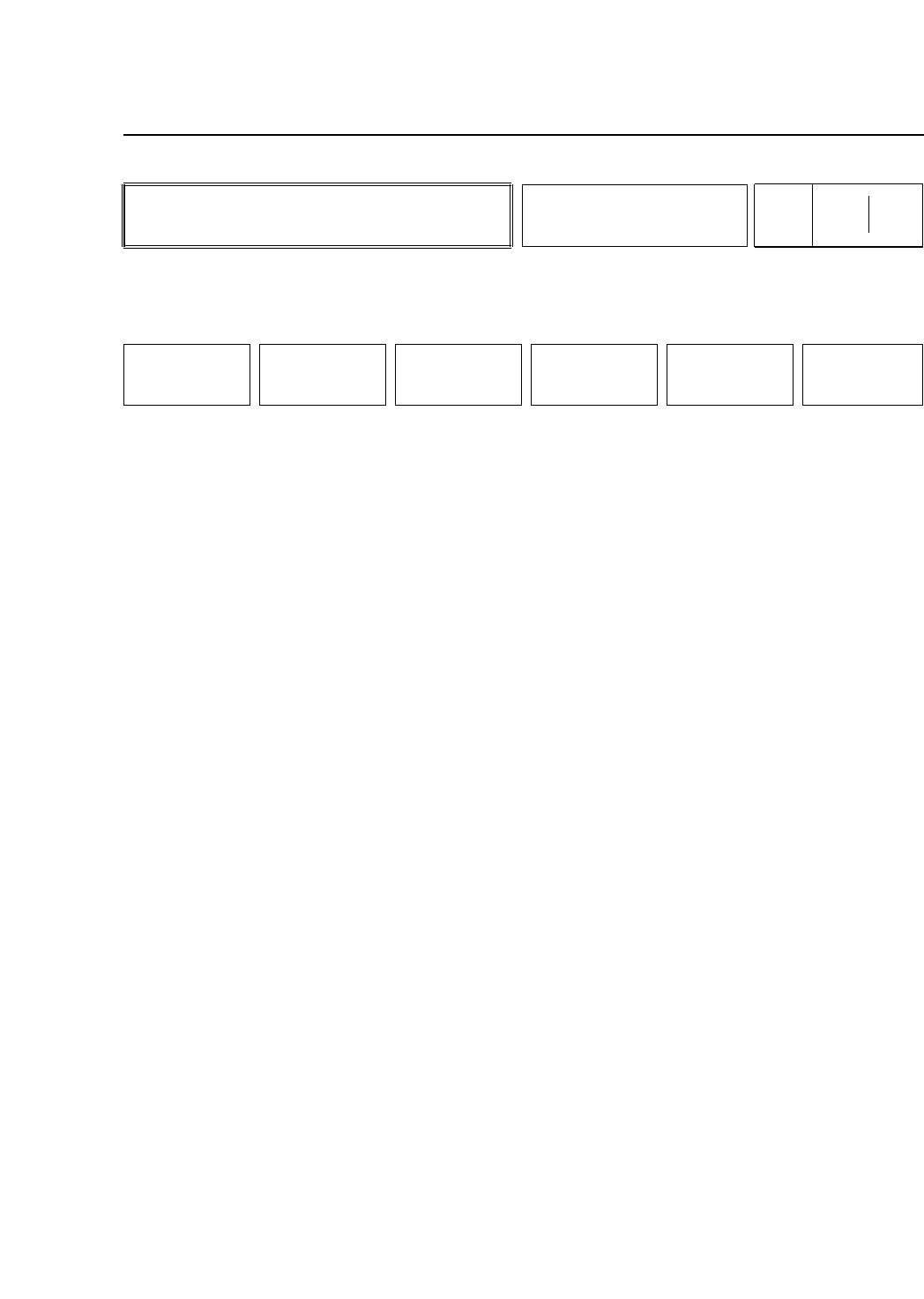
• Action of the Function Keys
X SIZE : Press to set the size (X) of the block skip mark.
Y SIZE : Press to set the size (Y) of the block skip mark.
RETURN : Press to return to Page 522/132.
• First Display Area
BAD MARK LEVEL
Setting Level 128
BAD Mark Size X 40 [1/100mm]
BAD Mark Size Y 40 [1/100mm]
Enter the coordinates from the numerical keypad.
• Function Key Menu
Chapter 3 Description of Commands
To Page 522/132
Setting the Block Skip Mark
Size
Part 3
3 – 69
SET SIZE
Page
522 1324
X SIZE Y SIZE RETURN
Version 5.0
FCP IV-3 Operation