CP43操作手册.pdf.pdf - 第22页
Chapter 2 Operation of the Keys Part 1 (d) [CYCLE ST OP] button This button is used to stop operation. Press this button during automatic operation to cancel the automatic operation mode at the end of the current sequenc…
Part 1 Chapter 2 Operation of the Keys
this button will begin flashing. Press this button to clear the
alarm.
(f) [EMERGENCY STOP] button
This button is used to stop the FCP IV-3 instantly.
When this button is pressed, the machine’s 200 V power supply
is turned off. In addition, the button locks down when it is
pressed. Turn the button in the direction of the arrow
(clockwise) to release it.
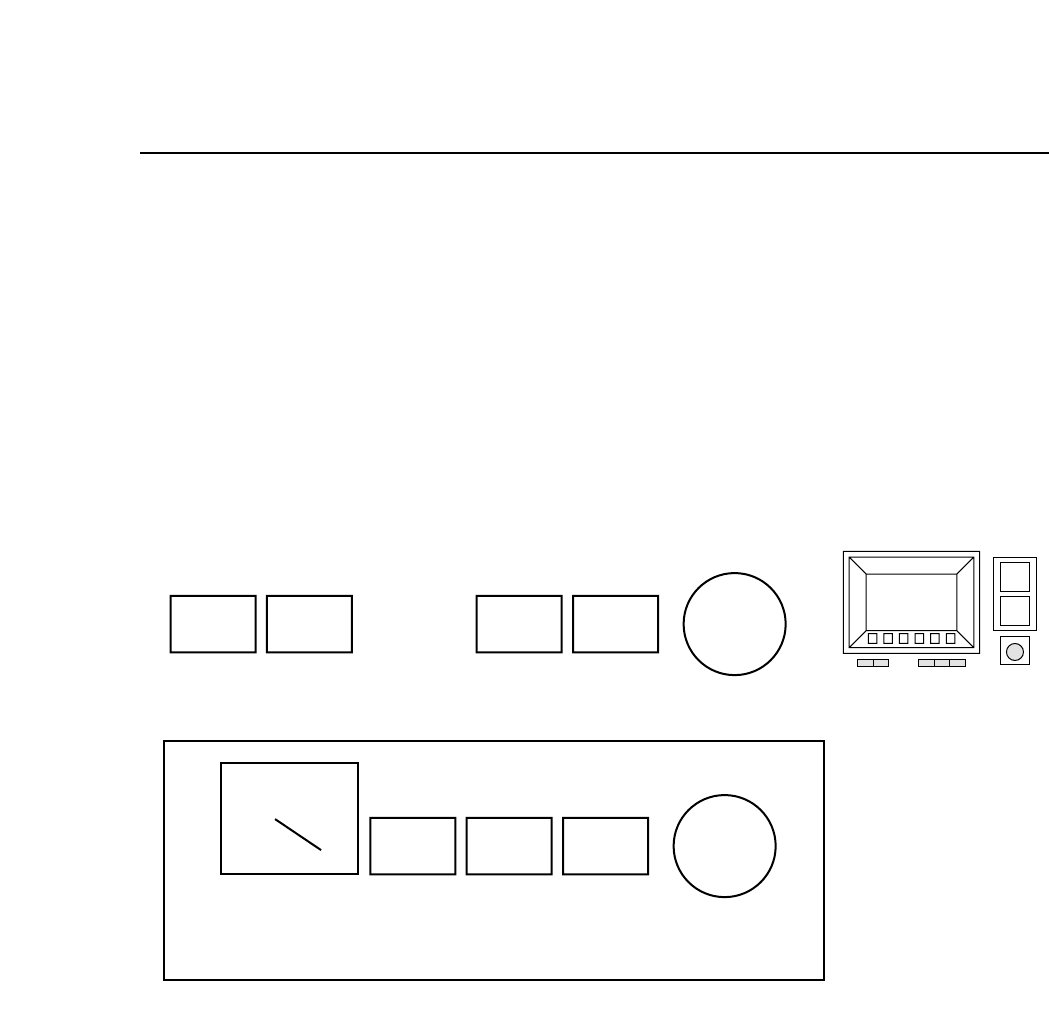
2.4.2 Rear Operation Panel
(a) [POWER OFF] button
This button, when pressed after the [EMERGENCY STOP]
button is pressed, turns the power off.
(b) [POWER ON] button
This button turns on the FCP IV-3.
When the machine circuit breaker is turned ON, press this
button to turn on the machine’s power supply.
(c) [START] button
This button starts the machine operation.
Press this button to start automatic operation and zero setting
when the message “Start SW” is blinking in the second display
area.
(a) (b) (d) (e) (f)
POWER
OFF
POWER
ON
CYCLE
STOP
RESET
EMERGENCY
STOP
(c) (d) (e) (f)
START
CYCLE
STOP
RESET
EMERGENCY
STOP
OPERATION
(g)
Rear fence
FRONT REAR
1 – 8Version 4.0
FCP IV-3 Operation

Chapter 2 Operation of the KeysPart 1
(d) [CYCLE STOP] button
This button is used to stop operation.
Press this button during automatic operation to cancel the
automatic operation mode at the end of the current sequence
and return the machine to the [START] button wait mode.
(e) [RESET] button
This button is used to reset alarms.
When an alarm occurs, an error message will be displayed and
this button will begin flashing. Press this button to clear the
alarm.
(f) [EMERGENCY STOP] button
This button is used to stop the FCP IV-3 instantly.
When this button is pressed, the machine’s 200 V power supply
is turned off. In addition, the button locks down when it is
pressed. Turn the button in the direction of the arrow
(clockwise) to release it.
(g) Operation panel selection switch
This selector switch is used to switch from the front to the rear
operation panel.
When the switch is set to a certain panel, the other panel cannot
be used.
Note: The [EMERGENCY STOP] and [CYCLE STOP] buttons on
both panels are always operational.
(h) Inching Keys
It is possible to inch the X, D1, D2, C and Fθ axes. Which of
these axes can be inched depends on the inching axis selection
keys mentioned in the previous section 3.2.
1 – 9
Version 4.0
FCP IV-3 Operation

Part 1 Chapter 2 Operation of the Keys
1 – 10Version 4.0
FCP IV-3 Operation