CP43操作手册.pdf.pdf - 第226页
FCP IV -3 Operation • First Display Area Mode: 1 Servo Counter X 000001 Y -00012 C 000000 D1 000007 D2 -00001 Z 000018 PQ -00036 World (Zero) Note : The servo counter is automatically displayed when the command [SER VO] …
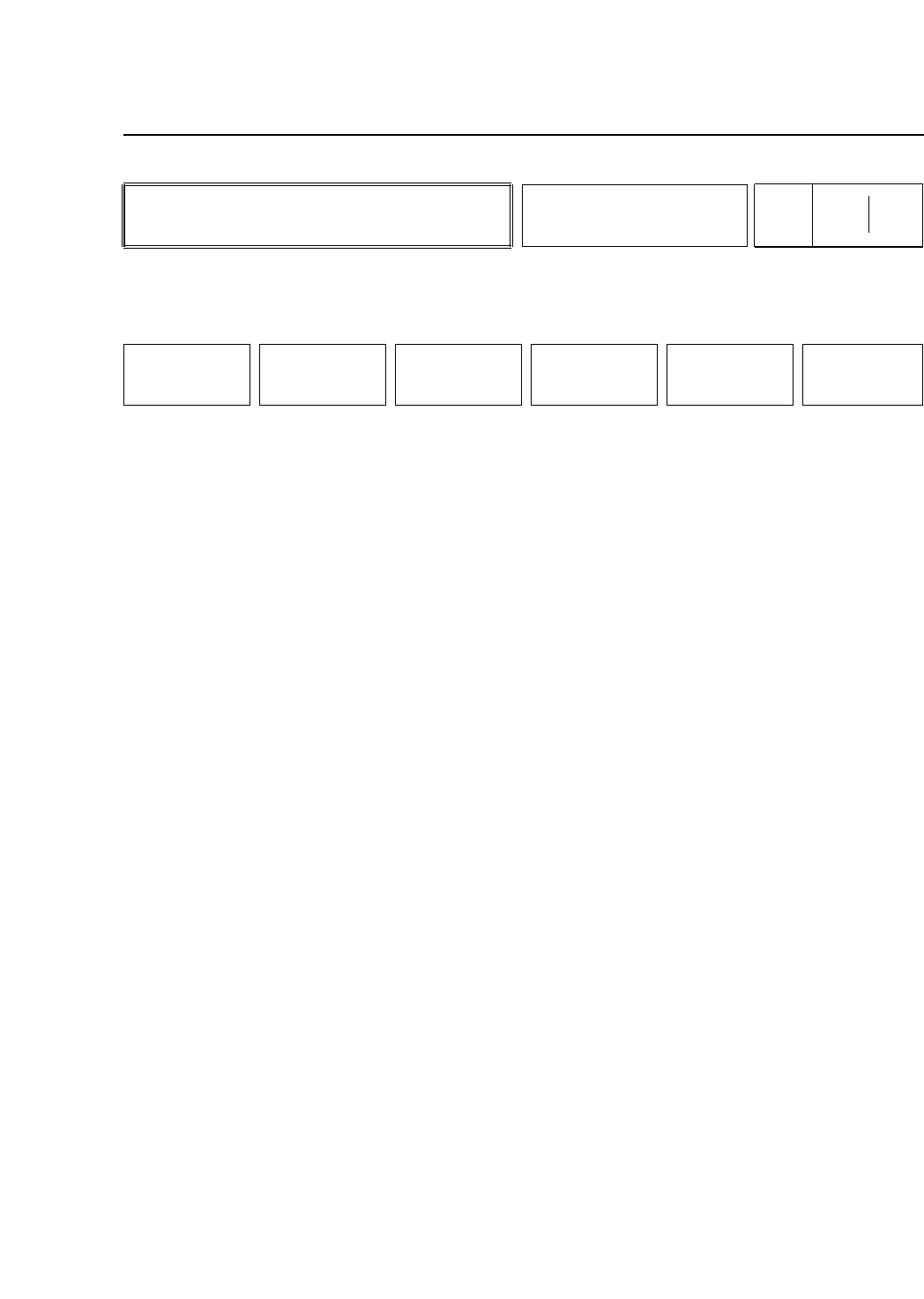
• Action of the Function Keys
SPEED :Press to change the inching speed.
CONV WIDTH : Press to set or change the conveyor
width. This function key is effective
only when the machine is set to
automatically adjust conveyor width.
TRACE LIST :Press to display the servo board
conditions. This command is for
debug use.
MODE :Press to change the servo counter
display mode.
"World (Zero)" is displayed. On the
world coordinate system zero is defined
as the position of every axis after zero
setting has finished.
"World (Prog)" is displayed. On the
world coordinate system, the pulse
positions are recorded at the placing
position in the X and Y axes, at the origin
position in the Z axis and at device
position number one in the D axis.
"Pulse (Zero)" is displayed. For the servo
axes the monitor will display the number
of pulses after zero setting.
"Pulse (Prog)" is displayed. On the servo
axes, the pulse positions are recorded at
the parts placing position in the X and Y
axes, at the origin position in the Z axis
and at device position one in the D axis.
RETURN :Press to return to Page 500/000.
• Function Key Menu
Chapter 3 Description of Commands
To Page 541/000
To Page 542/000
To Page SRV
To Page 500/000
Making Servo-Related Settings
Part 3
3 – 100
SERVO
Page
540 000
SPEED CONV WIDTH TRACE LIST MODE RETURN
Version 5.0
FCP IV-3 Operation

FCP IV-3 Operation
• First Display Area
Mode: 1
Servo Counter
X 000001
Y -00012
C 000000
D1 000007
D2 -00001
Z 000018
PQ -00036
World (Zero)
Note : The servo counter is automatically displayed when the command [SERVO] is
selected. Holding down the inching shift key ([F]) while pressing [RETURN] will
cause the servo counter display to remain on the monitor; otherwise, it is cleared
when this command page is exited.
Chapter 3 Description of Commands
Part 3
3 – 101
Version 5.0
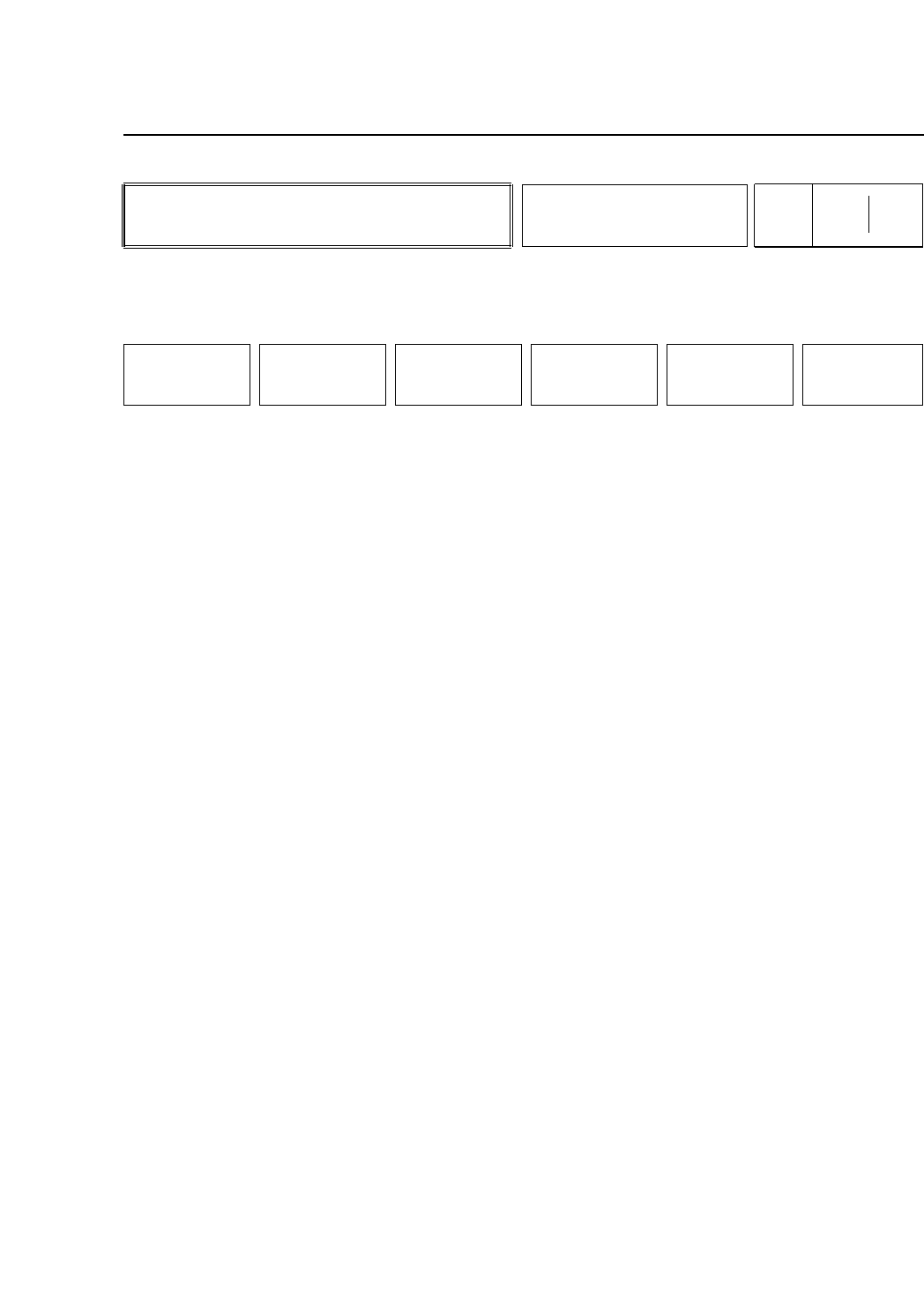
• Action of the Function Keys
▲ : Press to move the cursor up one line to the
servo axis to be changed.
▼ : Press to move the cursor down one line to the
servo axis to be changed.
RETURN : Press to return to Page 540/000
• First Display Area
Inching Speed
X 005 [%]
Y 005 [%]
C 005 [%]
D1 005 [%]
D2 005 [%]
Z 005 [%]
FQ 005 [%]
• Input from Numerical Keypad
The inching speed can be entered in a range of 0 - 10 to change
the slow inching speed of an axis. A larger number will speed
up the inching speed.
After the power is cut these changes are retained in memory.
• Function Key Menu
Chapter 3 Description of Commands
To Page 540/000
Changing the Inching Speed
Part 3
3 – 102
SPEED
Page
541 000
▲ ▼
RETURN
Version 5.0
FCP IV-3 Operation