CP43操作手册.pdf.pdf - 第229页
FCP IV -3 Operation • Action of the Function Keys COMMON AREA : Press to display the common ar ea data on each servo board. AXIS AREA : Press to display the axis ar ea data of each axis on each servo board. TRACE DA T A …
FCP IV-3 Operation
This command is enabled only when the machine is set to automatically adjust the
the conveyor width.
• First Display Area
CONV.WIDTH ✴✴✴✴✴✴
The current conveyor width is displayed in increments of 0.01 mm.
Using the [↑] and [↓] keys the conveyor width can be changed. Also, the width
can be entered in 0.01 mm increments using the numerical keypad.
Chapter 3 Description of Commands
Changing and Setting
Conveyor Width
Part 3
3 – 103
CONV.WIDTH
Page
542 000
Version 5.0
FCP IV-3 Operation
• Action of the Function Keys
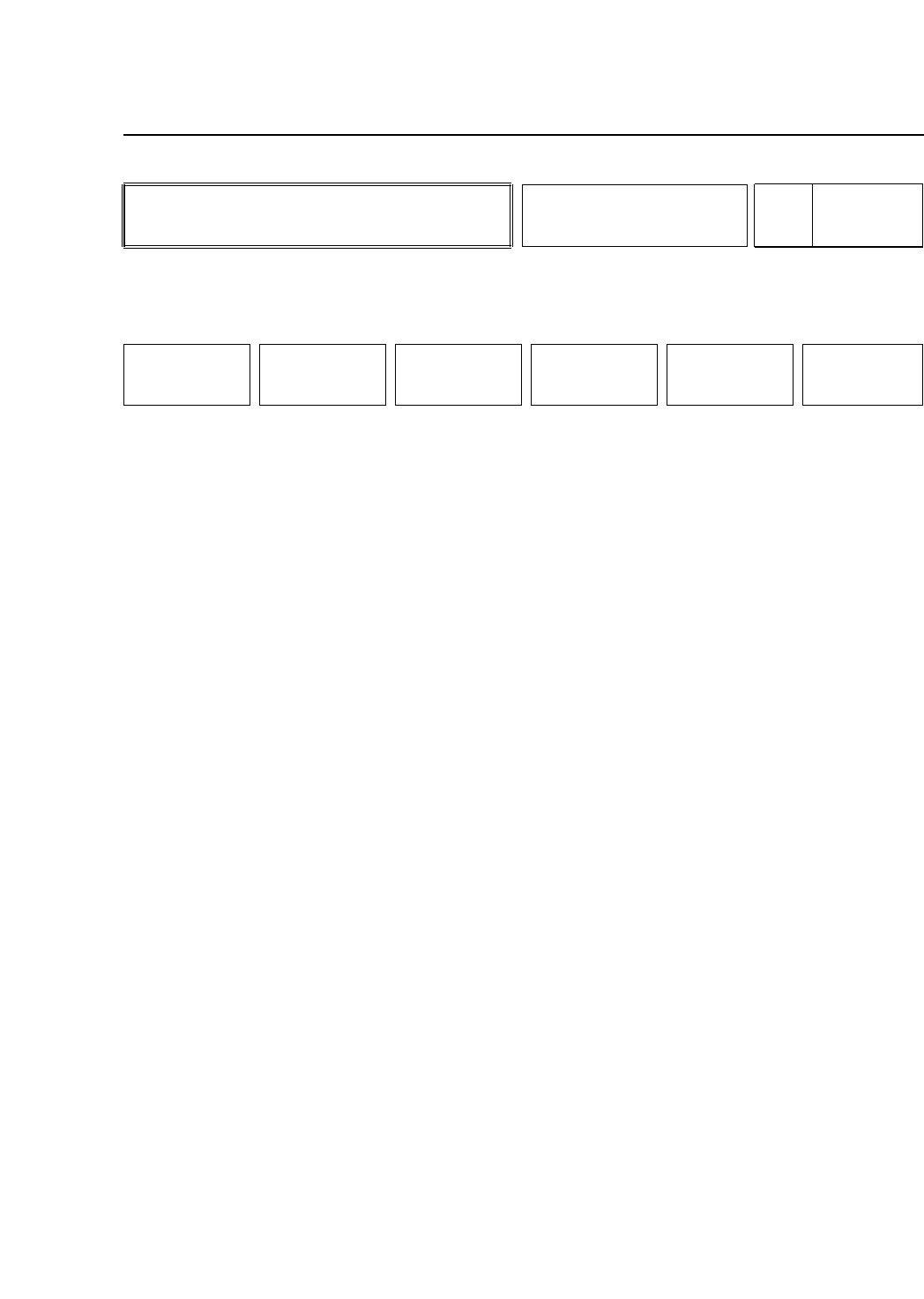
COMMON AREA : Press to display the common area data
on each servo board.
AXIS AREA : Press to display the axis area data of each
axis on each servo board.
TRACE DATA : Press to display the trace data of each
servo board.
RETURN : Press to return to Page 540/000.
Note: These commands are for use in debug mode.
• Function Key Menu
Chapter 3 Description of Commands
To Page SRV-1
To Page SRV-1
To Page SRV-1
To Page 540/000
Servo Board Trace
List Display
Part 3
3 – 104
SERVO
Page
SRV
COMMON AREA
AXIS AREA TRACE DATA PRINT ALL RETURN
Version 5.0
FCP IV-3 Operation
• Action of the Function Keys
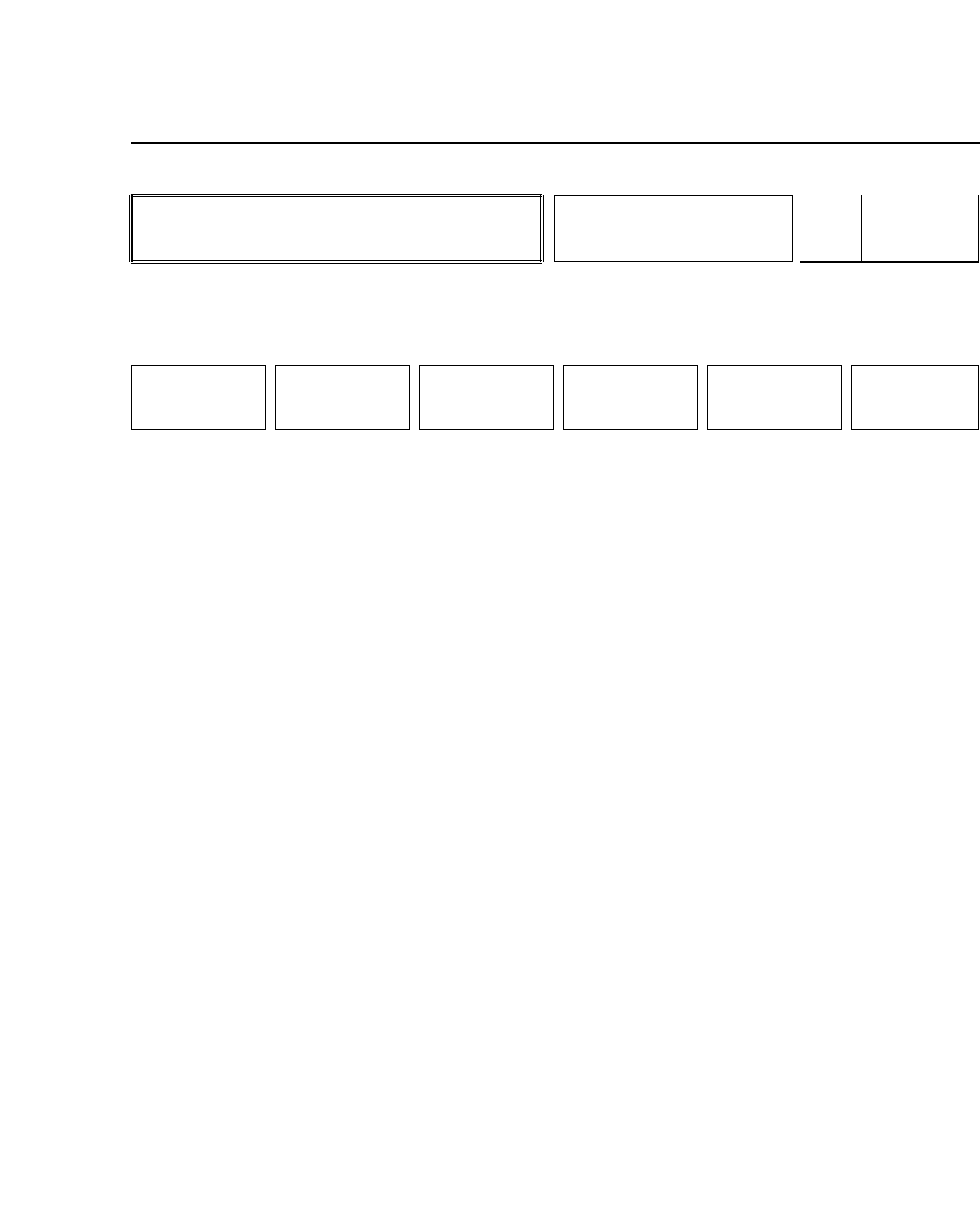
+ PAGE :Press to scroll up one page
(40 hexadecimal units).
- PAGE :Press to scroll down one page
(40 hexadecimal units).
+ LINE :Press to scroll up one line
(8 hexadecimal units).
- LINE :Press to scroll down one line
(8 hexadecimal units).
PRINT :Press to print out the servo trace list.
RETURN :Press to return to Page 540/000.
Note: These commands are for use in debug mode.
• First Display Area
ED8A00 1234 0110 0000 000A 0001 0000 0000 0000
ED8A10 1693 AAAA 0000 0000 0000 0001 0101 000A
ED8A20 1710 0110 0000 000B 0002 0000 0000 0000
ED8A30 1719 AAAA 0000 0000 0000 0001 0100 000A
ED8A40 2004 0100 0000 000C 0002 0000 0000 0000
ED8A50 EEEE 0000 0000 0000 0000 0000 0000 0000
ED8A60 2006 AAAA 0000 0000 0000 0002 FFFF 000C
ED8A70 FFFF 0000 0000 0000 0000 0000 0000 0000
• Second Status Area
Either "PCB No?" or "AXIS No"
• Input from Numerical Keypad
Enter the target board number(s) or the target axis number(s) to display the
appropriate data.
• Function Key Menu
Chapter 3 Description of Commands
To Page SRV-15
To Page 540/000
Servo Board Trace
List Display
Part 3
3 – 105
SERVO
Page
SRV-1
+ PAGE - PAGE + LINE - LINE PRINT RETURN
Version 5.0