CP43操作手册.pdf.pdf - 第29页
Part 1 Chapter 3 Starting and Shutting Down (2) W ith the machine's power off, attach the printer cable fr om the MCS printer to the lowest of the three connectors (marked "Parallel I/O") on the machine CP…

Chapter 3 Starting and Shutting DownPart 1
Valid Proper data must be transmitted to the FCP IV-3. If
invalid Proper data is transmitted, the program check will not
function normally and errors will occur during program
transmission.
(7) Transmit the program.
Transmit the program from the MCS 30 computer to the FCP
IV-3.
Note: For information on creating programs, refer to the MCS/2H
Operation Manual.
(8) Cut the power, and then restart the machine.
Even though the power has been cut, the Status data, Proper
data and program will remain in the machine.
After this, continue with normal operation.
3.1.3 I/O Check Start
This subsection explains how to enter the I/O check mode.
Press the [F1] function key and hold it down while pressing the
[POWER ON] button. This will bring the machine directly into I/O
Check Mode. For further information on I/O check operation, refer
to Part 3, FCP IV-3 Commands.
Note: When I/O check start is used to start the FCP IV-3, the 200V
power does not come on. When the operator has completed I/O
check and presses the [RETURN] function key, the 200V power
will come on and the machine will be ready for zero setting.
3.1.4 Trace List Printout
If a problem occurs on the machine, having data from the machine
that explains the conditions under which the problem occurred can
help Fuji to find and eliminate the cause. A trace list is raw data
from the machine for this purpose.
To print out a trace list, follow the below procedure.
(1) Stop the machine as soon as possible after the trouble has
occurred. Do not press function keys or continue to operate
the machine as this may cause the source of the problem not
to appear in the printed trace list.
1 – 15
Version 4.0
FCP IV-3 Operation

Part 1 Chapter 3 Starting and Shutting Down
(2) With the machine's power off, attach the printer cable from
the MCS printer to the lowest of the three connectors (marked
"Parallel I/O") on the machine CPU board.(3) While
holding down the [CYCLE STOP] button, press the [POWER
ON] button. Release the [CYCLE STOP] button after the
printer starts printing. After the printer has finished printing,
the machine can be operated as normal.
3.2 Shutting Down
When shutting down the power, use the following procedure.
(1) Turn off the 200V power.
Press the [EMERGENCY STOP] button. When shutting down in the
course of production, first press the [CYCLE STOP] button to halt
automatic operation before pressing the [EMERGENCY STOP] button.
(2) Turn off the main power.
Press the [POWER OFF] button on the operation panel to turn off the
power supply.
(3) Turn off the circuit breaker.
Turn off the power at the main circuit breaker if the machine is to be
left unused for a long period of time or if work is to be carried out on
the servo box or control box.
Note: If the power is cut while parts are being picked, the parts will drop off
the nozzles, and during the next production run, vision processing
will not work properly. Therefore, before shutting down the machine,
press the [DUMP PARTS] command function key. The remaining
parts will be placed before the board is unloaded.
1 – 16
Version 4.0
FCP IV-3 Operation
Chapter 4 The DisplayPart 1
4. The Display
Almost all FCP IV-3 functions can be controlled from the operation panel,
which is comprised of the display monitor, operation keys and the push-button
switches.
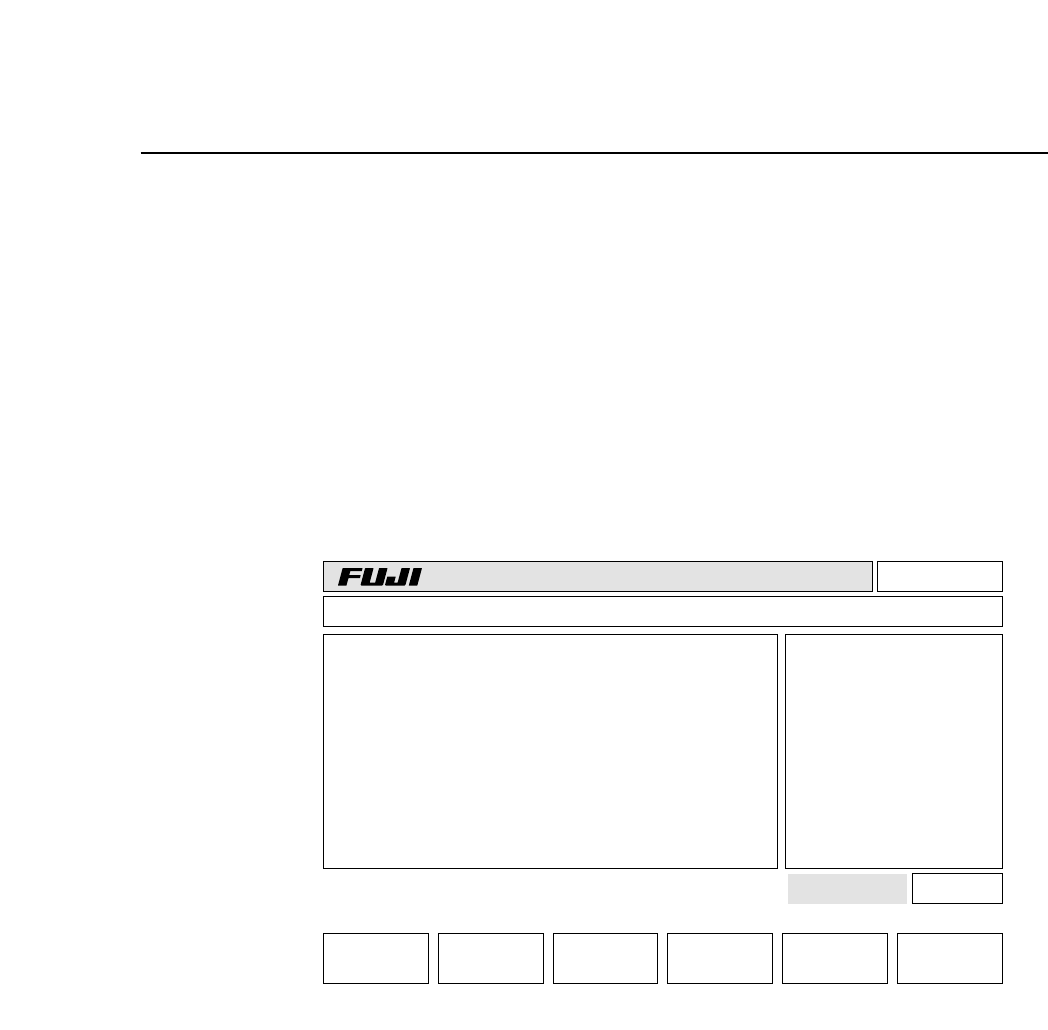
4.1 CRT Display Monitor
The display monitor displays machine conditions and messages to the
operator.
(a) Version number
The system ROM version number (e.g. V1.00, V1.10, V1.20, etc.) is
displayed here. This display allows verification of the version
number after ROM chip replacement.
(b) Line mode
This shows the MCS line communication mode currently in effect.
The word “Local” is displayed here if no production data is being
transmitted to the MCS 30 computer. When data is being transmitted,
the words “Off line” will appear.
Page 000
v1.10
Off line
CP_4.PROGRAM Prod 00000 Sche 00000
AUTO STEP LOADER PROGRAM SET
3A053C053C00
000000050000
jog X Y C
*
ST1.N**** D*** Er****
ST2.N**** D*** Er****
ST3.N**** D*** Er****
ST4.N**** D*** Er****
ST5.N**** D*** Er 0
ST6.N**** D*** Er 0
ST7.N**** D*** Er 0
STATUS
P Mode Product
Recovery 3 times
T Mode Joint
Machine Not Zero-Set
Press START
(a) (b)
(c)
(d) (e)
(f)
(g)
(h)
(i)
(j)
(k)
(l)
(m)
Ready
Board Loader
1 – 17Version 4.0
FCP IV-3 Operation