CP43操作手册.pdf.pdf - 第291页
Chapter 1 T race Mode Part 5 (3) The vision trace display lists a number of diagnostic flags which can be turned ON or OFF . When power is turned on, all flags are set to OFF . Flag settings are not saved when the power …
Chapter 1 Trace ModePart 5
1. Trace Mode
The vision trace function permits the user to observe vision processing in
progress. This function can thus be used to confirm whether the data created
for vision processing does infact allow vision processing to be carried out
correctly.
For a detailed explanation of vision processing and device descriptions, refer to
the Vision Processing Maintenance Manual.
1.1 Trace Mode Setting
The general procedure for running a vision trace is described below.
(1) Press [SET], [MANUAL] [VISION] and [TOOL]. An ID code must be
entered to access vision. When the ID code is entered, the function
key menu changes.
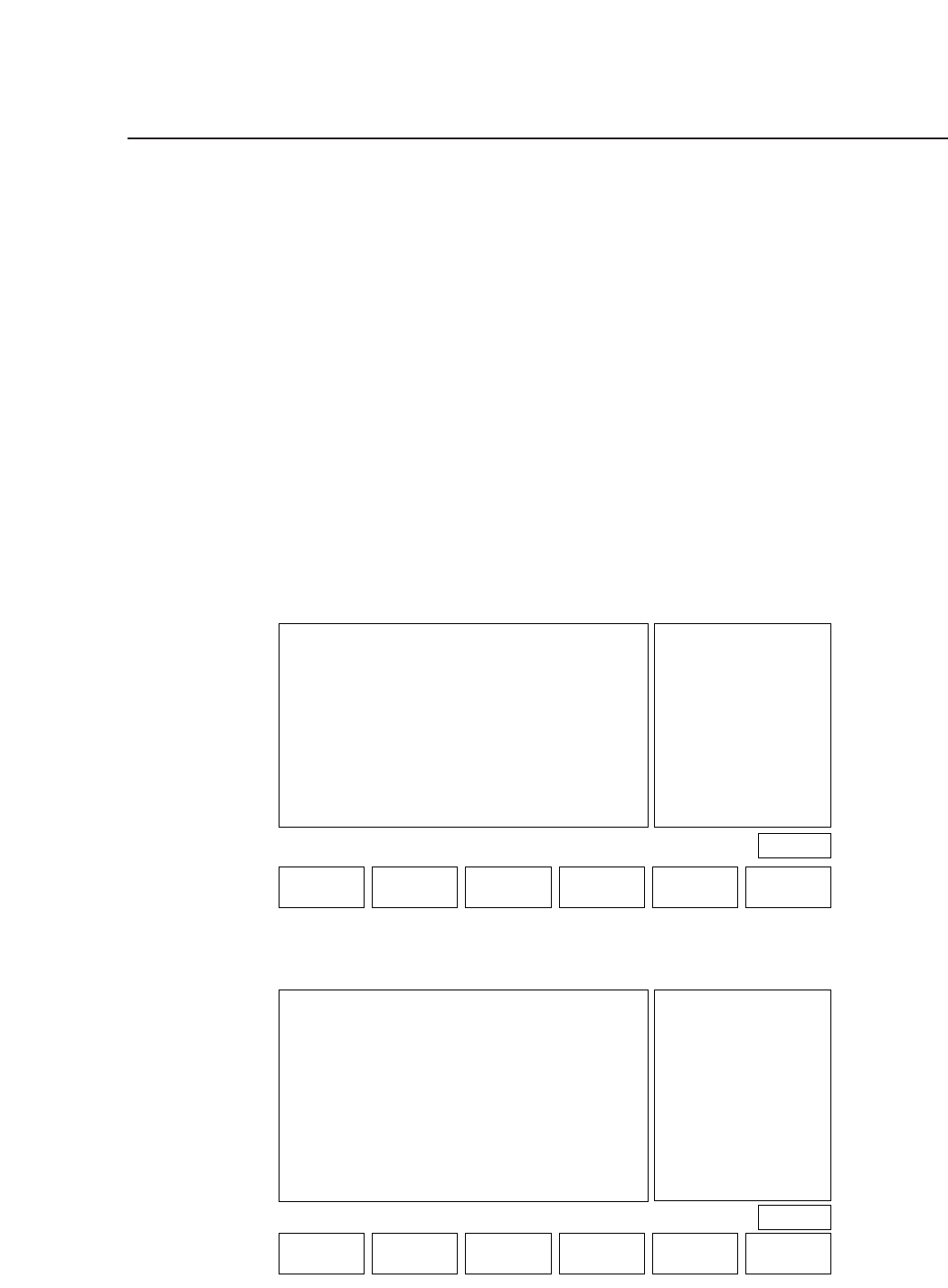
(2) Press [TRACE] and the vision trace display appears.
VISION TRACE STATUS
No
0 Result OFF
1 Tole OFF
2 Window OFF
3 Point OFF
4 Line OFF
5 RS232C OFF
6 * * * * * * * *
7 * * * * * * * *
8 * * * * * * * *
9 * * * * * * * *
Mode
No Mode
10 * * * * * * * *
11 * * * * * * * *
12 * * * * * * * *
13 Color OFF
14 Detail OFF
15 Pause OFF
16 Clp OFF
17 Place OFF
18 Results OFF
19 Timers OFF
No
20 Inspect OFF
21 * * * * * * * *
22 * * * * * * * *
23 * * * * * * * *
24 Clp * * *
25 Blob OFF
26 Agf OFF
27 BT OFF
28 * * * * * * * *
29 * * * * * * * *
30 Acqtime OFF
31 Instime OFF
select No
▲▼ON / OFF QTY.CLEAR THROUGH RETURN
PAGE 522
Operation : FRONT
Ready
Page 522
DEVICE F_MARK B_MARK TRACE RETURN
5 – 1Version 2.0

Chapter 1 Trace ModePart 5
(3) The vision trace display lists a number of diagnostic flags which can
be turned ON or OFF. When power is turned on, all flags are set to
OFF. Flag settings are not saved when the power is turned off.
The currently selected flag is highlighted. To select a different flag,
press [▲] or [▼] to move the cursor up or down, or enter the flag
number directly from the numerical keypad. Press [ON/OFF] to turn
a flag ON or OFF. Press [CLEAR] to turn all flags OFF.
Press [THROUGH] to display a realtime image on the monitor.
5 – 2Version 2.0
Chapter 1 Trace ModePart 5
1.2 Vision Trace Diagnostic Flags
The details of the vision trace function are explained below.
1. No. 0 Result
A graphic display is carried out based on the results of inspection.
When either the [REINSPECT] or [ACQR INSPECT] vision
command is carried out this flag will automatically be set to ON.
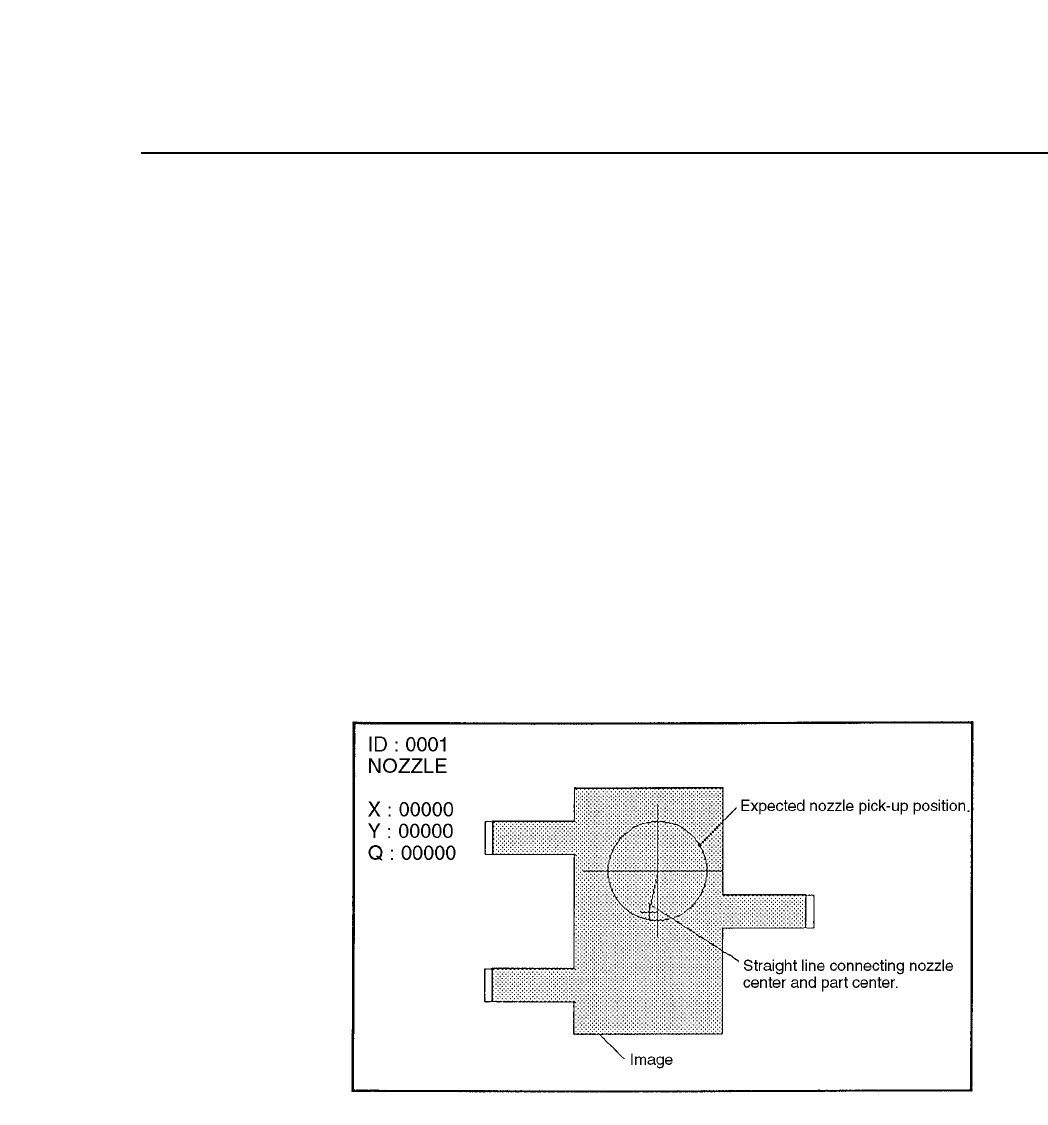
Details of the Inspection Results Graphic Display
After vision processing is complete the recognized device center
value is displayed graphically. The amount of correction that is
indicated by the outline of the device shape and the nozzle position
is then carried out. If an error has occurred the details of the error
will be displayed.
(1) Normal Display
5 – 3Version 2.0