CP43操作手册.pdf.pdf - 第45页
Part 1 4.3.6 Device T able Information in Device Changeover Mode During changeover mode operation, in a case such as when the feeder runs out of parts, the original table will change and a display like the one below will…
Part 1
4.3.4 Press START
During Automatic or Step mode, when the command position has
been chosen and the machine can safely carry out the operation
requested, the “Press START” message will appear. The operator
must then press the [START] button.
4.3.5 When the Machine Cannot Run
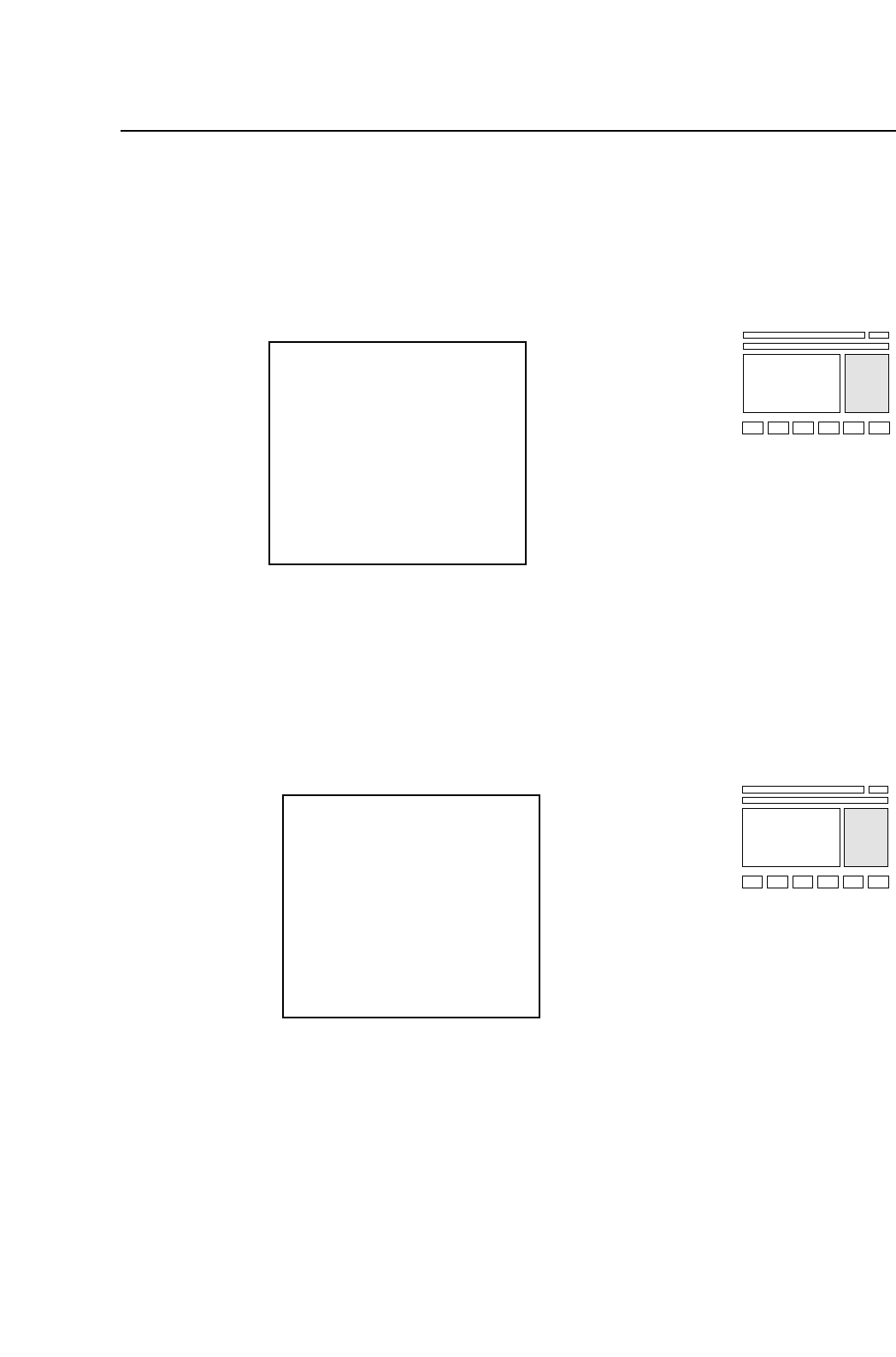
The following display will appear when the machine cannot start
its next function. When the problem displayed has been fixed the
“Press START” message will appear. Pressing the [RETURN]
command key will restore the former situation without solving the
problem.
Note: When this situation occurs, refer to Part 6, Chapter 1 of this
manual.
Front Safety Door
Skip Nozzle
S ABCDEFGHIJKL
M ABCDEFGHIJKL
L ABCDEFGHIJKL
Tape End
000 000
000 000
000 000
Press START
Skip Nozzle
S ABCDEFGHIJKL
M ABCDEFGHIJKL
L ABCDEFGHIJKL
Tape End
000 000
000 000
000 000
1 – 31
FCP IV-3 Operation
Chapter 4 The Display
Version 5.0
Part 1
4.3.6 Device Table Information in Device Changeover Mode
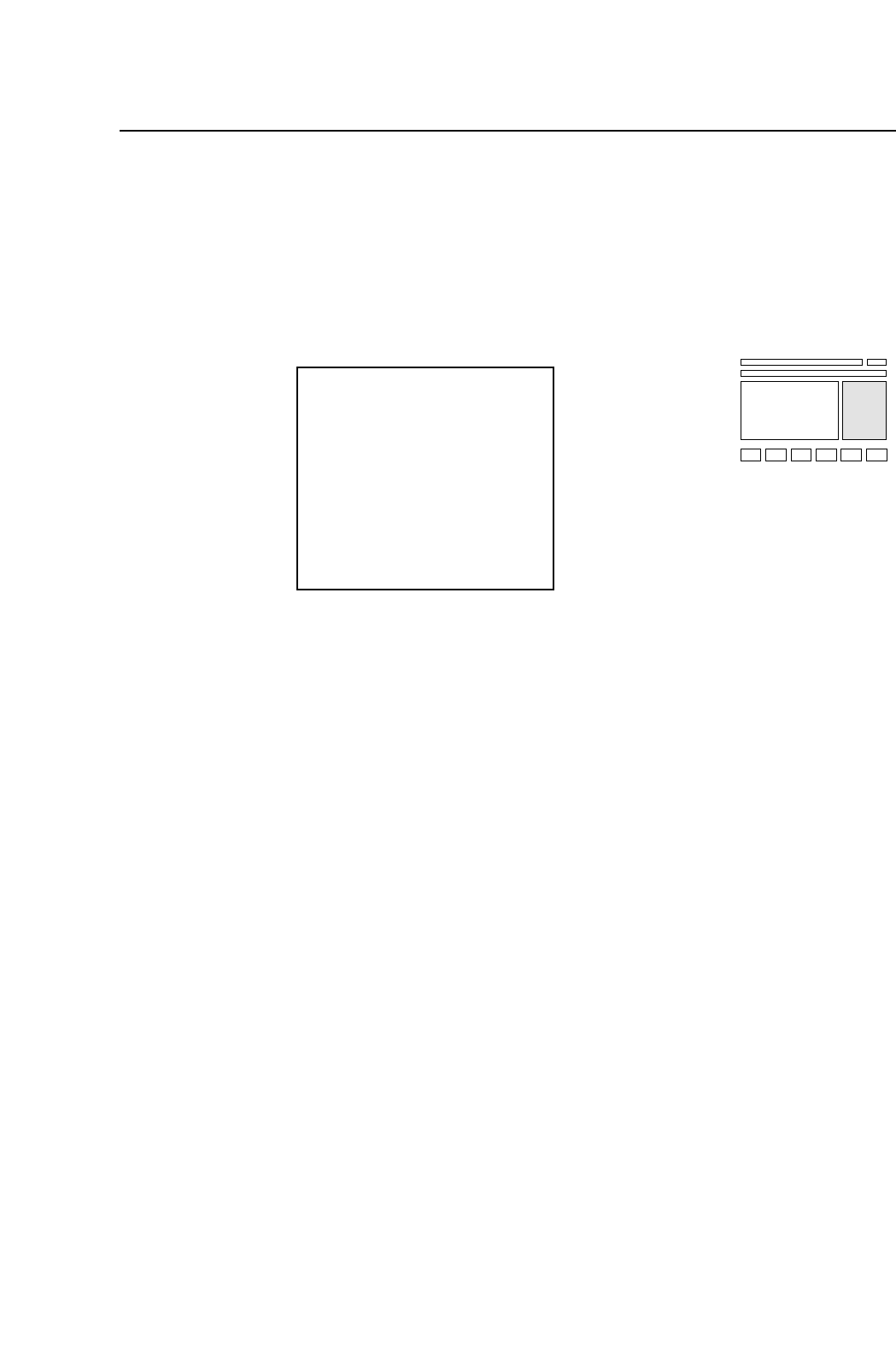
During changeover mode operation, in a case such as when the
feeder runs out of parts, the original table will change and a display
like the one below will be displayed. This display will not
disappear until parts have been set and the program has been
changed.
Producing...
Skip Nozzle
S ABCDEFGHIJKL
M ABCDEFGHIJKL
L ABCDEFGHIJKL
Tape End
000 000
000 000
000 000
D000 Resupply
1 – 32
FCP IV-3 Operation
Version 5.0
Chapter 4 The Display
Part 1
5. Zero Setting
This chapter describes the zero setting procedure.
Servomotors control the position of each of the FCP IV-3’s six axes (X, Y, C, D1,
D2 and Z). The positions of these axes are cleared from the machine’s memory
whenever the power is turned off; therefore, the machine must determine the
position of each axis each time the power is turned on. The procedure used to
do this is known as zero setting.
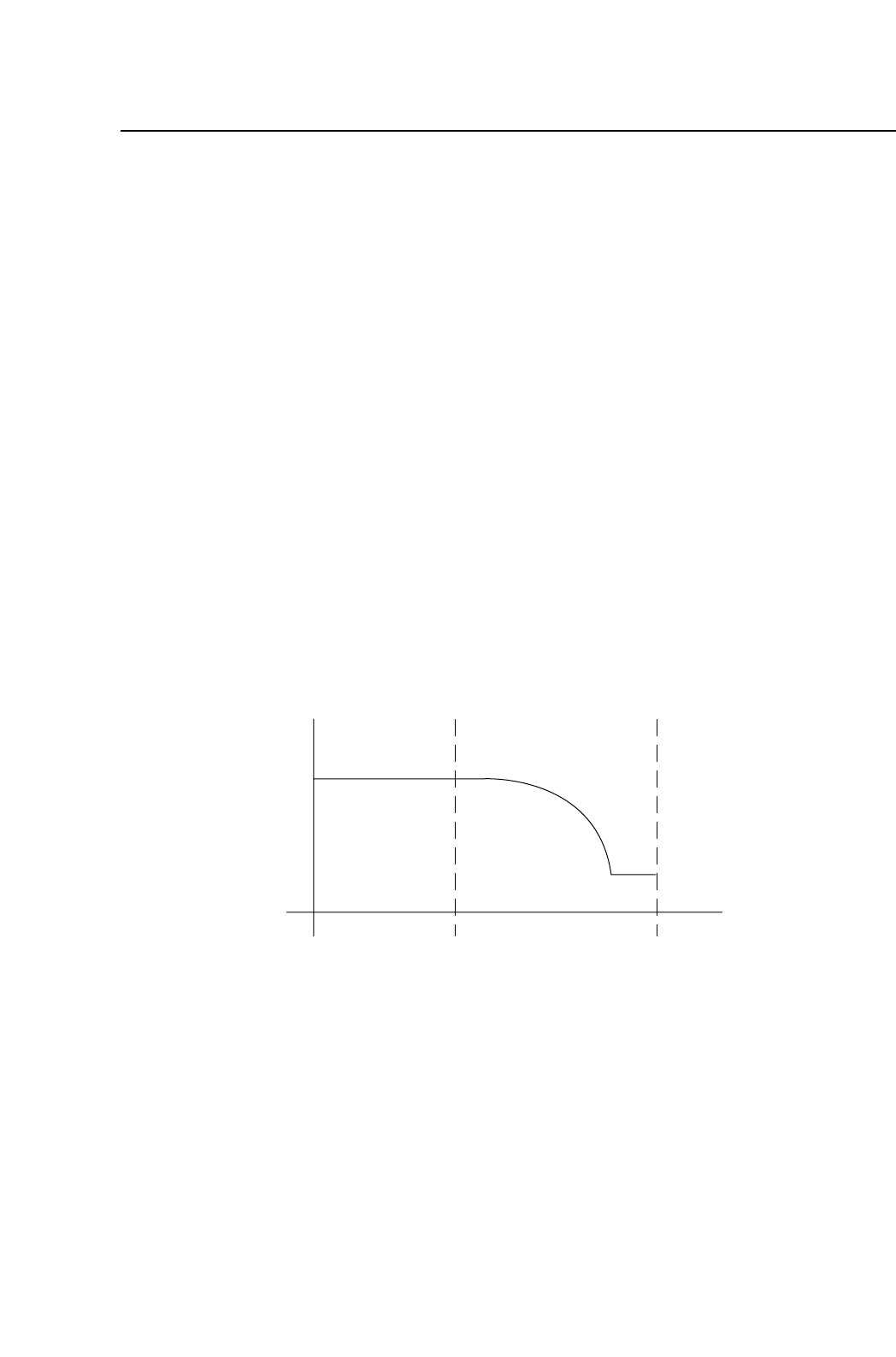
The method of zeroing an axis is described below, using the X axis as an
example.
(1) If the X-axis deceleration-point sensor input is ON, the axis initially moves
in the negative (-X) direction until this input turns OFF.
(2) The X axis moves in the positive (+X) direction and decelerates when the
X-axis deceleration-point sensor turns ON.
(3) After deceleration, the X axis inches in the positive (+X) direction.
(4) The X axis stops moving when the encoder outputs the Z signal. (The Z
signal is output only once per motor revolution.) This X-axis position
becomes the zero position.
Note: Zero setting is not performed on the FQ axis.
Speed
X-axis deceleration-point
Z signal
X+X-
1 – 33
FCP IV-3 Operation
Chapter 5 Zero Setting
Version 4.0