CP43操作手册.pdf.pdf - 第78页
Chapter 1 Automatic Operation Part 2 • After a Recovery Error If the machine stops because the number of times recovery was performed exceeds the specified limit, the head with the part in question stops at station 5. Th…

Chapter 1 Automatic OperationPart 2
1.3 Recovery
When a part cannot be picked, or when a part is judged to be defective,
the same type of part is picked up again at the next opportunity. This is
called recovery. Recovery mode can be set in MCS/2H Status data or at
the machine by pressing [SET], [STATUS], [RECOVERY] and [CHANGE].
There are three types of recovery modes: auto recovery, error stop and
error pass, each of which is explained below.
1.3.1 Operation of Each Recovery Mode
A. Auto Recovery
If a part is rejected during inspection or if the part is not picked,
the device number is recorded in the error recovery counter,
and the recovery operation is automatically carried out. When
the error recovery counter exceeds a preset number, the
machine stops. For example, if the counter is set at two, the
machine will stop when a part on the same device number is
mispicked three times. After this, if the [START] button is
pressed again, the recovery operation will be carried out again.
The error recovery counter number can be set either through
MCS/2H or by pressing [SET], [STATUS], [RECOVERY] and
[TIMES].
• Error Recovery Counter
Each device number is registered in the counter, and every
error is registered and sorted by device number. Each error
increases the counter by one. If a part is determined as good
this counter is cleared. However, when the number of part
errors or missing parts for any given device number exceeds a
preset number the machine stops.
After the error recovery counter exceeds its preset number the
machine stops when the defective part reaches station 5. If
before this point a part is picked from the same device number
and is held between Stations 1 and 4, those parts will not
register on the error counter. Therefore, when the machine is
resupplied and started again, the errors that occurred before
resupplying will not cause the machine to stop again.
2 – 9Version 2.0
FCP IV-3 Operation

Chapter 1 Automatic OperationPart 2
• After a Recovery Error
If the machine stops because the number of times recovery was
performed exceeds the specified limit, the head with the part in
question stops at station 5. There are cases where that part is
also being held on other heads (between stations 1 and 4). If
this is the case, the error counter does not operate for these
parts, even though the parts out check sensor does work.
Therefore, if the recovery error occurs due to a lack of parts,
and the part supply is replenished, the error recovery stop error
will not recur.
• Next Device
If the error recovery counter exceeds its preset number and a
next device has been specified, the next device will be used to
supply parts. For detailed information refer to Chapter 5 , Next
Device.
• Device Change Mode
When the error recovery counter exceeds its preset number
while operating in device change mode, the other table will be
used if parts have been set. For detailed information refer to
Section 1.5, Device Table Mode.
• Large Parts Pickup Verification
At Station 2 the machine can check whether or not large parts
have been picked up. If a part has not been picked, the
inspection of the part at Station 4 is not carried out. The
recovery counter will register no part and the machine will
stop. Recovery will be carried out when the machine is
restarted.
• Clearing the Counters After Program Change
In device change mode and joint mode, all the device number
counters will be cleared. In changeover mode, only the table
which has been set up as the original table will be cleared.
B. Error Stop
In this mode, when parts out is detected or an error is
displayed, the machine will stop every time. After the [START]
button is pressed, a recovery operation will be carried out.
Even when operating in device change mode or when using the
next device function, device change is not carried out and the
detection of an error or of parts out will halt operation.
2 – 10Version 2.0
FCP IV-3 Operation
Chapter 1 Automatic OperationPart 2
C. Error Pass
In this mode, when parts out is detected or an error is
displayed, the machine will not stop. A recovery operation will
not be carried out. Even when operating in device change
mode or when using next device, device change is not carried
out and operation continues.
1.3.2 Insertion of Recovery Sequence
The time duration for a recovery operation can be reduced by
inserting a recovery sequence as soon as possible.
The FCP IV-3 is set to insert a recovery sequence between
regular sequences as soon as an error which needs a recovery
occurs in order to reduce this duration.
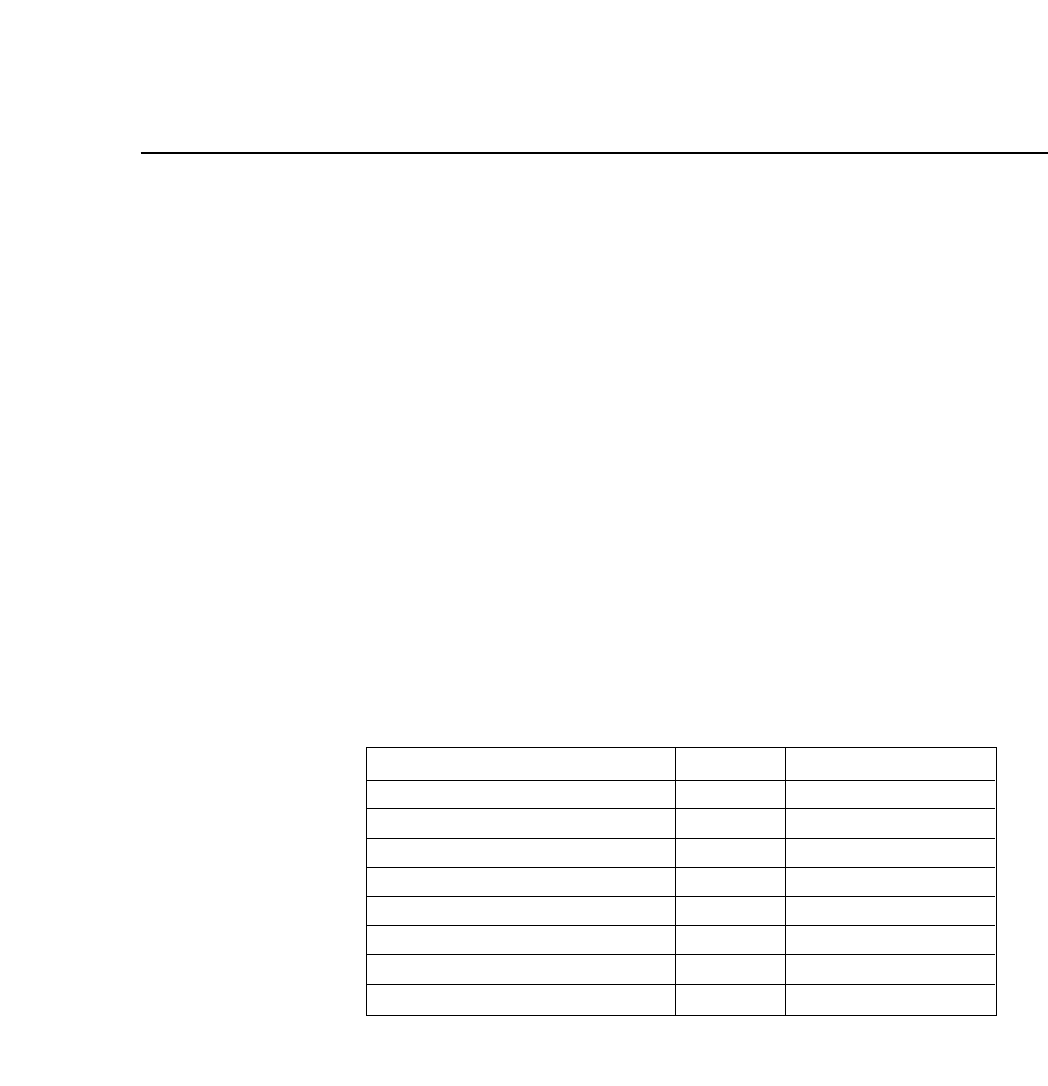
The following table shows errors and stations which requires a
recovery operation as well as the number of the sequence in
which a recovery is to be executed.
Recovery requiring errors
Pickup alarm
Pre-theta alarm
Vision process alarm
Fine-theta alarm
Nozzle up alarm
Nozzle size alarm
Nozzle skip
Nozzle change alarm
Station
ST2
ST3
ST5
ST6
ST9
ST10
ST10
ST12
No. of sequences
3
5
6
8
0
0
0
2
2 – 11Version 5.0
FCP IV-3 Operation