CP43操作手册.pdf.pdf - 第94页
Chapter 2 T wo Camera System Part 2 3. Block Skip A single board can be divided into many smaller boar ds or blocks. This is called a multi-block board. On multi-block boar ds there may be cases when not all blocks are f…

Chapter 2 Two Camera SystemPart 2
2.2.2 Narrow View Camera
The field of view for the narrow view camera is up to 9 square
millimeters.
This camera can handle parts as small as size 1005.
The narrow view camera takes a small part and magnifies the
picture so that high accuracy placement can be carried out.
The narrow view camera can handle large parts, but since it
computes highly accurate placing coordinates vision processing on
large parts takes a long time.
2.3 Data Necessary to Use the 2 Camera System
To make use of the 2 camera system, the following data must be entered
into Proper and Part data.
2.3.1 Necessary Proper Data
125.Narrow Camera Use
For machines which come equipped with a narrow view camera
this is always set to "Use". It is not necessary for the user to make
this setting.
2.3.2 Necessary Part Data
12.Camera_type Wide Narrow
When using the wide camera for vision processing, set this entry in
vision data to "Wide;" and when using the narrow camera set it to
"Narrow."
2 – 25Version 2.0
FCP IV-3 Operation

Chapter 2 Two Camera SystemPart 2
3. Block Skip
A single board can be divided into many smaller boards or blocks. This is
called a multi-block board. On multi-block boards there may be cases when not
all blocks are free of defects. If there is a defective block on the board, this
block can be skipped by using the block skip function while the remaining
blocks continue to be produced.
How to use this function on the FCP IV-3 is explained in this chapter.
3.1 Block Skip Method
The three methods of setting the block skip function are described below.
• Using the Skip function in N_data of MCS/2H. This is effective for
skipping specific blocks in a large lot. For further information, refer to
the MCS/2H System Operation Manual.
• Using the [SKIP] command function on the machine. This is effective
for skipping specific blocks in a small lot. For further information
refer to Section 3.2.1.
• Using the machine fiducial camera to read block skip marks. This is
good for random block skips. For more information on reading block
skip marks with the fiducial camera, refer to Section 3.2.2 or to the
MCS/2H System Operation Manual.
3.2 Setting Block Skip
The block skip can be set at the operation panel on the machine. It can
also be set by programming a block skip mark on the appropriate part of
the board, which the camera will read to determine whether a block will
be skipped. Some simple examples are described below.
3.2.1 Using Machine Commands
(1) Using the MCS/2H Skip function in N_data, create a multi-
block program and transmit it to the FCP IV-3.
(2) Using the FCP IV-3 [PROGRAM] command (or with MCS/2H)
select the program transmitted in step (1) above.
(3) Press the [PROGRAM], [SKIP] and [BLOCK] command
function keys.
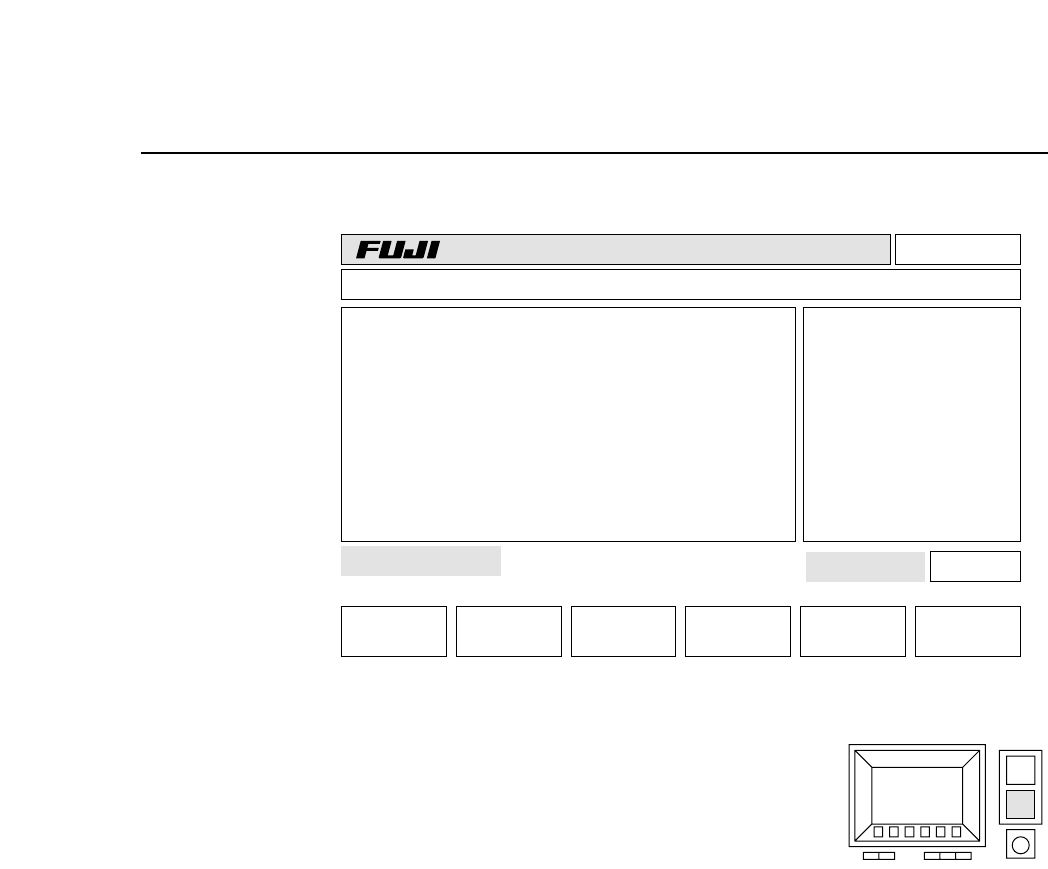
The display will change to the one shown on the next page. In
this display block 5 has been set to be skipped.
2 – 26Version 2.0
FCP IV-3 Operation
Chapter 3 Block SkipPart 2
(4) Enter the block number you want to skip
using the numerical keypad (see figure at
right).
Press the number to be set as the block
number and then press the carriage return [CR] to enter the
value.
The display will change accordingly. If 3 is entered “B 3P
(green)” will change to “B 3S (yellow).”
Enter the block skip number one more time to cancel the block
skip flag.
(5) A block skip displayed in red indicates that the block has been
set at the MCS 30 and cannot be changed on the FCP IV-3.
(6) If the user presses the [RETURN] command function key after
all the block skips have been set, the previous screen will
display.
B 1P (green): Placing will be carried out on Block 1.
B 2S (yellow): Block 2 will be skipped. This skip was set at
the machine.
B 3S (red): Block 3 will be skipped. This skip was set in
the MCS/2H program and cannot be cancelled
at the machine.
v1.10
Off line
+ PAGE - PAGE
Block No.:
RETURN
B 1P
B 2P
B 3P
B 4P
B 5S
CP_4 PROGRAM Prod 00000 Sche 00000 BLOCK SKIP
Page 441
3A053C053C00
000000050000
jog X Y C
2 – 27Version 2.0
FCP IV-3 Operation