DEUKYX-193-4110_G5S2_VOL4.pdf - 第159页
DEUKYX 2-19 193-41 10 2.2 Management-Informationsliste Code Anzeigebereich A Anzeigebereich B 070101 Data matching Backup Jig to support vacuum of [Pattern program/PCB positioning/PCB positioning sequence] is set [Enable…
DEUKYX
2-18193-4110
2.2 Management-Informationsliste
Code Anzeigebereich A Anzeigebereich B
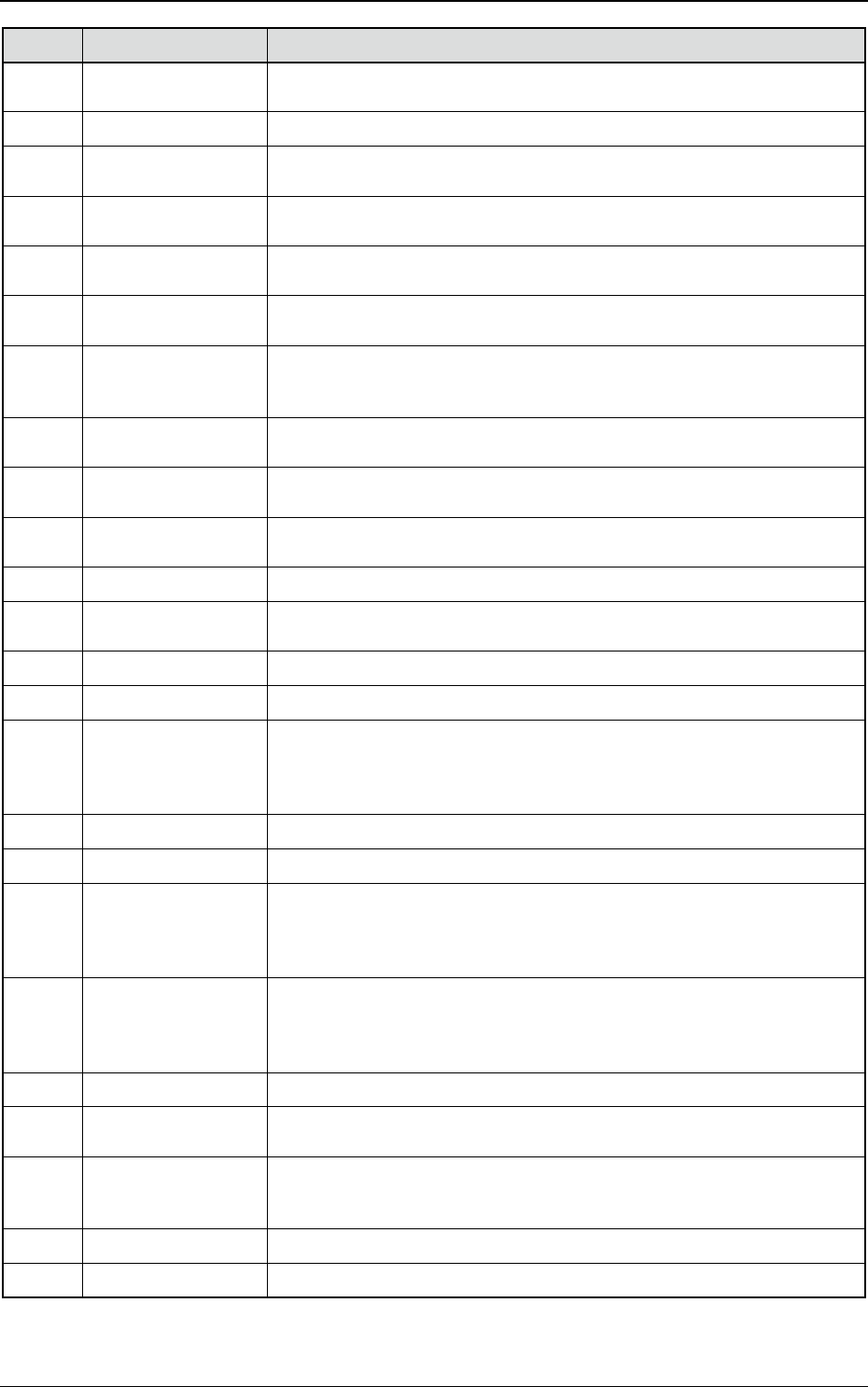
050711 Convert Width Setup
Emergency Stop Switch of Shuttle Conveyor in Output side is pressed. Please
cancel it.
050712 Convert Width Setup The safety cover of Shuttle Conveyor in Output side is open. Please close it.
050713 Convert Width Setup
Deceleration Sensor of Shuttle Conveyor in Output side is detected. Please
remove PCB there is a possibility that it is inserted.
050714 Convert Width Setup
Stop Sensor of Output Conveyor is detected. Please remove PCB there is a
possibility that it is inserted.
050715 Convert Width Setup
Stop Sensor of Output Conveyor in Lane A is detected. Please remove PCB
there is a possibility that it is inserted.
050716 Convert Width Setup
Stop Sensor of Output Conveyor in Lane B is detected. Please remove PCB
there is a possibility that it is inserted.
050717 Convert Width Setup
Set Value of Delivery Position of Device System/Output Machine PCB is not in
the Movable Range. Please set the value 467 mm and less whose value is the
sum with Y size of PCB.
050718 Convert Width Setup
Please set [SMEMA] Mode for Device System/Output Machine Output. And,
Please conrm that Inp/Outp Machine Signal is set as [Enable].
050801
Warning about
Maintenance
It is time to perform the feeder maintenance.
60101
Feeder communication
Error
Can not communicate with Feeder. Please conrm that selected Feeder is put
in.
60201 Feeder type Error Library and Feeder are inconsistent.
60301
Feeder preparation
Error
Please drop Feeder base once. Then, rise it again.
60401 Feeder No. Error Cannot Pick-up The Feeder. Please select another one.
60501 Nozzle Check Nozzle is placed. Please Store it, and then retry to execute.
60601 Cart Check
Safety cover was not locked by following reasons. 1. Feeder Cart position
[S151F,S151B] 2. Safety circuit (Safety Relay [K3,K4], Safe cover lock
[S131,S132], Emergency stop [S105F,S105B], Magnetic contractor
[K33A,K33B], Relay [K11], Cable condition)
60602 Cart Check Cart (Block1) is not at upper position. Please put it up.
60603 Cart Check Cart (Block2) is not at upper position. Please put it up.
60604 Cart Check
Cannot operate it because Cart (Block1) is not at upper position or its
connector is off.
( It is dangerous to put the hand into a space between the Cart and the Safety
Cover.)
60605 Cart Check
Cannot operate it because Cart (Block2) is not at upper position or its
connector is off.
(It is dangerous to put the hand into a space between the Cart and the Safety
Cover.)
60606 Cart Check Please operate it after shutting the feeder area cover (Blocks 1 and 2).
60701
Error in Carrier
supplying Cmpnt
It is impossible to pick-up this cmpnt from specied Feeder. Please change the
Placement mode as [By Hand].
60702
Error in Carrier
supplying Cmpnt
Feeder location in equipment is not in agreement with a current pattern
program.
Please check feeder location in a FEEDER LOCATION screen.
60801 Cutter Please close and lock the safety cover, and then operate it (Block1).
60802 Cutter Please close and lock the safety cover, and then operate it (Block2).
DEUKYX
2-19193-4110
2.2 Management-Informationsliste
Code Anzeigebereich A Anzeigebereich B
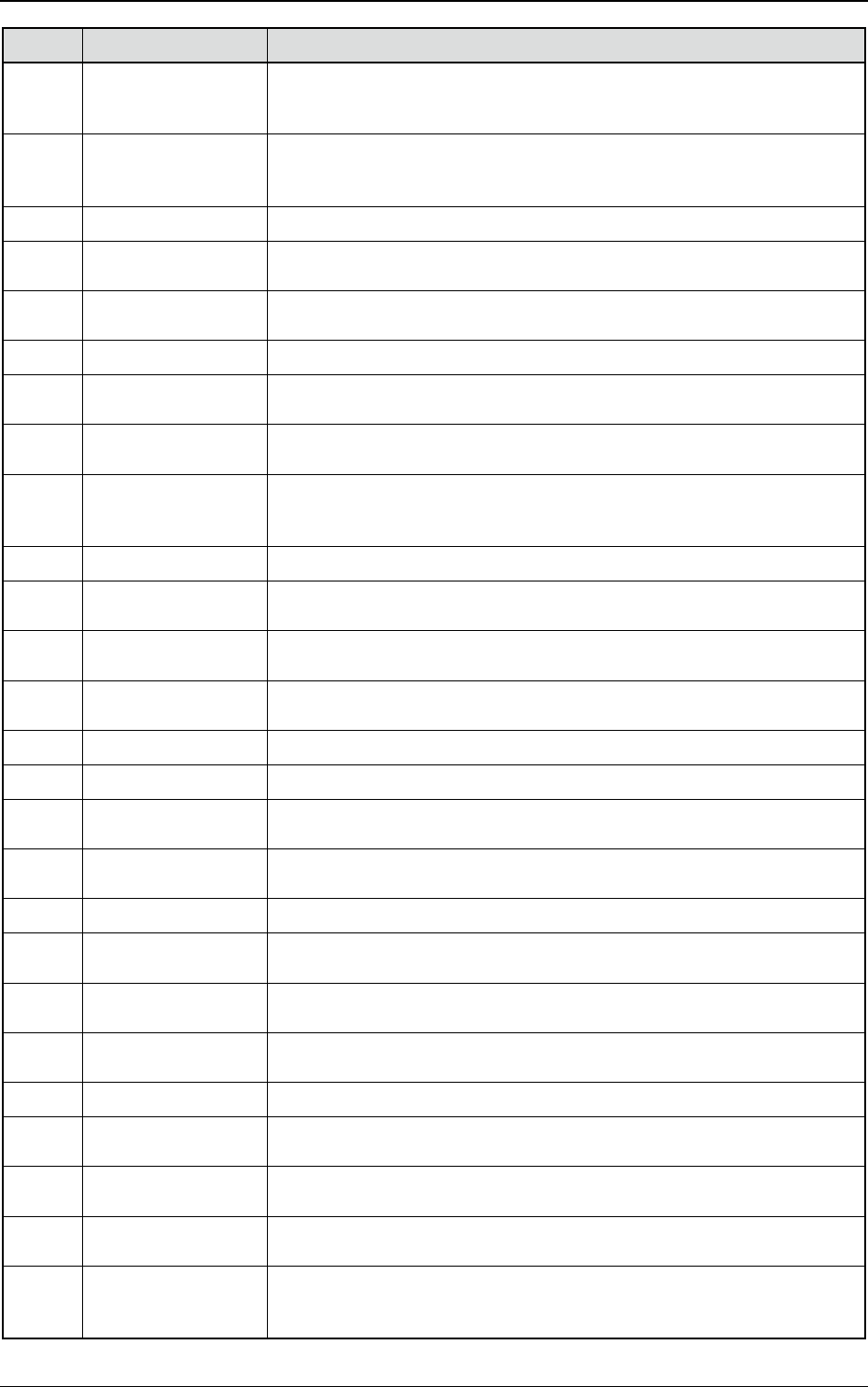
070101 Data matching
Backup Jig to support vacuum of [Pattern program/PCB positioning/PCB
positioning sequence] is set [Enable]. Please set Pattern program [Disable]. Or,
set up Jig and select [Jig] on the unit replace screen.
070102 Data matching
Backup Jig to support vacuum of [Pattern program/PCB positioning/PCB
positioning sequence] is set [Disable]. Please set Pattern program [Enable]. Or,
take off Jig and select [None] on the unit replace screen.
070103 Data matching Input machine differs from Crnt. PP. Please match the Crnt. PP.
070104 Data matching
Failed to consistency check of input machine. Please checking LAN
connection.
070105 Data matching
Output machine differs from Crnt. PP. Please match the Crnt. PP of the Output
machine. Please set P.C.B. counter of the Output machine.
0d0a01 Nozzle position Nozzle is fallen. Please perform the all zeroing.
0d0b01
Conrmation of press
missing Cmpnt
Open the safety cover, then check the cmpnt on PCB. Please remove or x it.
0d0b02
Conrmation of press
missing Cmpnt
Open the safety cover, then check the cmpnt on PCB. Please remove it.
0d0c01
Pickup miss comp,
Disengaged Latch
Check
Please open the safety door and conrm whether pickup miss comp is dropped
or no disengaged Latch is exist. If the comp is dropped, there is a possibility of
interference with Head. A detection state can be checked on a control screen.
0d0d01 Conrm bending Noz Open the safety door, and then conrm whether Noz placed in head is bent.
0d0e01
Zeroing of Cutter is not
completed
Perform All zeroing
0d0f01 Height Teaching
Cmpnt is picked-up, or there is a nozzle which has turned on the Valve (Head1).
Please remove the cmpnt, and turn off the Valve.
0d0f02 Height Teaching
Cmpnt is picked-up, or there is a nozzle which has turned on the Valve (Head2).
Please remove the cmpnt, and turn off the Valve.
0d0f03 Height Teaching Tray’s Pallet is not pulled out (Block1). Please pull it out.
0d0f04 Height Teaching Tray’s Pallet is not pulled out (Block2). Please pull it out.
0d0f05 Height Teaching
Cannot teach Stocker Master height of the third and forth line for Stocker 2 of
One side Machine.
0d0f06 Height Teaching
There is no place for Glass Jig in the Head, so that could not teach the height
of Glass Jig.
0d1001 Stop Command Interlock is detected. Please retry to execute after removing the factor.
0d1101
Flux dispensing unit
squeegee error detect
Please put down squeegee not to separate from ux dispensing unit.
0d1201
Flux dispensing unit
motor warning detect
Please take out/in ux dispensing and then restart to run.
0d1301
Uninstalled Flux
dispensing unit
Please set ux dispensing unit to use in pattern program data.
0d1401 Head type error Please restart it after setting the head type properly.
0d1501 Keep large nozzle
Please remove the large nozzle on the head1 by hand. Please retry to operate
it after editing nozzle arrangement data
0d1502 Keep large nozzle
Please remove the large nozzle on the head2 by hand. Please retry to operate
it after editing nozzle arrangement data
0d1601
Large nozzle
interference
The large nozzle is set positioning in the interfering position. Please set
positioning in the not interfering position, or perform all zeroing.
0d1602
Large nozzle
interference
Operation is impossible because large nozzles are placed in 2 axes adjacent
to the head1. Please take off one of them by hand, and then edit the nozzle
arrangement data.
DEUKYX
2-20193-4110
2.2 Management-Informationsliste
Code Anzeigebereich A Anzeigebereich B
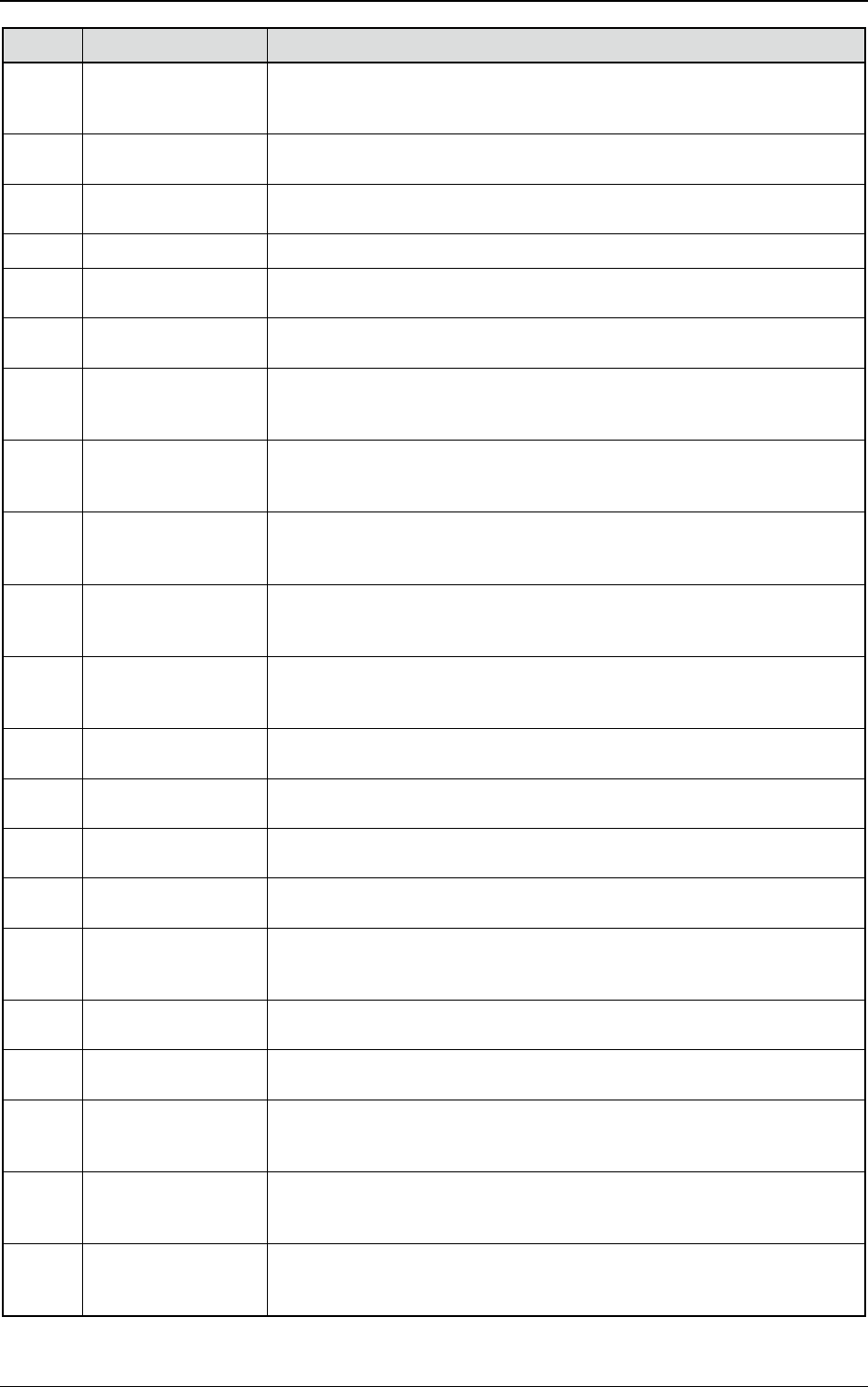
0d1603
Large nozzle
interference
Operation is impossible because large nozzles are placed in 2 axes adjacent
to the head2. Please take off one of them by hand, and then edit the nozzle
arrangement data.
0d1604
Large nozzle
interference
It cannot run because a large nozzle runs to the interfering position.
0d1701
Non-applied function of
the long board
The function is not applied to PCB which is longer than 610 mm.
0d1801 Transfer conrmation The machine has not stopped.
0d1901 Bowl Feeder
Bowl feeder cart (Block1) has not been set. Please check a type of the cart.
And, Please check the setting for unit exchange screen.
0d1902 Bowl Feeder
Bowl feeder cart (Block2) has not been set. Please check a type of cart. And,
Please check the setting for unit exchange screen.
0d2001
Non-applied function of
backup jig support to
vacuum
The function is not available if backup jig to support vacuum is applied.
0d2101
Independent /
alternation production
mode
The alternation production mode cannot run during an independent production
mode run. Please start again after stopping a machine.
0d2102
Independent /
alternation production
mode
By the state of the PCB in the machine, I do not come in a startup. Please start
again after I remove a PCB, or stopping it.
0d2201 Selection at any time
Please push the abandonment button of the control screen and specify the
place where parts are abandoned. (head1) The parts which have set up “at-
any-time selection” or “after-interlock recovery” are adsorbed states.
0d2202 Selection at any time
Please push the abandonment button of the control screen and specify the
place where parts are abandoned. (head2) The parts which have set up “at-
any-time selection” or “after-interlock recovery” are adsorbed states.
0d2301
Conveyor safety sensor
detection
The conveyor safety sensor (input side) is detected.
0d2302
Conveyor safety sensor
detection
The conveyor safety sensor (output side) is detected.
0d2401
Feeder safety sensor
detection (Block1)
The feeder safety sensor (Block1) is detected.
0d2402
Feeder safety sensor
detection (Block2)
The feeder safety sensor (Block2) is detected.
0d3001
PCB position
restoration check
Please open a safety door and return PCB to the specied position of recovery
guidance. If operations are resumed without returning PCB to the specied
position, it may discharge by un-mounting.
0d3101
Component storage
box without emission
(Block1) Component storage boxes are not detected. Please install component
storage boxes.
0d3102
Component storage
box without emission
(Block2) Component storage boxes are not detected. Please install component
storage boxes.
0d3201
Feeder Base Up/Down
Operation Restrictions
(Block1)
In order to make a feeder base go up and down, please remove the stock stick
unit on a base.
0d3202
Feeder Base Up/Down
Operation Restrictions
(Block1)
Please check that the stock stick unit is not carried on a feeder base, and
perform UP/DOWN operation of a base again.
0d3203
Feeder Base Up/Down
Operation Restrictions
(Block1)
Please set “a feeder connection check / feeder serial communication” of test
operation as “Disable” for a unit check.