Vakuum Tooling AMKOR X4 OS Applikation.pdf - 第51页
Installation instructions Vacuum Tooling AM KOR (00188501-01) SIPLACE X4 / OS Application 03/2006 Edition 51 2.9 Deliverables – V acuum tooling activation circuit with va cuum suction device for placement area 1 – V acuu…
Installation instructions Vacuum Tooling AMKOR (00188501-01) SIPLACE X4 / OS Application
03/2006 Edition
50
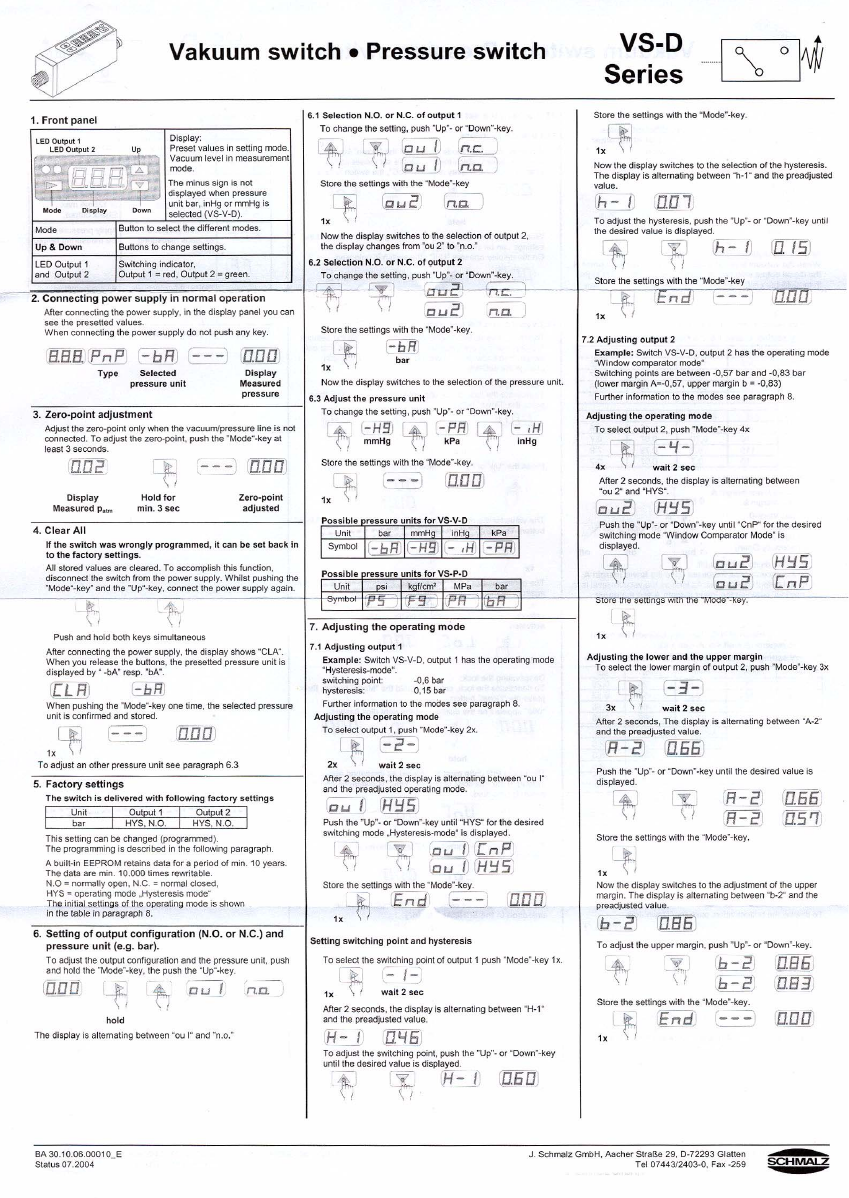
Programming the sensor: 2
2
Installation instructions Vacuum Tooling AMKOR (00188501-01) SIPLACE X4 / OS Application
03/2006 Edition
51
2.9 Deliverables
– Vacuum tooling activation circuit with vacuum suction device for placement area 1
– Vacuum tooling activation circuit with vacuum suction device for placement area 2
– Vacuum plate for customer board
– Maintenance unit with mounting plate
– Modified cover for conversion board
– Retrofit instructions
Special design Vacuum Tooling AMKOR (00188501-01) (item no.: 00195043-01).
2.10 Possible error messages and troubleshooting
2
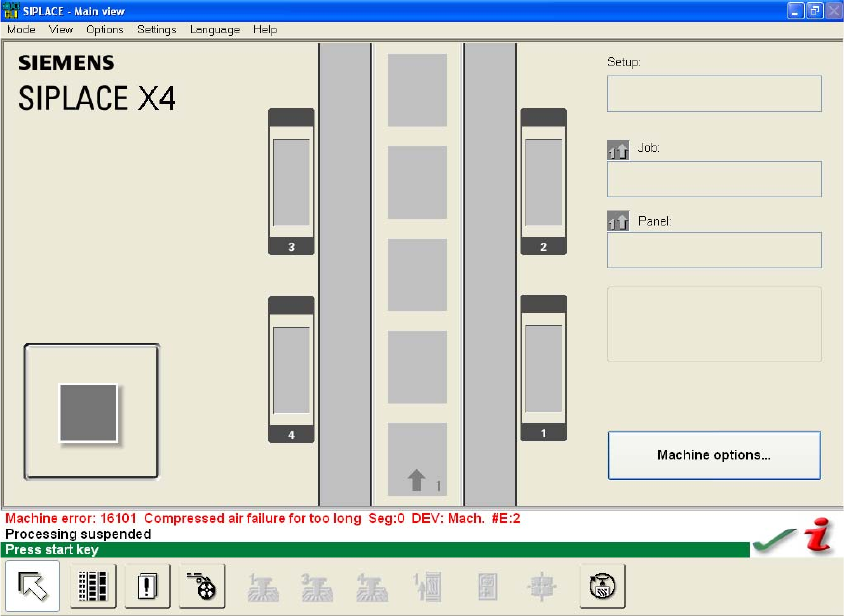
Fig. 2.10 - 1 Error message for lack of compressed air
Troubleshooting 2
– Check the compressed air connections
– Check the set pressure on the maintenance unit.
Installation instructions Vacuum Tooling AMKOR (00188501-01) SIPLACE X4 / OS Application
03/2006 Edition
52
2
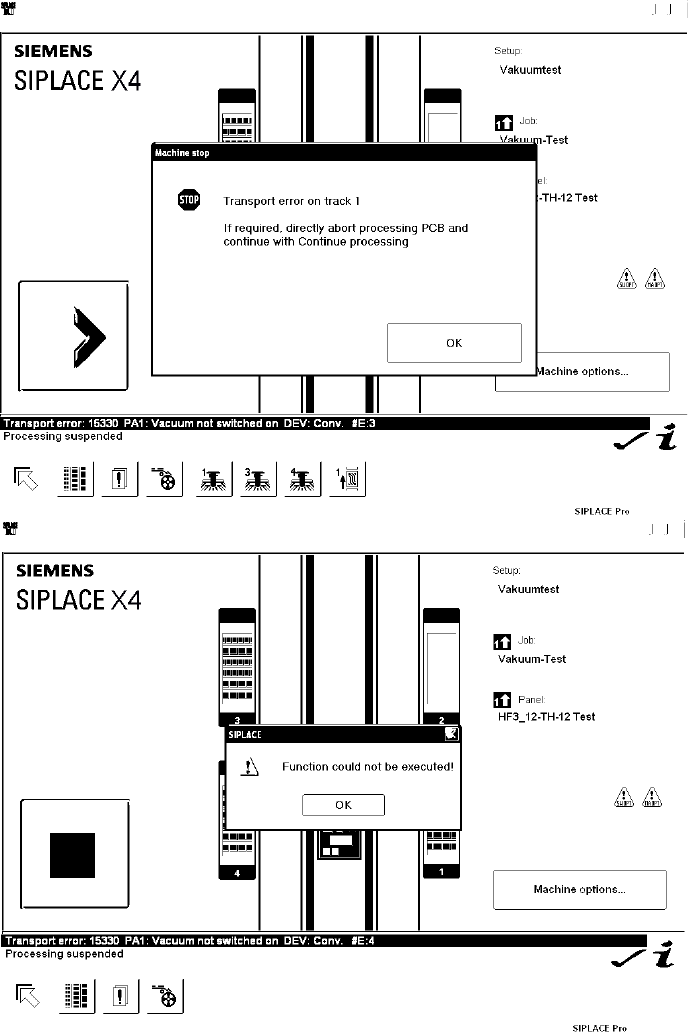
Fig. 2.10 - 2 Vacuum built up in placement area 1 is too low
Troubleshooting 2
– Check whether all the vacuum holes are covered (the as-delivered setting allows placement
with just one vacuum hole open)
– Check whether there are any components or dirt on the vacuum plate.