00192156-04.pdf - 第88页
Maintenance Maintenance Instr uctions F 11 Maintain the s leeves 03/2003 US E dition 88 1 1 Maint ain the sleeves 11
Maintenance Instructions F Maintenance
03/2003 US Edition 10 Annual maintenance work
87
a Loosen the 2 screws on the cover plate over the conveyor area and remove the cover.
s Loosen the 4 screws on acrylic glass cover and remove the cover.
10
10
d Fill both grease nipples with grease from the grease gun.
10
10
: Reverse the above sequence to fit the WPC.
: Dock the WPC into the machine once more.
10
: Repeat these tasks at every WPC on the line.
10
: Close the protective covers for the placement machines.
10
10
10
10
10
10
10
10
10
10
10
10
10
10
10
10
Maintenance Maintenance Instructions F
11 Maintain the sleeves 03/2003 US Edition
88
11 Maintain the sleeves
11

Maintenance Instructions F Maintenance
03/2003 US Edition 11 Maintain the sleeves
89
11
You will need the following tools and consumables for maintaining the sleeves. 11
– Laboratory gloves
– Metal drill bit, 1.1 mm
– Metal drill bit, 1.4 mm
– Lint-free cloths
– Lint-free cottonwool buds
– Ethyl alcohol
– Unisilkon L250L (article no.00310259-01)
– O-ring 6x1 Viton 60, if necessary (article no. 00323535-02).
11
11
Do not hold the sleeves or nozzles in your bare hands. Wear laboratory gloves when carrying out
any maintenance work on the sleeve.
11
Always return the sleeves to the containers provided. 11
11
a Check that the switching ring can be moved easily in the sleeve and springs back.
If it does not spring back, send the sleeve to Siemens Dematic for repair.
11
11
Remember to turn the drill bit as you push it into the vacuum holes, Otherwise you will push the
dirt further into the sleeve.
11
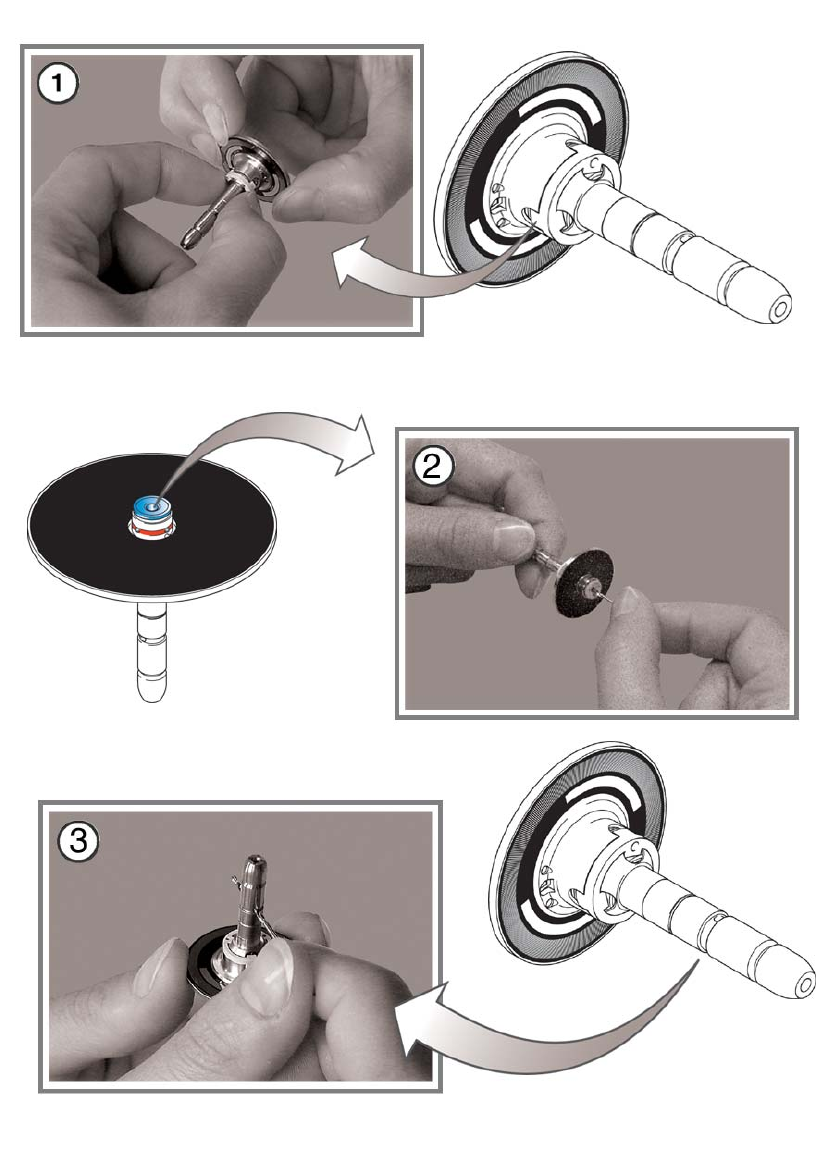
s Remove any dirt from the long vacuum hole by turning a 1.4 mm metal drill bit clockwise in the
hole.
Turning the bit will remove the dirt from the hole.
d Remove any dirt from the transverse vacuum hole by turning a 1.1 mm metal drill bit clockwise
in the hole.
11