182049 Viking Installation Manual.pdf - 第63页
semi automatic MACHIN E PER FORMAN CE MACHI N E CAPAB ILITY Chapter Issue 1 Oct 01 Instal lation Manual 7.1 CHAPTER 7 MACHINE P ERFORMANCE MACHINE CAP ABILITY Load the product file named 265te st1 from the hard disk and …

semi automatic
POWER UP SEQUENCE
MACHINE POWER UP SEQUENCE
6.10 Installation Manual Chapter Issue 1 Oct 02
21. At the Menu Bar select Incr. or Decr. to increase or decrease the Contact
Position set height by 0.5mm (eg 5.0mm or 6.0mm). Select Exit.
NOTE
Normally the contact position is between the range of 4mm - 8mm (nomi-
nally 6mm).
22. In the Module Diagnostics Page select Drive System to Contact Height.
Select Run Diagnost.
23. Check if contact height is correct, (as detailed in NOTE above). If adjust-
ment is still required repeat Steps 19 to 22 varying the set position until
correct height is achieved.
24. On completion of contact height set up select Home ProFlow on Module
Diagnostics Page. Select Run Diagnost.
25. Remove shim.
semi automatic
MACHINE PERFORMANCE
MACHINE CAPABILITY
Chapter Issue 1 Oct 01 Installation Manual 7.1
CHAPTER 7 MACHINE PERFORMANCE
MACHINE CAPABILITY
Load the product file named 265test1 from the hard disk and with a DEK
alignment board loaded ensure that the following parameters are correct:
• Screen - Calibration/Dry Align
• Squeegee - Length to suit board /ProFlow - Empty Transfer Head
• Front & Rear Print Speed - 25mm/sec (squeegees) / 70mm/sec (ProFlow)
• Front & Rear Pressure - 5kg (squeegees) / 3kg (ProFlow)
• ProFlow Paste Pressure - 2.2 bar
• Separation Speed - 1mm/sec.
• Under Board Clearance - 20mm
• Paste Dispense - 0
• Under Screen Rate - 0
• SPC Data Output Rate - Every Cycle
• SPC Data Mode - Disk
• SPC Format - Windows
• SPC Align Inspect Mode - Post Print
Use nine magnetic tooling pins to fully support the board, apply small amount
of paste or suitable lubricant (enough to lubricate squeegees). Using SPC
Mode, record >100 full machine cycles and setup QC-Cal program as follows:
1. Open Explorer from the Windows Start button. If squeegees are fitted
ensure the filter files sqy1.qcf and sqy2.qcf are present in the directory
structure C:\Prolink\QcCalc\Filters.
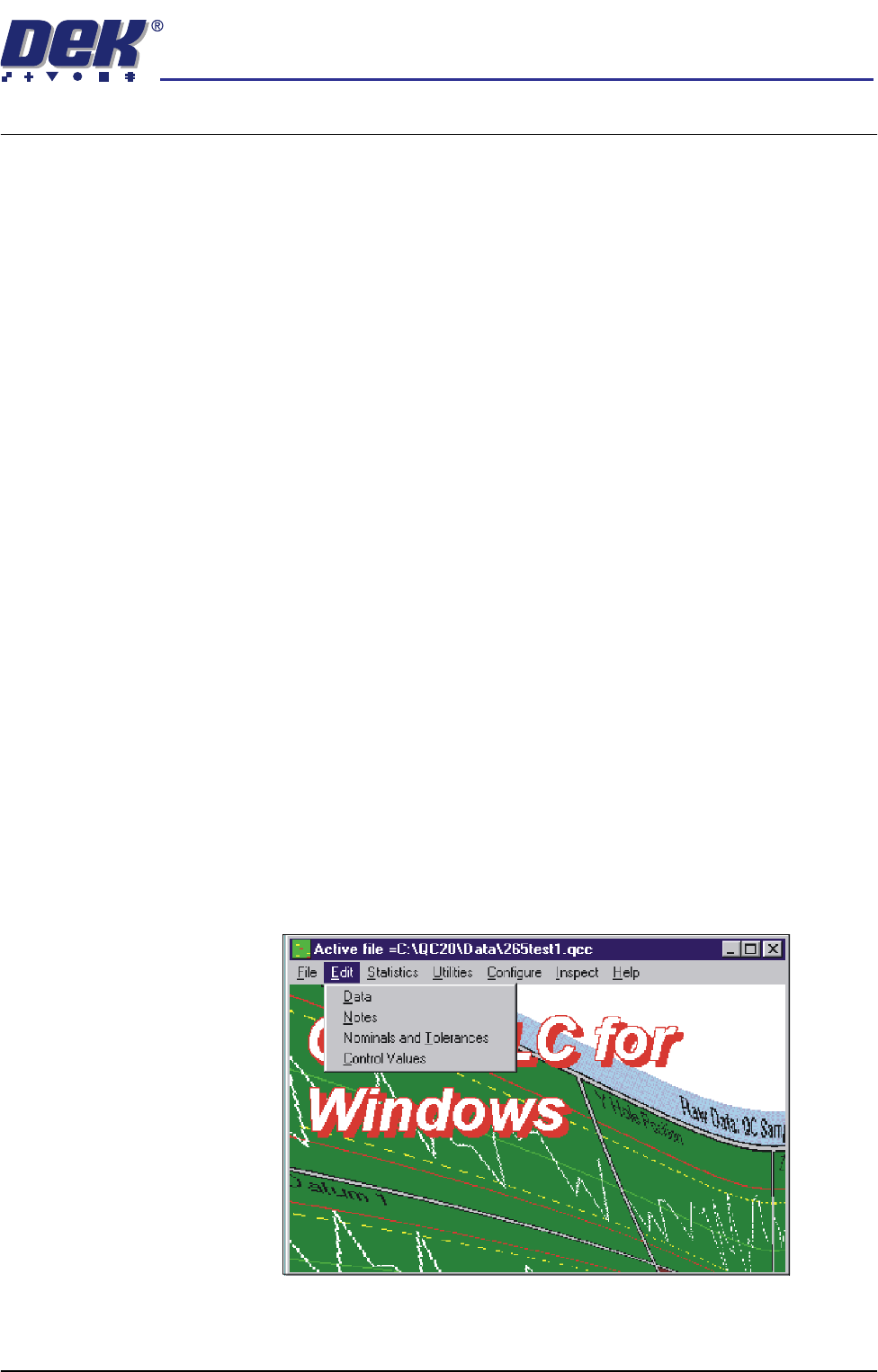
2. Start the QC-Cal program.
3. Select Edit, Data.
semi automatic
MACHINE PERFORMANCE
MACHINE CAPABILITY
7.2 Installation Manual Chapter Issue 1 Oct 01
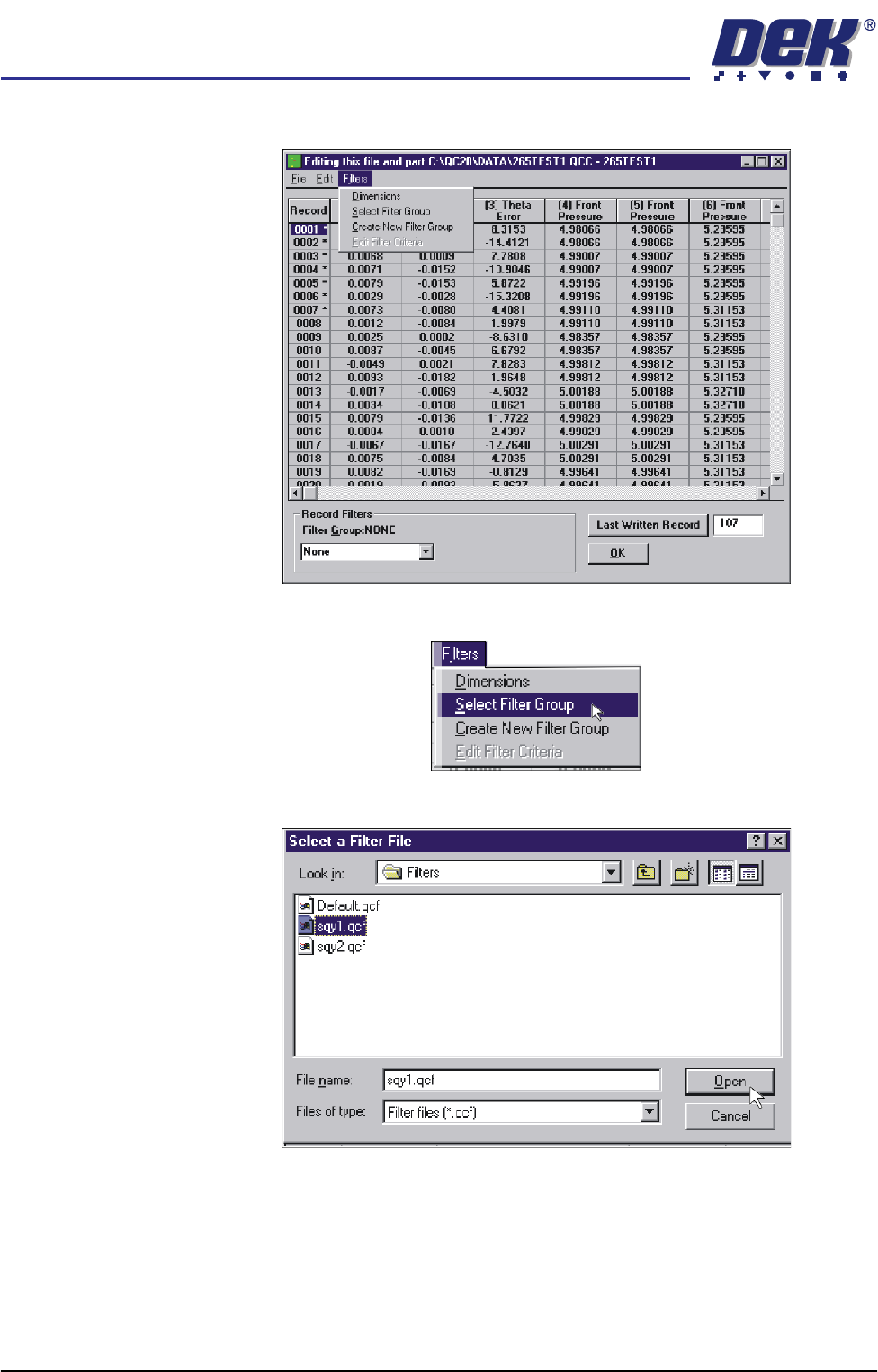
4. Select Filters.
5. Select Select Filter Group.
6. Highlight sqy1.qcf file and select Open.