YS12调整.pdf - 第2页
Service Engineer Service I nformati on SI080 4004 E-000 = YS12 , YG12: Procedure for adjustmen t after installa tion of the mach ine 2/60 7.4. Check the res ult of the measur ement .......................................…

Service Engineer
Service Information
SI0804004E-000 = YS12, YG12: Procedure for adjustment after installation of the machine
1/60
MACHINE TYPE : YS12 / YG12
SOFTWARE VERSION : V3.04R0.024
CLASSIFICATION : Installation / Maintenance / TIPS
REFERENCE : “Procedures for installing a machine_YS12/YG12”,
“YS12, YG12 Installation Check sheet”
YS12, YG12: Procedure for adjustment after installation
of the machine
This document describes the procedure of the mounting adjustment (including preparation for the
adjustment) after installation of the machine.
Please refer to another document “SI0804002E=Procedures for installing a machine_YS12/YG12”
for the workflow up to machine installation.
Also please perform adjustment using “YS12, YG12 Installation check sheet “.
Warning:
This document is for people who have completed the maintenance training. The misuse of this
document may cause a serious problem. Please make sure to use this under the instruction of the
person who has completed the training or a YAMAHA serviceman.
YAMAHA is not responsible for any problems caused by the misuse of this document. Please use
it on your own responsibility.
1. Before replacement ....................................................................................................................... 3
2. Required tools for adjustment ....................................................................................................... 3
2.1. Tools for “Brightness adjustment” .......................................................................................... 3
2.2. Glass board for adjustment .................................................................................................... 3
2.3. Component for mounting adjustment ..................................................................................... 4
2.4. Tools used for multi camera adjustment (Option) .................................................................. 4
2.5. Other required tools................................................................................................................5
3. The flow of the adjustment ............................................................................................................ 6
4. Adjustments (Preparation for the mounting adjustment)...............................................................8
4.1. System data backup ...............................................................................................................8
4.2. Dual drive offset adjustmet for the Y-axis............................................................................... 8
4.3. How to check the paralellism and the width of the conveyor..................................................9
4.4.How to adjust the PCB height................................................................................................11
4.5. How to adjust the “brightness” of each camera.................................................................... 14
4.6. Orthogonalization level ......................................................................................................... 24
4.7. How to adjust the “Fiducial camera relative position”(Option).............................................. 27
5. How to check the mounting accuracy (with ACP) ....................................................................... 29
5.1. Preparation for the ACP adjustment..................................................................................... 29
5.2. The workflow of the ACP adjustment ................................................................................... 34
6. If “AMF index” falls below 1.0.when performing accuracy check by ACP ...................................38
6.1. The workflow when “AMF Index” falls below 1.000 ..............................................................38
6.2. Check the “VgChart”.............................................................................................................39
6.3 How to analyze the “VgChart”................................................................................................ 40
7. Accuracy adjustment of the multi camera (Option) ..................................................................... 43
7.1. The flow of the accuracy check and adjustment of the multi camera...................................43
7.2. ACP accuracy check of the multi camera (1005 ceramic chip)............................................ 43
7.3. FAMF adjustment of the multi camera (Glass QFP 68 pin) .................................................44
No: SI0804004E-000
ISSUED DATE: April 23, 2008

Service Engineer
Service Information
SI0804004E-000 = YS12, YG12: Procedure for adjustment after installation of the machine
2/60
7.4. Check the result of the measurement .................................................................................. 51
8. Items to be adjusted relating to the mounting accuracy of the machine ..................................... 54
8.1.How to perform scale adjustment of the fiducial camera ......................................................54
8.2.How to perform scale adjustment of the scan camera .......................................................... 54
8.3. Positioning of the Scan Camera (Main camera)................................................................... 55
8.4. How to adjust “Head Offset XY” ........................................................................................... 55
8.5. How to adjust “Head Offset Z”.............................................................................................. 56
8.6. Scale adjustment of the multi camera (Option) .................................................................... 56
8.7. Positioning of the Multi Camera............................................................................................ 57
8.8. Check the machine reference .............................................................................................. 57
9. Items to be checked after accuracy adjustment..........................................................................58
9.1.Check if the board is transferred properly from the upstream machine to the downstream
machine ....................................................................................................................................... 58
9.2.Check the pickup position of the feeder ................................................................................ 58
9.3. Check the operation of the blow station ............................................................................... 59
9.4. Check the “PCB origin”.........................................................................................................59
9.5. Check the operation of the “Nozzle change” function (Option)............................................. 59
9.6. Check the operation of the feeder exchange carriage (Option) ...........................................59
10.Change the settings back to the customer’s setting and confirm the setting ............................. 60
11.Data backup ............................................................................................................................... 60
Service Engineer
Service Information
SI0804004E-000 = YS12, YG12: Procedure for adjustment after installation of the machine
3/60
1. Before replacement
Please make sure to check the following for safety before performing the adjustment.
1) All the fixing brackets are removed from the axes, and no removed brackets are left in the
machine.
2) The levels are not left in the machine.
3) The machine signal tower and the harness of the signal tower are properly secured.
4) There are no tools or foreign objects left in the machine, and also no interference exists
between the axes, head and other parts.
5) The primary power source of the machine is properly connected.
6) The primary air is properly supplied, there is no air leak and the air pressure is normal.
2. Required tools for adjustment
2.1. Tools for “Brightness adjustment”
<For the fiducial cameras and the multi cameras>
Part No. Part Name Size Feature
KM1-M8806-0XX
LIGHT ADJUSTER
35mm
square
Dark and light gray + white
KM1-M8806-1XX
LIGHT ADJUSTER 1
35mm
square
Dark and light gray + white,
With a Φ3 hole
KGT-M8806-0XX
LIGHT ADJUSTER S
17mm
square
Light gray and white
KHW-M8806-XXX
LIGHT ADJ.*(1,S, 3,4)
ASSY
35mm
square
Dark and light gray + white,
With one chamfered corner
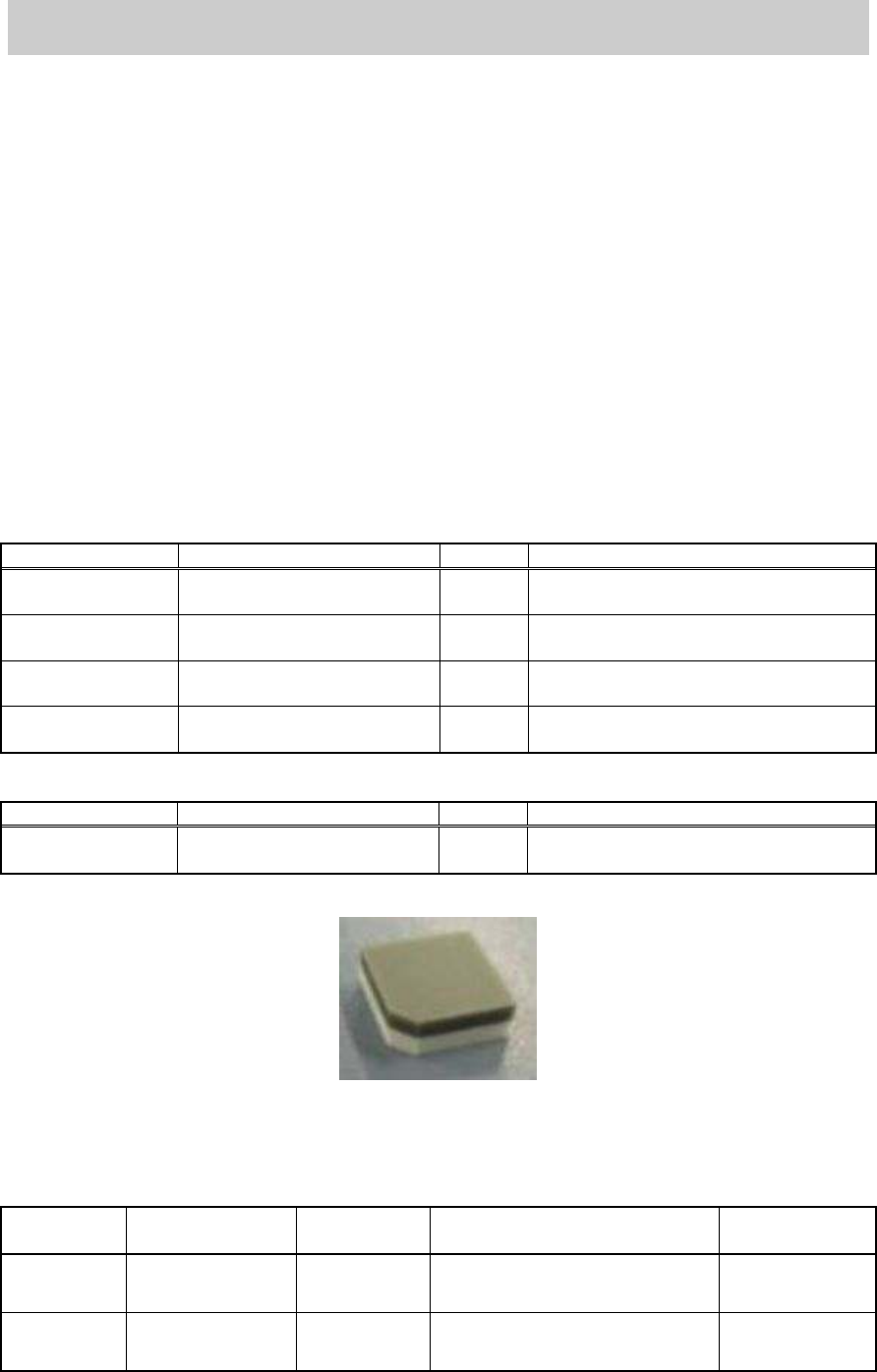
<For the scan cameras>
Part No. Part Name Size Feature
KHW-M8806-D0X
LIGHT ADJ.4 ASSY
11mm
square
Light gray and white
Table 1
Figure 1
2.2. Glass board for adjustment
(If the ACP board cannot be prepared, use the AMF board)
Board type
Part Number Part Name Board data
Double-faced
tape to be used
ACP
Glass board
KM0-M8810-400
GLASS PCB
ASSY.4
ACP_1005_10HEAD_FL.ygx 20mm width
AMF
Glass board
KM0-M8810-100
GLASS PCB
ASSY.1
ACP_1005_10HEAD_OLD.ygx
35mm width
Table 2