1008179_HCF73307B300G150_EN.pdf - 第2页
Accessories Tip…
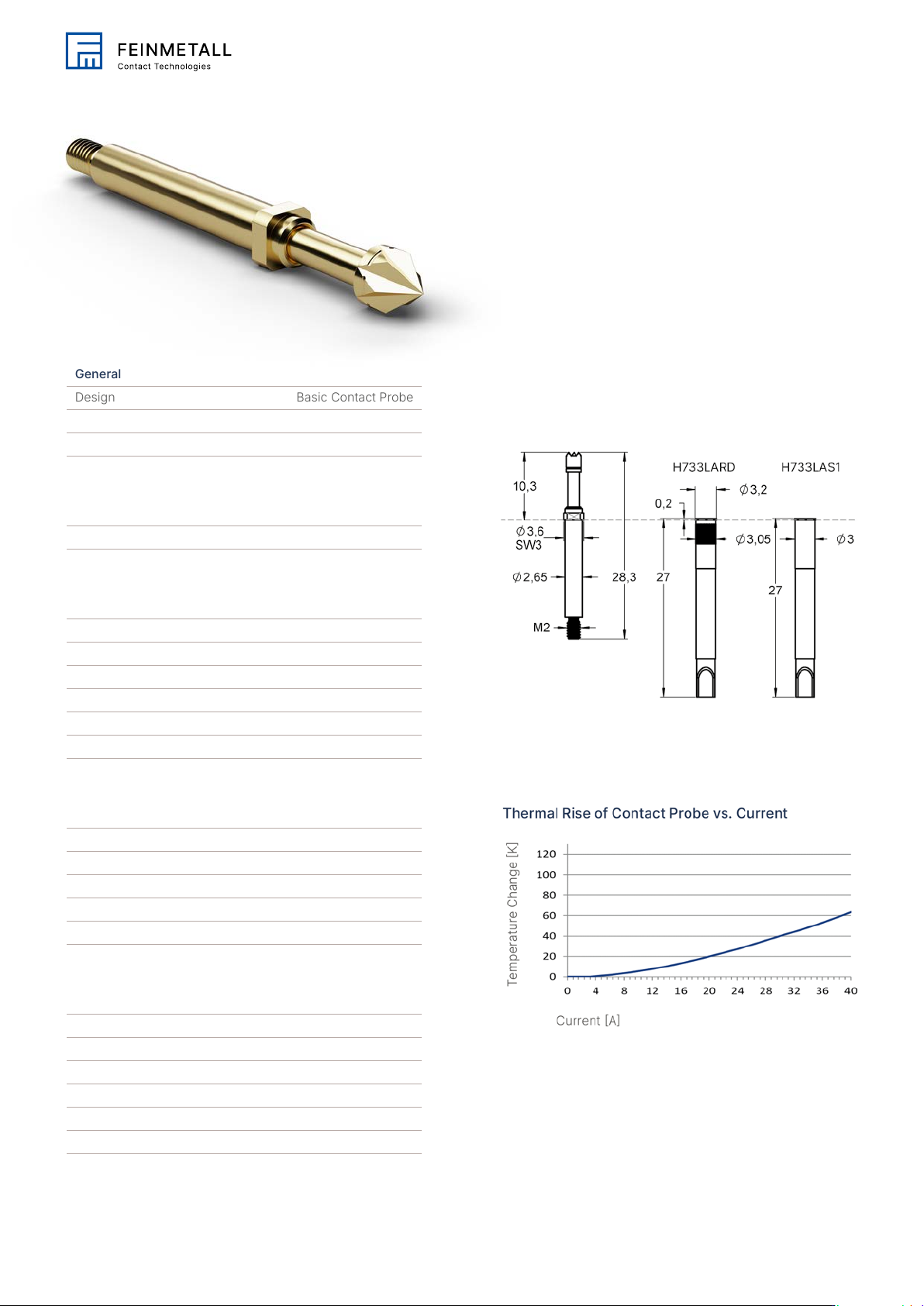
General
Design Basic Contact Probe
Family HCF733
Pitch [mm/mil] 4.00 / 157
Electrical specifications
Typical contact resistance [mOhm] 8.00
Mechanical specifications
Preload [cN] 60.00
Spring force [cN] 150.00
Nominal travel [mm] 4.00
Maximum travel [mm] 5.00
Pointing accuracy +/- [mm] 0.10
Tool size [mm] 3.0
Dimensions
Projection height [mm] 10.30
Tip style diameter [mm] 3.00
Collar diameter [mm] 3.60
Press ring diameter [mm] 3.60
Materials & surfaces
Tip style 07
Plunger material Beryllium copper
Plunger plating Gold
Barrel material Brass
Barrel plating Gold
Spring material High-grade steel
Spring plating Uncoated
High Current Probes
HCF73307B300G150
Order code 1008179
Family drawing
This is an Adobe® Illustrator® File that was
saved without PDF Content.
To Place or open this le in other
applications, it should be re-saved from
Adobe Illustrator with the "Create PDF
Compatible File" option turned on. This
option is in the Illustrator Native Format
Options dialog box, which appears when
saving an Adobe Illustrator le using the
Save As command.
This is an Adobe® Illustrator® File that was
saved without PDF Content.
To Place or open this le in other
applications, it should be re-saved from
Adobe Illustrator with the "Create PDF
Compatible File" option turned on. This
option is in the Illustrator Native Format
Options dialog box, which appears when
saving an Adobe Illustrator le using the
Save As command.
This is an Adobe® Illustrator® File that was
saved without PDF Content.
To Place or open this le in other
applications, it should be re-saved from
Adobe Illustrator with the "Create PDF
Compatible File" option turned on. This
option is in the Illustrator Native Format
Options dialog box, which appears when
saving an Adobe Illustrator le using the
Save As command.
This is an Adobe® Illustrator® File that was
saved without PDF Content.
To Place or open this le in other
applications, it should be re-saved from
Adobe Illustrator with the "Create PDF
Compatible File" option turned on. This
option is in the Illustrator Native Format
Options dialog box, which appears when
saving an Adobe Illustrator le using the
Save As command.
This is an Adobe® Illustrator® File that was
saved without PDF Content.
To Place or open this le in other
applications, it should be re-saved from
Adobe Illustrator with the "Create PDF
Compatible File" option turned on. This
option is in the Illustrator Native Format
Options dialog box, which appears when
saving an Adobe Illustrator le using the
Save As command.
This is an Adobe® Illustrator® File that was
saved without PDF Content.
To Place or open this le in other
applications, it should be re-saved from
Adobe Illustrator with the "Create PDF
Compatible File" option turned on. This
option is in the Illustrator Native Format
Options dialog box, which appears when
saving an Adobe Illustrator le using the
Save As command.
This is an Adobe® Illustrator® File that was
saved without PDF Content.
To Place or open this le in other
applications, it should be re-saved from
Adobe Illustrator with the "Create PDF
Compatible File" option turned on. This
option is in the Illustrator Native Format
Options dialog box, which appears when
saving an Adobe Illustrator le using the
Save As command.
This is an Adobe® Illustrator® File that was
saved without PDF Content.
To Place or open this le in other
applications, it should be re-saved from
Adobe Illustrator with the "Create PDF
Compatible File" option turned on. This
option is in the Illustrator Native Format
Options dialog box, which appears when
saving an Adobe Illustrator le using the
Save As command.
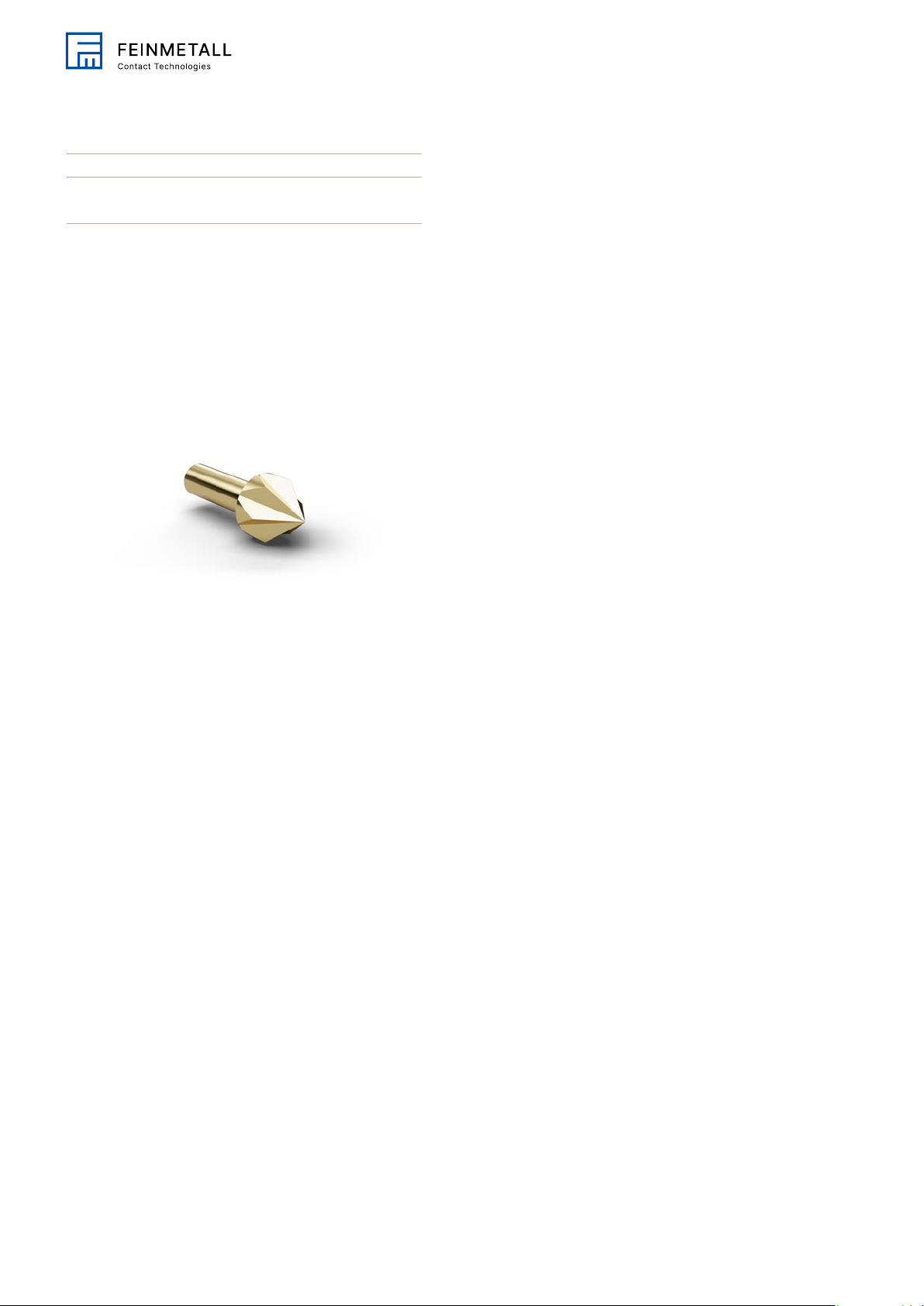
Accessories
Tip style 1