DECAN_F2_ENG.pdf - 第42页
DE CAN F2 O pe rati on H and bo ok 3 -23 Chap ter 3 This chapter describes the production procedure. Pr oduction Adv anced F le xib le P lace r Production > Starting production (Autom atic p roduction ) Production 2. …
DECAN F2 Operation Handbook
3-22
Chapter 3
This chapter describes the production procedure.
Production
Advanced Flexible Placer
Production > Loading the PCB file
Production
Production
1. Loading the PCB file
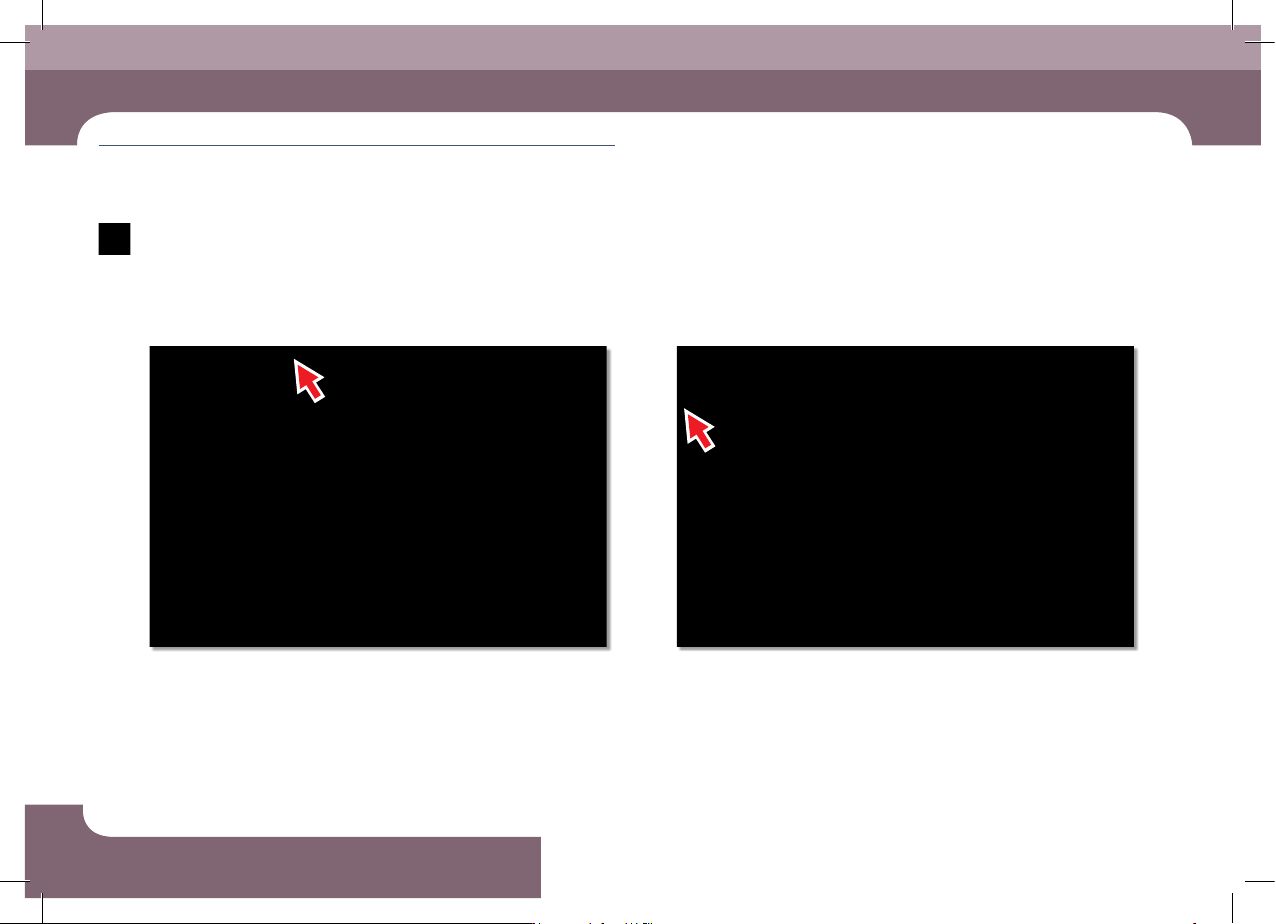
Step 1.
Select the 'Product' menu
ㆍ Displays the 'Product Monitor' screen.
Step 2.
Select the 'Start' submenu (F2)
ㆍ If the 'Start' submenu is selected, the PCB program is downloaded automatically.
Production

DECAN F2 Operation Handbook
3-23
Chapter 3
This chapter describes the production procedure.
Production
Advanced Flexible Placer
Production > Starting production (Automatic production)
Production
2. Starting production (Automatic production)
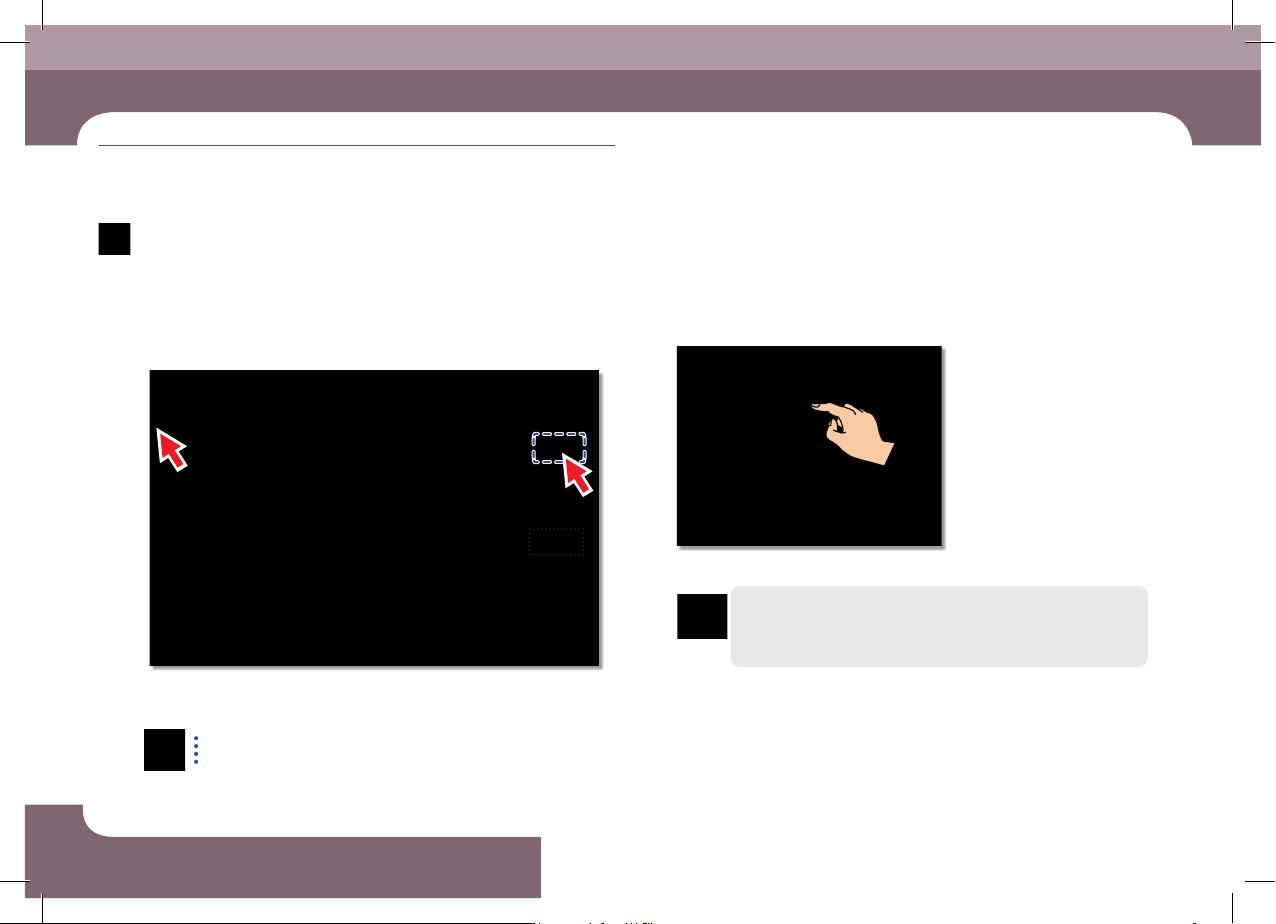
Step 1.
Press 'START' button in the operation pannel
ㆍ Starts production.
Warning
Check if there is a worker around the machine before starting
production.
DECAN F2 Operation Handbook
3-24
Chapter 3
This chapter describes the production procedure.
Production
Advanced Flexible Placer
Production > Starting production (Quantity designated production)
Production
Production
3. Starting production (Quantity designated
production)
Step 1.
Set the production quantity
ㆍ Select the 'Start' submenu after setting the total number of PCBs to be worked in
the <Production plan> edit box
Set the total number of PCBs to be worked in the <Production plan>
edit box. If the value becomes 0, the production is stopped.
Step 2.
Press 'START' button in the operation pannel
ㆍ Starts production.
Warning
Check if there is a worker around the machine before starting
production.