MR8740T_Quick guide_eng_20191016H.pdf - 第2页
在线预览 MR8740T_Quick guide_eng_20191016H.pdf PDF 文档。
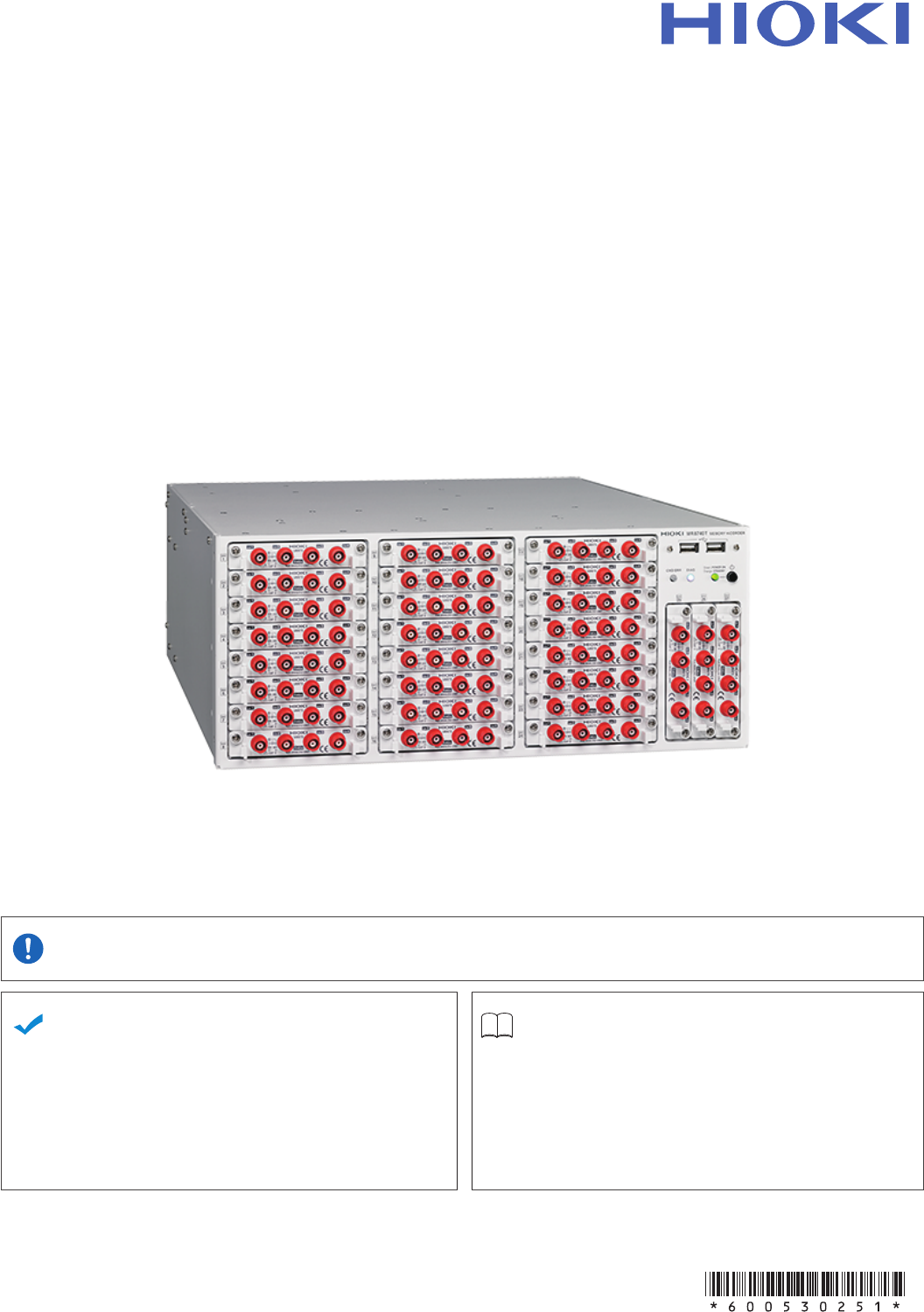
MR8740-50
MR8740T
Quick Start Manual
MEMORY HiCORDER
EN
June 2019 Revised edition 1
MR8740C963-01 19-06H
Be sure to read this manual before
using the instrument.
Safety Information
p. 6
When using the instrument
for the rst time.
Troubleshooting
Name and Function of
Each Part
p. 22
Maintenence and Service
p. 143
Troubleshooting
p. 145
Measurement Method
p. 67
Message
p. 148

FAQs
To set the measurement range automatically
Refer to “3.7 Measuring Signals With the Auto-range Setting” (p. 78).
To change the measurement range
Refer to “Analog channel” (p. 71).
To add a comment to the data
Refer to “Analog channel” (p. 71).
To minimize inuence of noise (Low-pass lter, LPF)
Refer to “Analog channel” (p. 71).
To change the sampling rate
Refer to “3.2 Setting Measurement Conditions” (p. 68).
To congure the trigger settings
Refer to “3.4 Conguring the Level Trigger Settings” (p. 73).
To scroll through the waveform display
Refer to “4.2 Handling Waveforms” (p. 83).
To read measured values (cursor values) with cursors
Refer to “4.1 Reading Measured Values (Trace Cursors)” (p. 81).
To save data les
Refer to “3.6 Saving Data Consisting of Items Selected” (p. 76).
To estimate le size
Refer to “13.1 Information for Reference Purposes” of Instruction Manual.
To open data les with a computer
Refer to “4.3 Loading Data With Your Computer (Wave Viewer)” (p. 84).
MR8740C963-01