00198228-02_IM-MaterialSetupAssistant_DE_EN.pdf - 第54页
Artikel-Nr.: 00198228-02 ASM Assembly Systems GmbH & Co. KG Rupert-Mayer-Strasse 44 81379 München Deutschland www.asm-smt.com
acpage

Artikel-Nr.: 00198228-02 ASM Assembly Systems GmbH & Co. KG
Rupert-Mayer-Strasse 44
81379 München
Deutschland
www.asm-smt.com
Introduction
Overview
SIPLACE Material Setup Assistant 2.2 SIPLACE Material Setup Assistant 2.2 55
1
1 Introduction
Introduction
This installation manual provides instructions for installing and configuring ASM Material Setup Assistant
(MSA) Version 2.2.
The installation manual contains information on the scope of delivery and requirements for successful
installation.
1.1
1.1 Overview
Overview
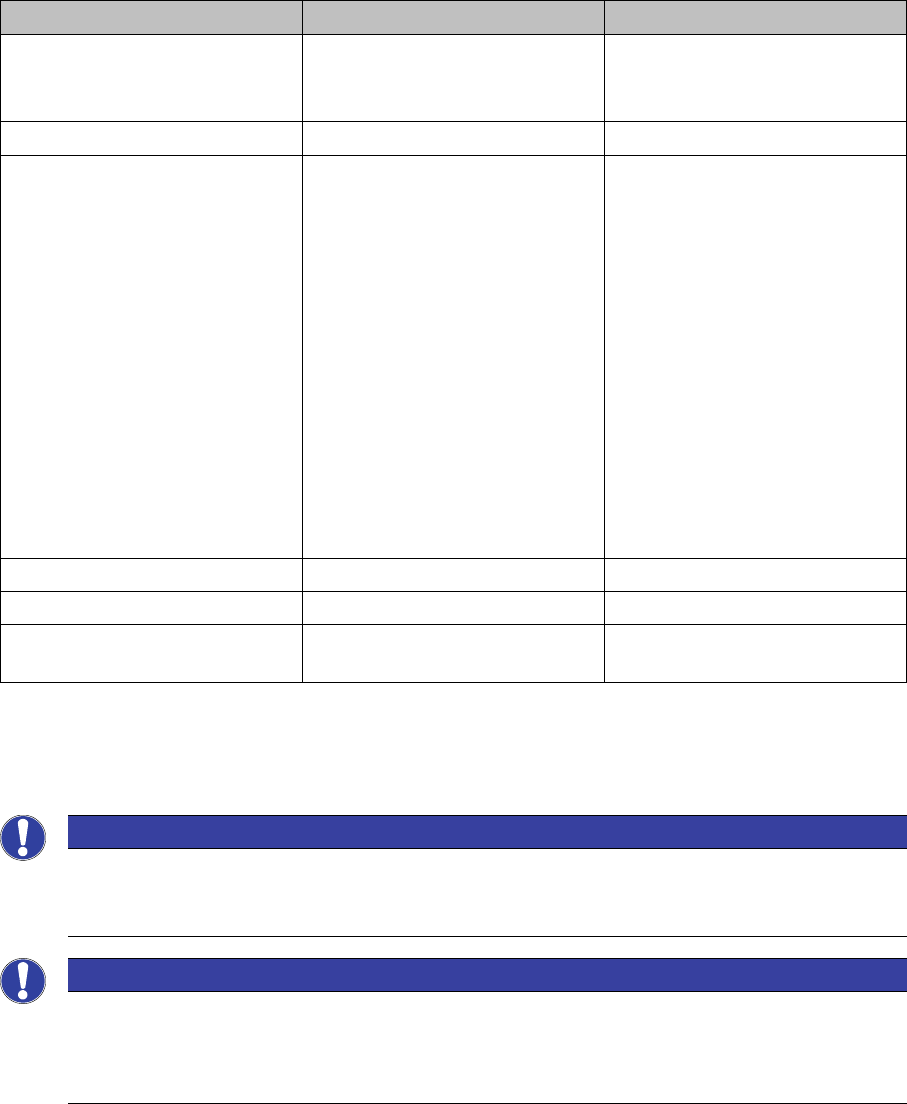
The workflow solution for the ASM Material Setup Assistant (MSA) consists of the following applications
and their components:
This installation manual describes the installation of the Order Manager and the configuration of the sys
-
tems involved.
The following systems must already be correctly installed and functional. For more details about the in
-
stallation procedure, refer to the relevant installation guide.
Application Components Software version
Order Manager ▪ Module: Production Order
Manager
▪ Module: Monitoring
2.2
ASM Setup Center (offline) ▪ View - Setup Preparation 9.0.1
ASM Material Manager ▪ Full version
– Full version of the ASM
Material Manager for
storage management
with ASM Material Man
-
ager
–View - Material Demand
List
Or
▪ ASM Material Manager for
MSA
– Limited version of the
ASM Material Manager
for storage management
with a customer system
2.3
SIPLACE Pro with LCGUI Complete 14.0 or higher
ASM OIB Complete 5.0
ASM Engineering Data Manager
(EDM) - optional
Complete 3.1 or higher
NOTICE
Tearing down all lines and changeover tables before the first commissioning
When introducing ASM Material Setup Assistant, all lines and changeover tables must be torn
down before the first commissioning.
NOTICE
Configuration
To enable ASM Material Setup Assistant to function and communicate with the applications in
-
volved, you need to modify the configuration settings for the applications concerned. See also
Configuration.