SL940-Install-Ops-Maintenance-7210918_B.pdf - 第3页
Text P/N 7210919, Revision B ©2008 NOTICE This is an Asymtek publication whi ch is protected by copyright. Original copyrig ht date 2008. No part of this document may be photocopied, reproduced, or translated to another …
Text P/N 7210919, Revision B ©2008
NOTICE
This is an Asymtek publication which is protected by copyright. Original copyright date 2008. No part
of this document may be photocopied, reproduced, or translated to another language without the
prior written consent of Asymtek. The information contained in this publication is subject to change
without notice.
Manuals on the Internet
For the convenience of Asymtek customers and field service representatives, copies of Asymtek manuals
can be downloaded from:
http://www.asymtek.com/support/manuals.htm
Contact Us
Asymtek welcomes requests for information, comments, and inquiries about its products. Please contact
us using the information below:
Headquarters 2762 Loker Avenue West
Carlsbad, CA 92010-6603
USA
Toll Free: 1-800-ASYMTEK (1-800-279-6835)
Tel: +1-760-431-1919
Fax: +1-760-431-2678
E-mail:
info@asymtek.com
Website:
www.asymtek.com
Technical Support
USA: 1-800-ASYMTEK (1-800-279-6835)
Other regions:
www.asymtek.com/support.htm
Trademarks
Asymtek
®
, Century
®
, Select Coat
®
,
and Easy Coat
®
are registered trademarks of Asymtek.
Microsoft
®
, Windows
®
, and Windows
®
XP are registered trademarks of Microsoft Corporation.
Pentium
®
is a registered trademark of Intel Corporation.
ii
Manual Conventions
Bold Text Dispensing system labels, buttons and switches, and software menu selections
and commands appear in
this text style.
Italicized Text Italicized Text refers to a section in this manual or to another document.
[Bracketed Text] [Bracketed Text] indicates a single key or key combination to press on a
computer keyboard, such as [Enter] or [Alt + Tab].
Text>Text Refers to a series of menu bar commands in Easy Coat for Windows XP (ECXP)
software.
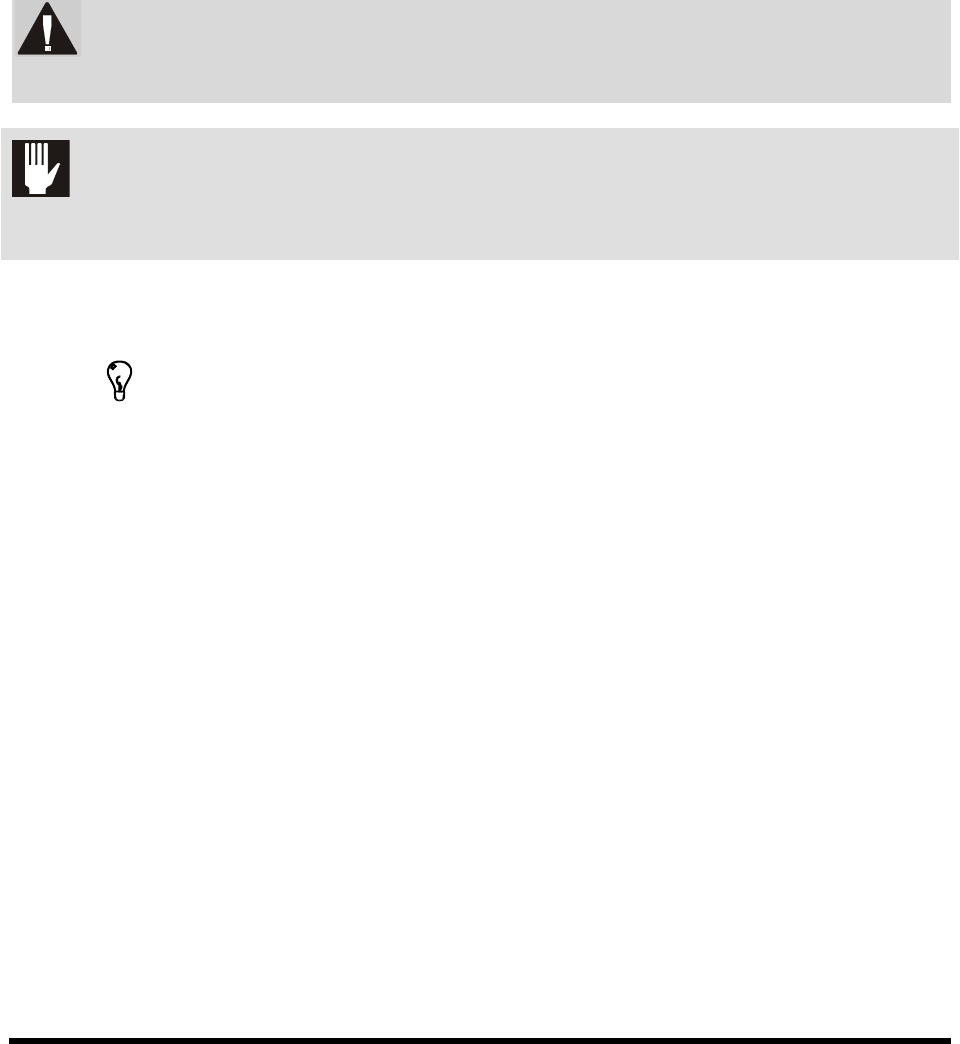
WARNING!
Personnel Safety Warning. This symbol appears in a shaded text block to warn
you about actions that could cause personal injury or death.
CAUTION! Property Damage Caution. This symbol appears in a shaded text block to warn
you about actions that could cause serious damage to the machinery, software,
parts being processed, and facilities.
NOTE
This symbol appears next to helpful information relating to text that precedes it,
or information you must know before proceeding.
TIP
This symbol appears next to a timesaving or technique tip.