JX-350_EPU使用说明书.pdf - 第2页
Impor tant (1) N o part of this document may be copied or reproduced w ithout the prior permission of JUKI Corporation. (Including so ftware and prog ram) (2) The contents of this document are sub ject to change wi thout…
40164257
Rev.02
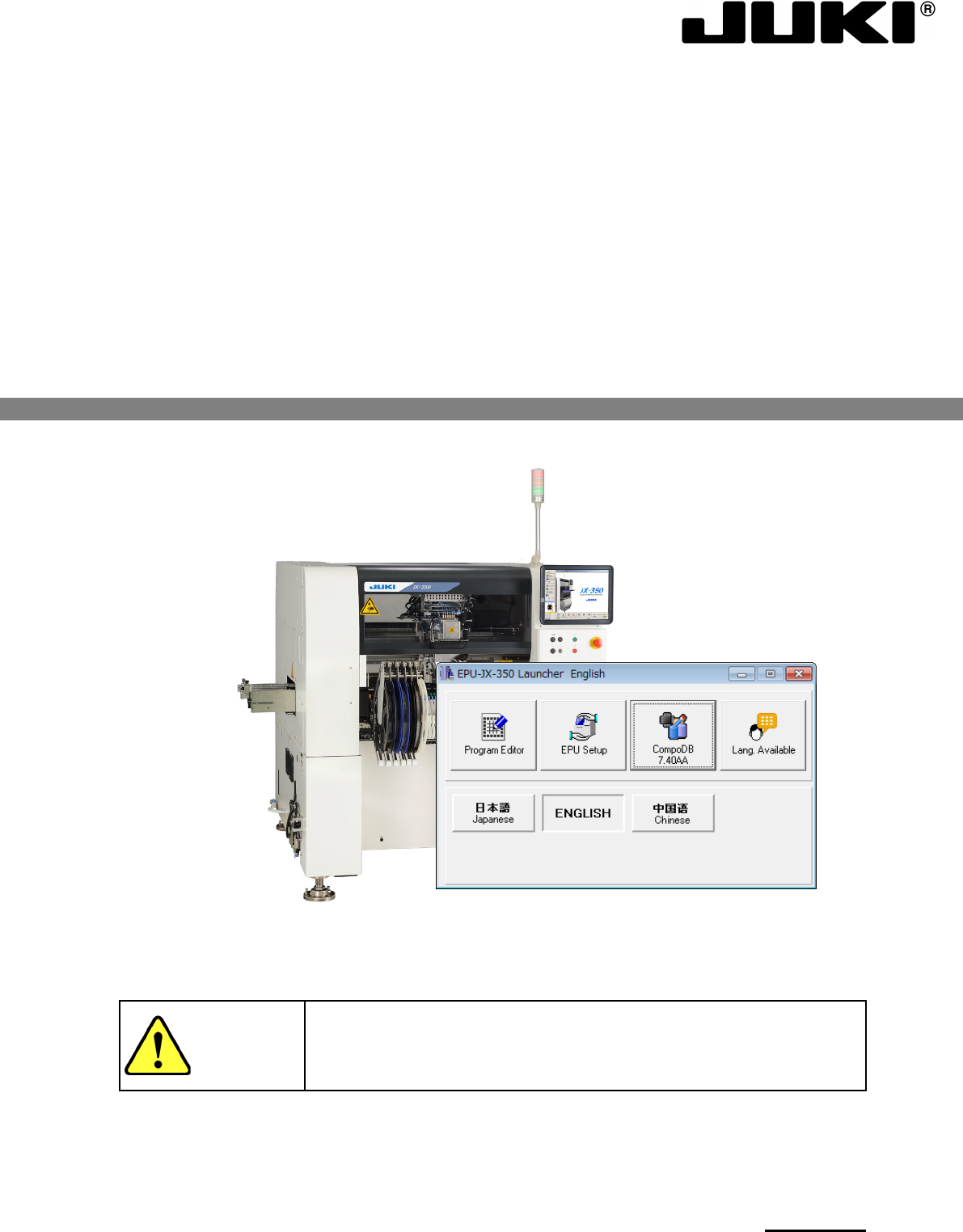
Long Board SMT Placement Machine
JX-350
EPU
INSTRUCTION MANUAL
Thank you for purchasing a product of our company.
CAUTION
In order to ensure safe use of JX-350,
be sure to read this
Manual before using the machine.
After reading this Manual, keep it at a fixed location so that it
will be available at any time.

Important
(1) No part of this document may be copied or reproduced without the prior
permission of JUKI Corporation. (Including software and program)
(2) The contents of this document are subject to change without notice.
(3) This manual is prepared with extreme care. However, if you have any question
or find any error or omission in writing, contact our dealer or JUKI Corporation.
(4) JUKI Corporation shall disclaim all the responsibility for any trouble resulting
from the user's abnormal operation regardless of Item (3).
(5) Microsoft, Windows are registered trademarks or trademarks of Microsoft
Corporation in the United States and /or other countries.
The company names and product names mentioned in this document are
generally registered trademarks or trademarks of the respective companies.

Table of Contents
Chapter 1 Introduction 1-1
1.1 About the EPU ............................................................................................................ 1-1
1.2 System Configuration.................................................................................................. 1-1
1.3 Operating Specifications ............................................................................................. 1-2
1.3.1 Specifications of a personal computer and support unit ......................................... 1-2
1.4 Standard accessories list ............................................................................................ 1-2
Chapter 2 Installation 2-1
2.1 Before install ............................................................................................................... 2-1
2.2 Installing the Software ................................................................................................. 2-7
2.2.1 Starting up the installer .......................................................................................... 2-7
2.3 Before starting the EPU ............................................................................................ 2-12
2.3.1 Attaching an EPU protect module ........................................................................ 2-12
2.3.2 Making other settings (Windows Vista / Windows 7 / Windows10 only) ............... 2-13
2.3.3 Starting Up the EPU Launcher ............................................................................. 2-19
Chapter 3 EPU Setup 3-1
3.1 Overview..................................................................................................................... 3-1
3.2 Start Up....................................................................................................................... 3-1
3.3 Password .................................................................................................................... 3-3
3.3.1 Setting the Password ............................................................................................. 3-3
3.3.2 Entering the password ........................................................................................... 3-4
3.3.3 Changing the password ......................................................................................... 3-4
3.4 Start-Up Screen .......................................................................................................... 3-6
3.4.1 Main window .......................................................................................................... 3-6
3.5 Menu Command List ................................................................................................... 3-7
3.5.1 Menu commands ................................................................................................... 3-7
3.5.2 Toolbar................................................................................................................... 3-7
3.5.3 Guidance ............................................................................................................... 3-7
3.6 EPU Profile ................................................................................................................. 3-8
3.6.1 Specifying a production program folder .................................................................. 3-9
3.6.2 Specifying a database.......................................................................................... 3-10
3.6.3 Setting the unit type ............................................................................................. 3-11
3.7 Setting a Station Profile ............................................................................................. 3-12
3.7.1 Basic settings ...................................................................................................... 3-12
3.7.2 Explanation of buttons ......................................................................................... 3-19
3.8 File............................................................................................................................ 3-21
3.8.1 Save .................................................................................................................... 3-21
3.8.2 Print ..................................................................................................................... 3-21
3.8.3 Exit ...................................................................................................................... 3-22
3.9 Help .......................................................................................................................... 3-22
3.9.1 Help ..................................................................................................................... 3-22
3.9.2 Version information .............................................................................................. 3-22
Chapter 4 Creating a Production Program 4-1
4.1 Creating a Production Program ................................................................................... 4-1
4.1.1 Procedure for creating a production program ......................................................... 4-3
4.1.2 PWB data .............................................................................................................. 4-4
4.1.3 Placement data .................................................................................................... 4-37
4.1.4 Component data .................................................................................................. 4-48
4.1.5 Pick data .............................................................................................................. 4-84
4.1.6 Checking the status of data completion ............................................................... 4-91
4.1.7 Line coherence check .......................................................................................... 4-92