Programming_mail.pdf - 第2页
Programming Manual Manual • For easier understanding, some of the fi gures and photographs included in this manual may be slightly dif ferent from the actual objects depicted. • For improvement and enhancement purposes, t…

[
SJ00DCM01-05.1E
]
Programming Manual
Programming Manual
Manual
• For easier understanding, some of the fi gures and photographs included in this manual may be slightly different from the actual objects depicted.
• For improvement and enhancement purposes, the physical appearance and specifi cations for the product are subject to change without notice.
• All brand names and product names contained in this manual are trademarks or registered trademarks of their respective companies.
• Saki Corporation has copyright of all the contents in this manual. No part of this manual may be reproduced into any form without prior written
consent of Saki Corporation, and be used for improper purposes of the Manual.
©2012 Saki Corporation. All Rights Reserved. Printed in Japan.
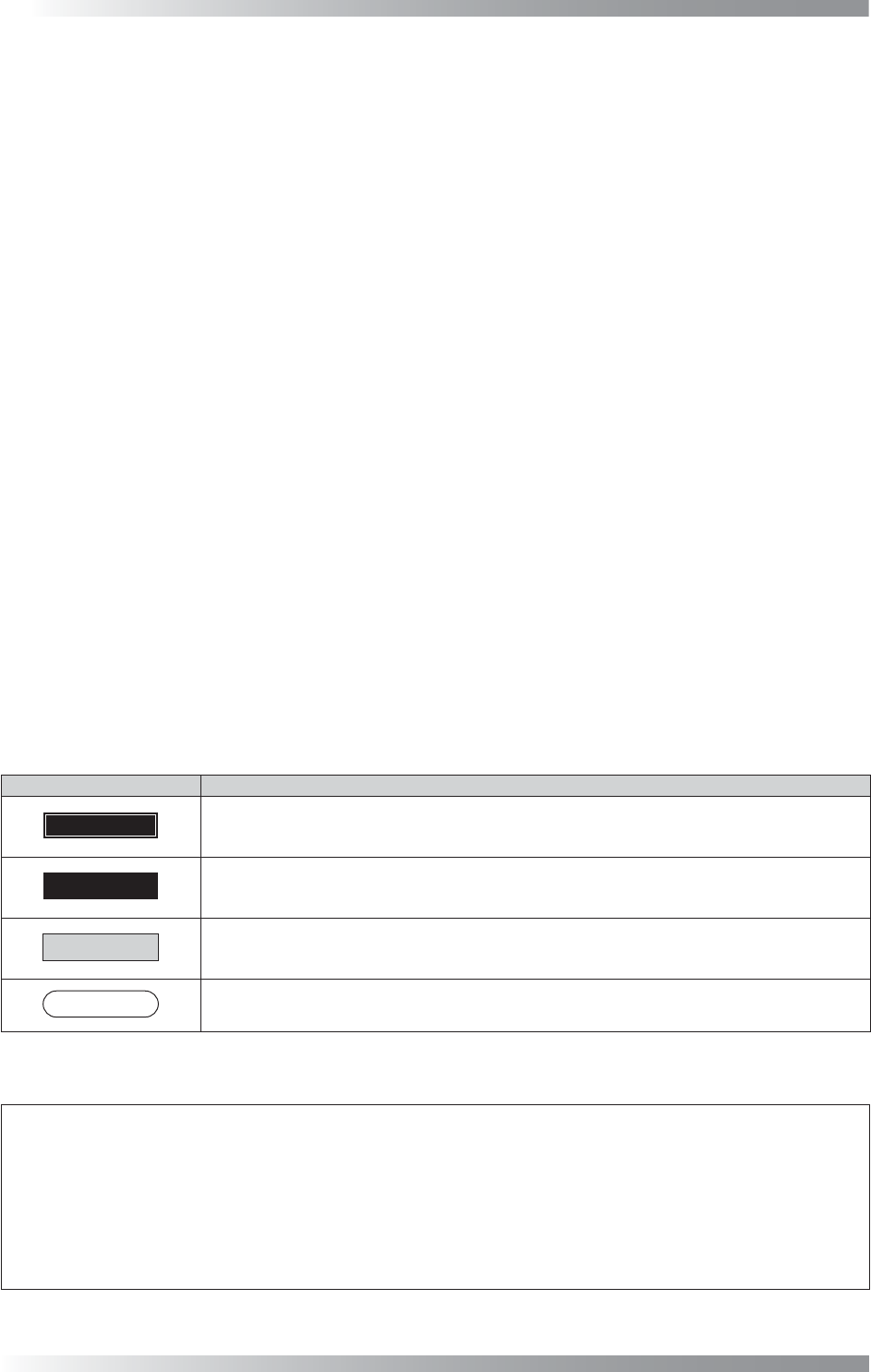
Notations used in this manual
Notation Meaning
DANGER
“DANGER” indicates an imminently hazardous situation which could be threat to life or cause
serious injury.
WARNING
“WARNING” indicates a potentially hazardous situation which could be threat to life or cause
serious injury.
CAUTION
“CAUTION” indicates a potentially hazardous situation which could result in injury or equipment
(including peripheral) damage.
NOTE
“NOTE” indicates an advice on operation.
Saki Corporation Programming Manual (Original Instructions)
Document Disclaimer
First of all, thank you for purchasing the product of Saki Corporation.
Before using the product, please read this manual carefully together with the supplied manuals to
ensure the prolonged life with the proper handling and the operation of this system.

Programming Manual
Manual
Part I
Basic Operation
Table of Contents
1 Basic Operation of Inspection Software .................... I-2
1.1 Basic Operation ...........................................................................I-2
1.1.1 Window Details ...................................................................I-2
1.1.2 S
witching Between Enlarged View Screen and Full View Screen
..I-3
1.1.3 Area Moving in the Enlarged View Screen .........................I-3
1.1.4 Changing the Magnification ................................................I-4
1.1.5 Switching Between the Images ...........................................I-4
1.1.6 Board Setting ......................................................................I-5
1.1.7 Display the Edit Component Data Dialog ............................I-7
1.1.8 Setting the Range .............................................................I-10
1.1.9 Moving Component Data ..................................................I-11
1.1.10 Edit Layout ......................................................................I-12
2 System Setup ............................................................ I-14
2.1 System ......................................................................................I-15
2.1.1 Contents of System ...........................................................I-16
2.1.2 NG Type ............................................................................I-21
2.2 Operation Lamp .........................................................................I-22
2.3 ALC ...........................................................................................I-23
2.4 Motor .........................................................................................I-23
2.5 Marking ......................................................................................I-23
2.5.1 Collective Setting ..............................................................I-23
2.5.2 Setting by Type of Marking ...............................................I-24
2.6 Barcode .....................................................................................I-27
2.7 Privilege Setting ........................................................................I-28
2.7.1 User Accessible Level .......................................................I-28
2.7.2 Registration Method of New User .....................................I-30
2.8 Send_DB Setting .......................................................................I-31
2.9 Three LED Test .........................................................................I-31
2.10 Machine Layout ........................................................................I-31
2.11 Predefi ne Setting ......................................................................I-31
2.12 Self Diagnosis ...........................................................................I-32
2.13 Machine Origin .........................................................................I-32
2.14 DI/O ..........................................................................................I-33
2.15 Focus ........................................................................................I-33
2.16 Show Conveyer ........................................................................I-33
2.17 OK/NG Signals .........................................................................I-34
2.18 IPM8540Adjust .........................................................................I-34
2.19 CPK ..........................................................................................I-34
2.20 Separate Conveyer ...................................................................I-34
2.21 Output Files ..............................................................................I-34
2.22 Warning Setting ........................................................................I-35
2.23 Repeatability .............................................................................I-36