MR8740、MR8741_user_manual_eng_20191016H.pdf - 第2页
在线预览 MR8740、MR8741_user_manual_eng_20191016H.pdf PDF 文档。
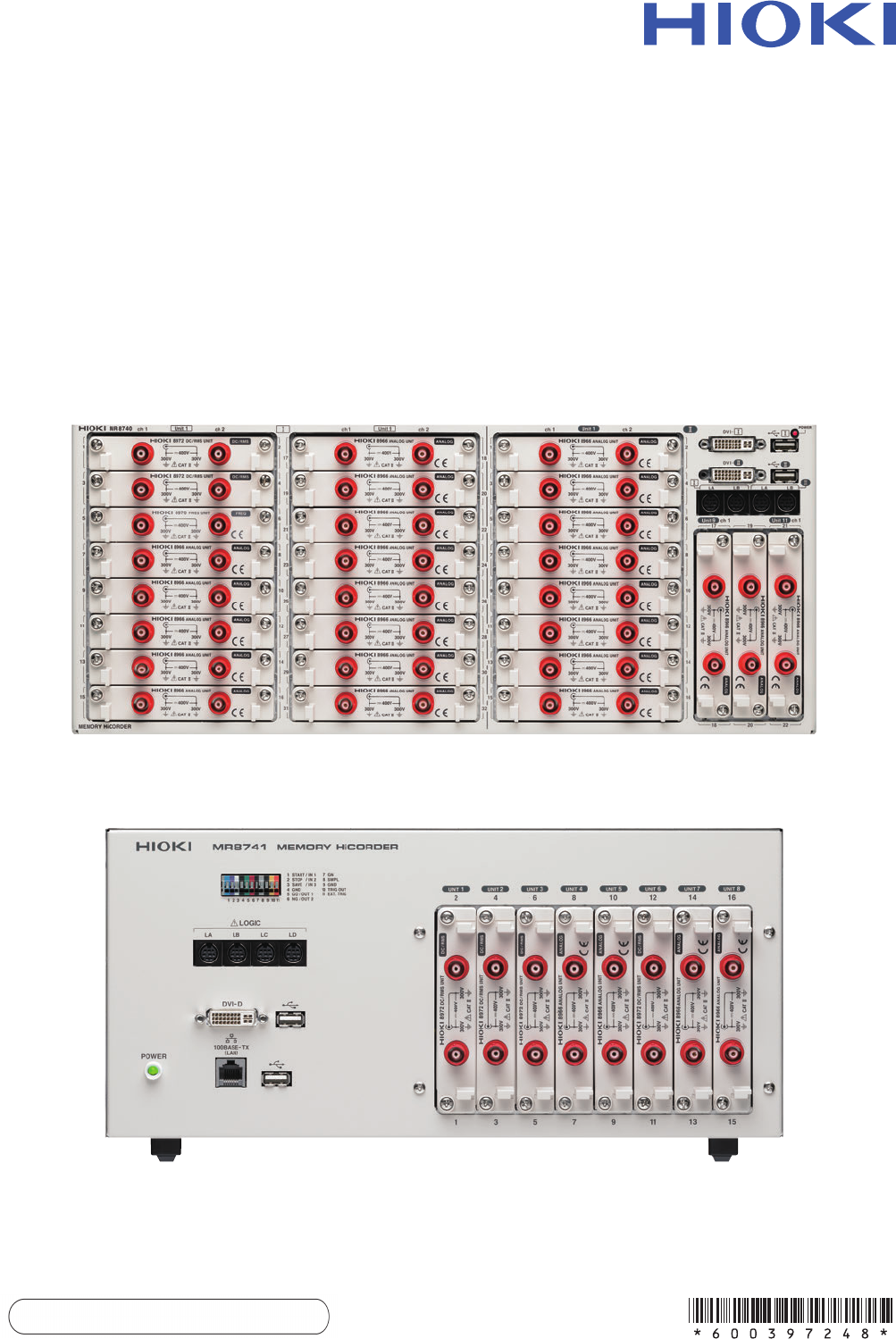
MR8740
MR8741
Instruction Manual
MEMORY HiCORDER
EN
July
2019
Revised
edition
8
MR8740A982-08
19-07H
MR8740MR8741
MEMORY HiCORDER
Instruction Manual
Call
us:400-806-2189

Contents
i
1
ït
ò^
ç€
à¯
2
3
4
5
6
7
8
9
10
11
12
Contents
Usage Index ...............................................................................1
Introduction.................................................................................2
Confirming Package Contents....................................................3
Safety Information ......................................................................4
Operating Precautions................................................................8
Chapter 1
Overview __________________________________ 15
1.1 Product Overview ..............................................................15
1.2 Names and Functions of Parts ..........................................16
1.3 Display ..............................................................................18
1.4 Screen Configuration ........................................................19
1.5 Basic Operations ...............................................................22
1.5.1 Mouse Operations ..................................................................22
1.5.2 Mouse Right-click Menu .........................................................23
1.5.3 Mouse Left-click Operations ...................................................29
1.5.4 Mouse Wheel Operations .......................................................31
1.5.5 Waveform Operations .............................................................32
1.5.6 Measurement Operations .......................................................33
1.5.7 File Operations .......................................................................34
Chapter 2
Measurement Preparations___________________ 35
2.1 Installing and Removing Modules .....................................36
2.2 Connecting Cords .............................................................39
2.3 Recording Media Preparation ...........................................53
2.3.1 Storage Media (Inserting a USB Memory Stick) .....................53
2.3.2 Formatting Storage Media ......................................................54
2.4 Supplying Power ...............................................................55
2.4.1 Connecting the Power Cord ...................................................55
2.4.2 Turning the Power On and Off ................................................56
2.5 Setting the Clocks .............................................................57
2.6 Adjusting the Zero Position (Zero-Adjust) .........................58
2.7 Performing Calibration (When Mounting MR8990) ...........59
1
2
4
5
6
7
8
9
10
11
12
付
録
索
引
MR8740A982-08