FUJI PAM Test Steps.pdf - 第13页
Open PAM Program 同时按住键盘 Shift+Alt+F12 出现 如图所示对话框 , 用来选择模组的 贴片顺序 , 如有 3 个模组同时打 P AM 则需重复该动作 3 次 , 并依选择模组 顺序 .
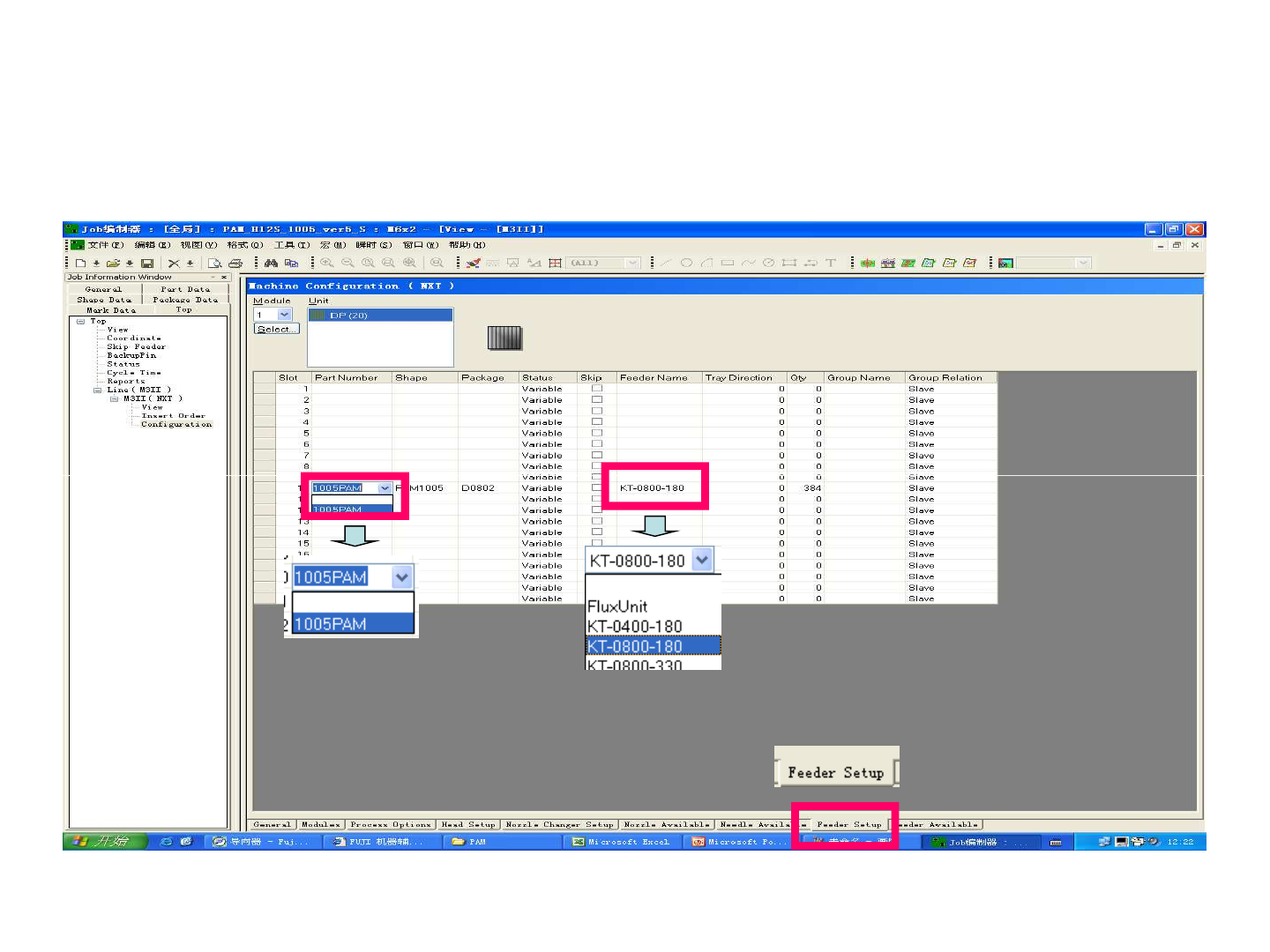
Open PAM Program
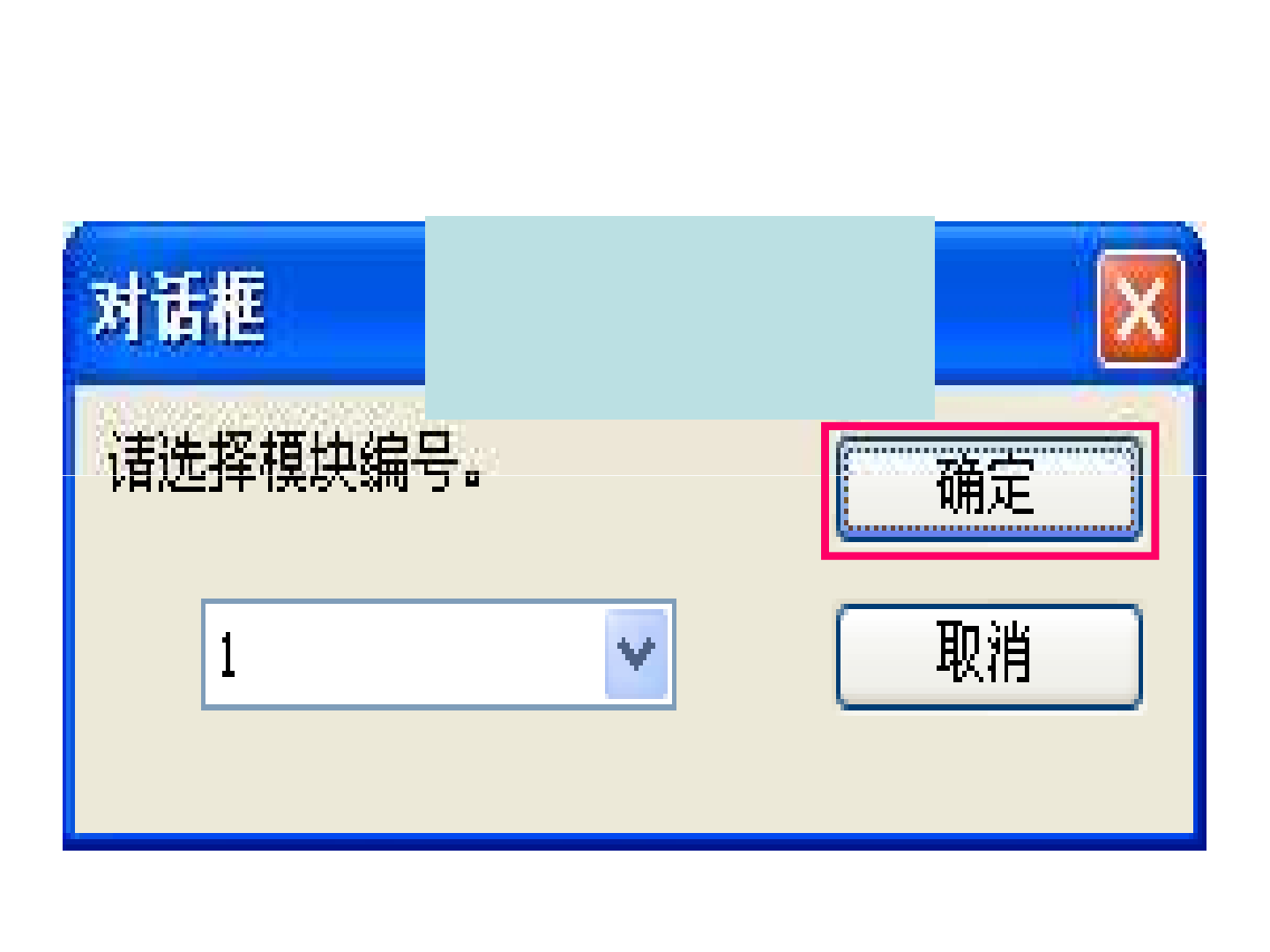
Open PAM Program
同时按住键盘 Shift+Alt+F12 出现
如图所示对话框,用来选择模组的
贴片顺序, 如有3个模组同时打PAM
则需重复该动作3次,并依选择模组
顺序.
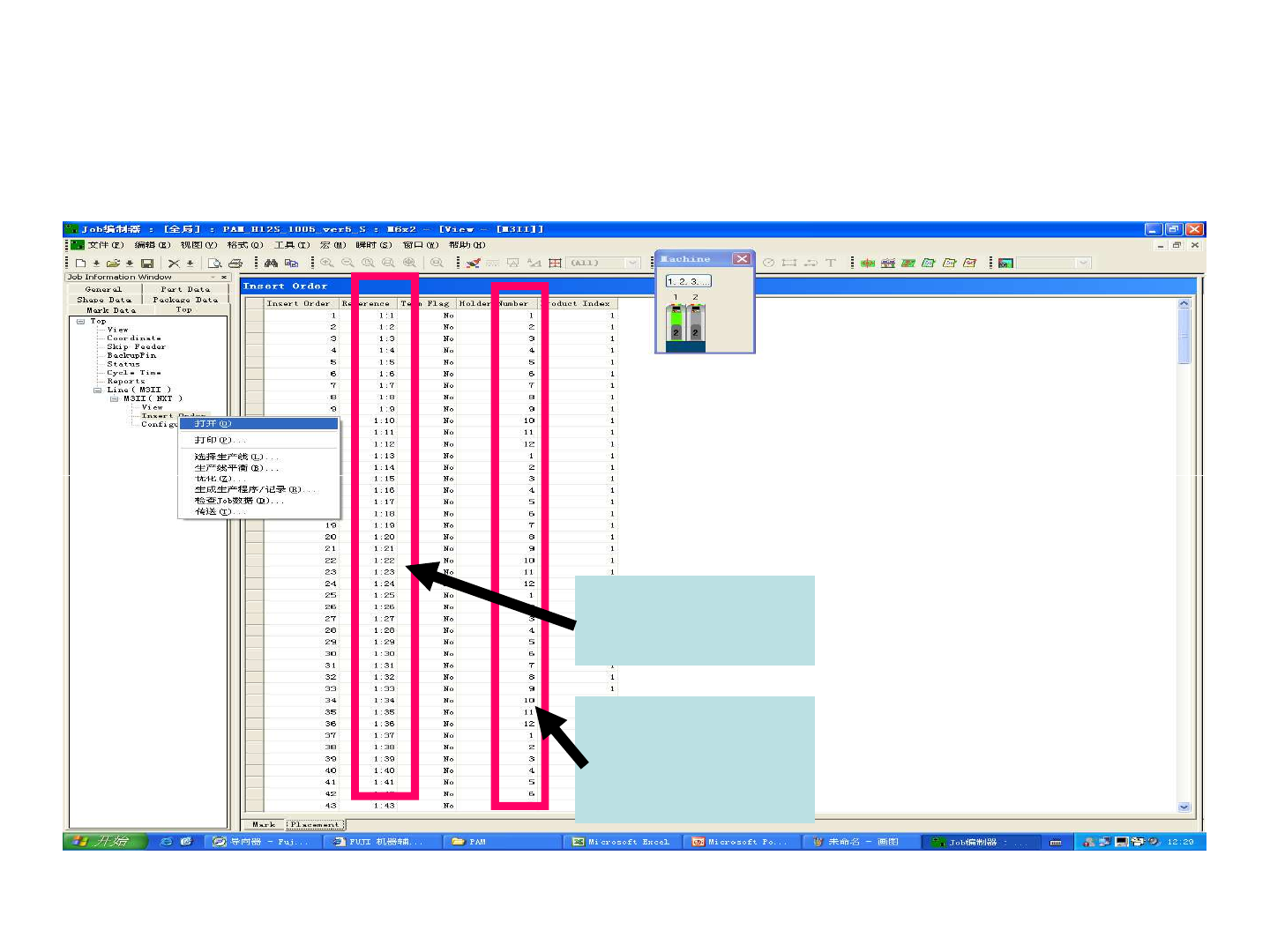
Open PAM Program
Right click Insert Order and
open, go to placement to check
open, go to placement to check
the order whether it’s correct or
not.
该处为贴片头
吸嘴1-12的顺
序循环.
该处为贴片头
贴片顺序.