ACT - Accuracy Check Tool.pdf - 第196页
ACT with SSW 7xx / User Manual 07/2017 Edition 88 Position on Conveyor This parameter is requi red for the singl e conveyor mode. To the left of Board To the right of B oard Behind Board In front of Board Figure 5-11: Po…
ACT with SSW 7xx / User Manual 07/2017 Edition
87
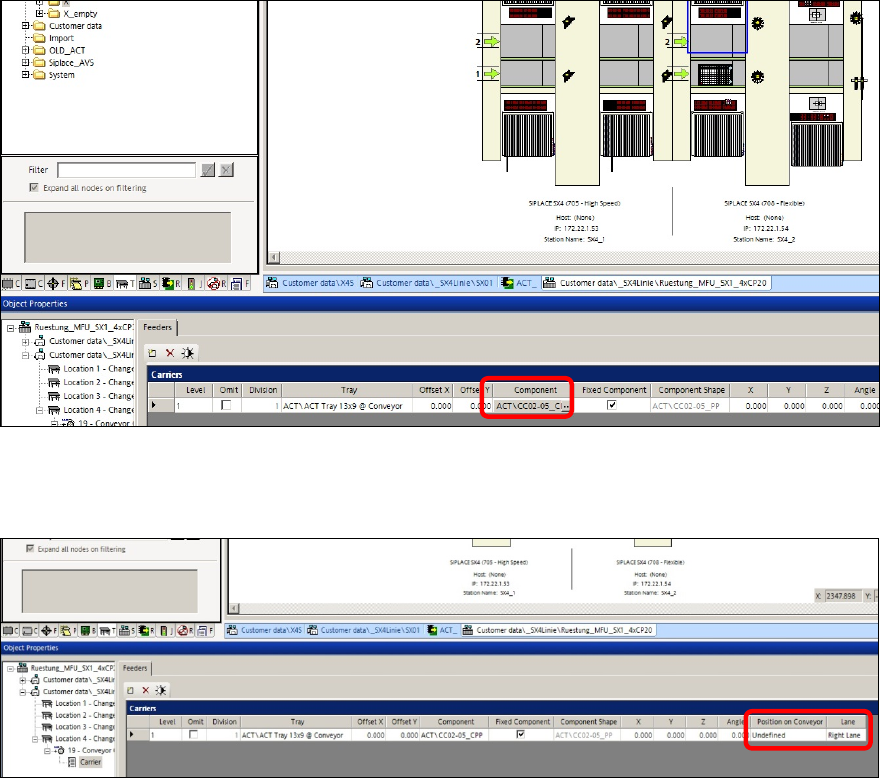
Figure 5-9: Selecting component
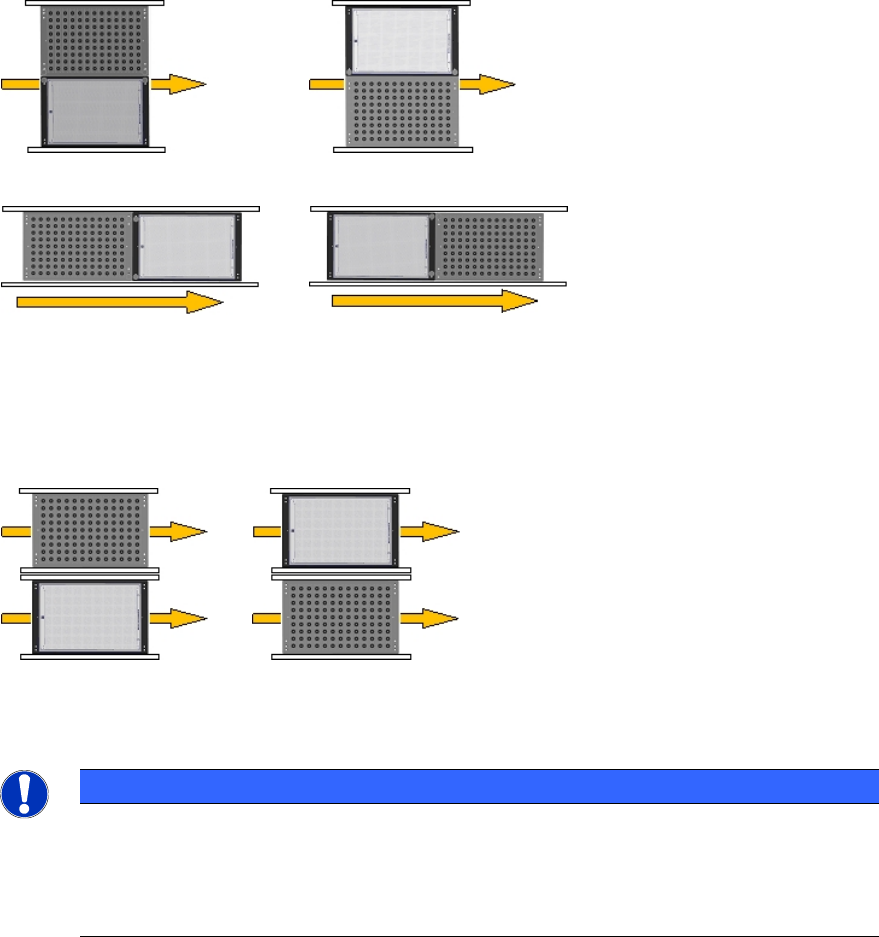
For determining the position of the tray in the conveyor, the two Position on Conveyor and Lane
parameters have to be considered.
Figure 5-10: Determining the position of the tray
ACT with SSW 7xx / User Manual 07/2017 Edition
88
Position on Conveyor
This parameter is required for the single conveyor mode.
To the left of Board To the right of Board
Behind Board In front of Board
Figure 5-11: Position in single conveyor mode
Lane
This parameter is required for the dual conveyor mode.
Left conveyor lane (2) Right conveyor lane (1)
Figure 5-12: Position in dual conveyor mode
NOTICE
Pickup position
You do not have to enter any offset values.
By using the Conveyor Carrier X tray carrier, the pickup position is automatically
specified by the board reference corner in the machine.
ACT with SSW 7xx / User Manual 07/2017 Edition
89
5.3 Restrictions
Tray in Conveyor for ACT for X-tables only
The Tray in Conveyor for ACT option is only possible for machines with X-tables.
Possible: X-series S, SX-series, DX-series, X-series with X-tables.
Number and position of the components in the tray
Feeding the tray In front of Board or Behind Board (see the Position on Conveyor parameter) is
only possible with SX1/2 and DX1/2 machines.
► Make sure that the components are correctly inserted into the tray.
► Adapt the tray description, because pickup will only be possible from a few rows.
Additionally, a "Short adapter" [03055995S01] is required to connect the glass plate with the tray at
the short side.