00196642-01 - AI BE-Kamera 38 CPP_de_en.pdf - 第17页
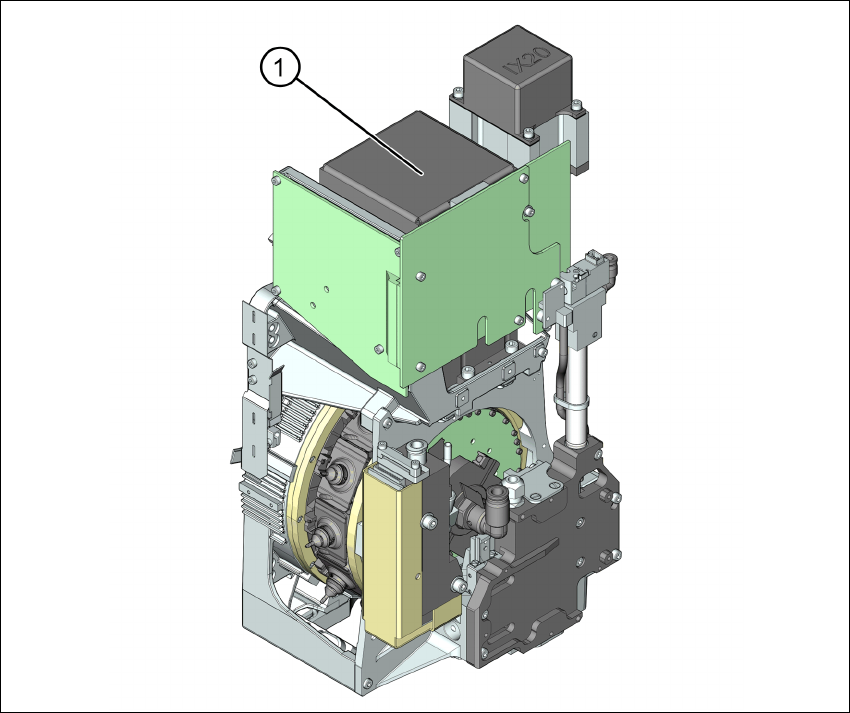
Assembly Instruction 5 Short Reference Edition 09/2009 17 5 Short Reference 5.1 Overview 5 Fig. 5.1.1 Overview (1) Component camera on the CPP head
4 Introduction Assembly Instruction SIPLACE X Series
Edition 09/2009
16
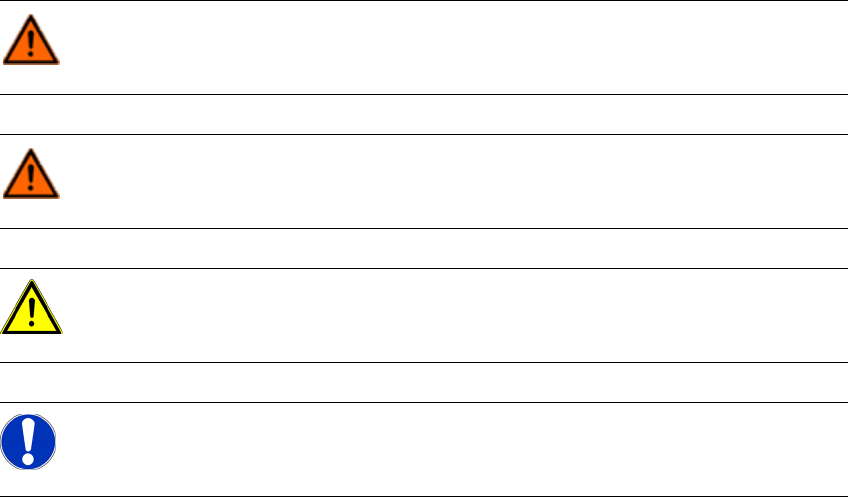
4.2 Conventions for the use of hazard symbols
This manual contains notes that must be observed to guarantee your personal safety and to
avoid damage to equipment. These notes are highlighted by warning triangles and are indicated
as follows according to the level of risk:
DANGER:
as used in this manual means that death, severe injury or considerable damage to
equipment will occur if the danger instructions are not followed.
WARNING:
as used in this manual means that death, severe injury or considerable damage to
equipment may occur if the warning instructions are not followed.
CAUTION:
as used in this manual means that slight injury or damage to equipment may occur if the
caution instructions are not followed.
NOTE:
as used in this manual provides information on the product or indicates a part of the user
manual that requires particular attention.
Assembly Instruction 5 Short Reference
Edition 09/2009
17
5 Short Reference
5.1 Overview
5
Fig. 5.1.1 Overview
(1) Component camera on the CPP head
6 Assembly Assembly Instruction SIPLACE X Series
Edition 09/2009
18
5.2 Scope of Delivery
– Component camera, type 38 for CPP head [00119783-xx]
5.3 Required Tools
– Torx screwdriver [03078400-xx]
– Extension/straight TX20 [03073256-xx]
– Bit holder for Torque Vario-S screwdriver [03078706-xx]
6 Assembly
6.1 Preparatory Work
X Complete all placement operations at the machine.
X Shut down the Windows operating system properly, since otherwise problems during a restart
or data loss may occur.
X Switch the machine off at the main switch.
X Disconnect the machine from the power supply system.
X Secure the machine to prevent reactivation and indicate that service work is being carried out.