21 Zoll breite LP X Serie.pdf - 第17页
Special Desig n 2 Retrofit instructions: 21" wide PCB (00176062-01) SIPLACE X-series 05/2006 Edition 17 2.7 Description in SIPLACE Pro SIPLACE Pro 3.1 programming system 2 There are no restrictio ns concerning the m…
2 Retrofit instructions: 21" wide PCB (00176062-01) SIPLACE X-series Special Design
05/2006 Edition
16
2
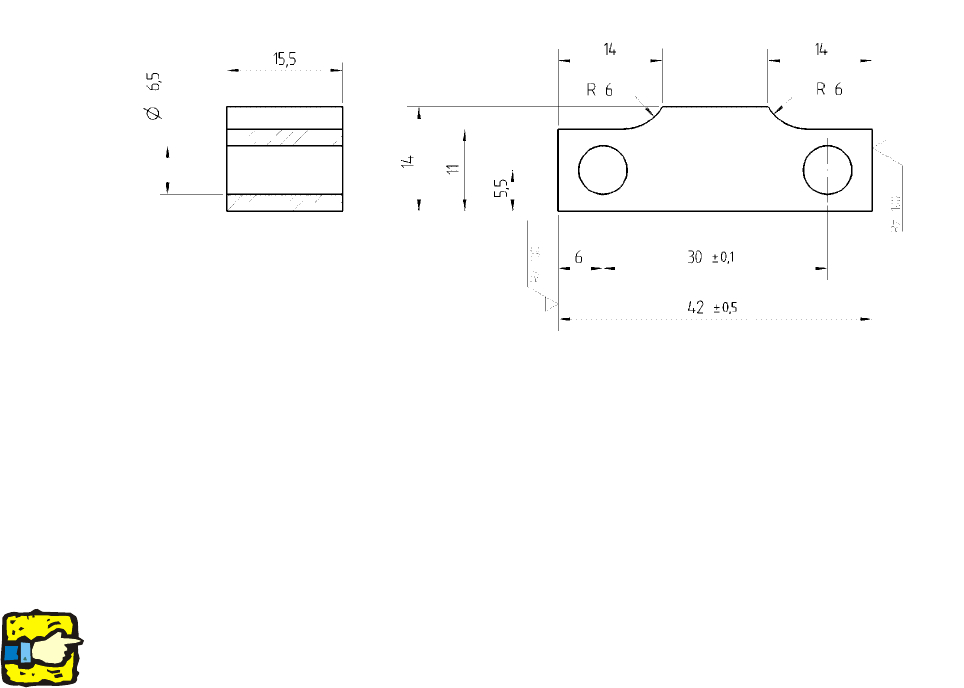
Fig. 2.11 - 1 Spacer for stopper
2.6.2 Downloading the special design conveyor firmware
: Use the SITEST function to download the special design conveyor firmware provided.
The maximum PCB width with this firmware special design is 536 mm. 2
2
Do not set the conveyor to overwide until you have downloaded the firmware. 2
2
2.6.3 Setting the conveyor
: Start the SITEST program.
: In SITEST, set the conveyor to overwide (Conveyor => Settings).
2.6.4 Measuring the PCB reference corner in placement area 1/2
Use the SITEST function to remeasure the PCB reference corners in both placement areas. 2
Special Design 2 Retrofit instructions: 21" wide PCB (00176062-01) SIPLACE X-series
05/2006 Edition
17
2.7 Description in SIPLACE Pro
SIPLACE Pro 3.1 programming system 2
There are no restrictions concerning the maximum PCB width in SIPLACE Pro. 2
The PCB can be specified if the fiducials are in the travelling range of all four (LBO) placement
areas. 2
2
2
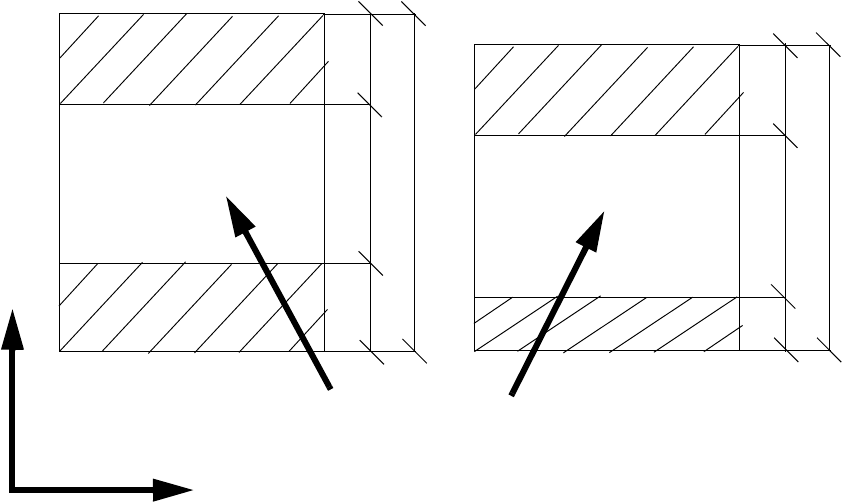
1.) (PCB length) - 160 mm = Ymax (max. fiducial position in the Y direction) 2
2.) (PCB length) - 450 mm = Ymin (min. fiducial position in the Y direction) 2
1.) - 2.) = Location for fiducial position = 290 mm 2
2
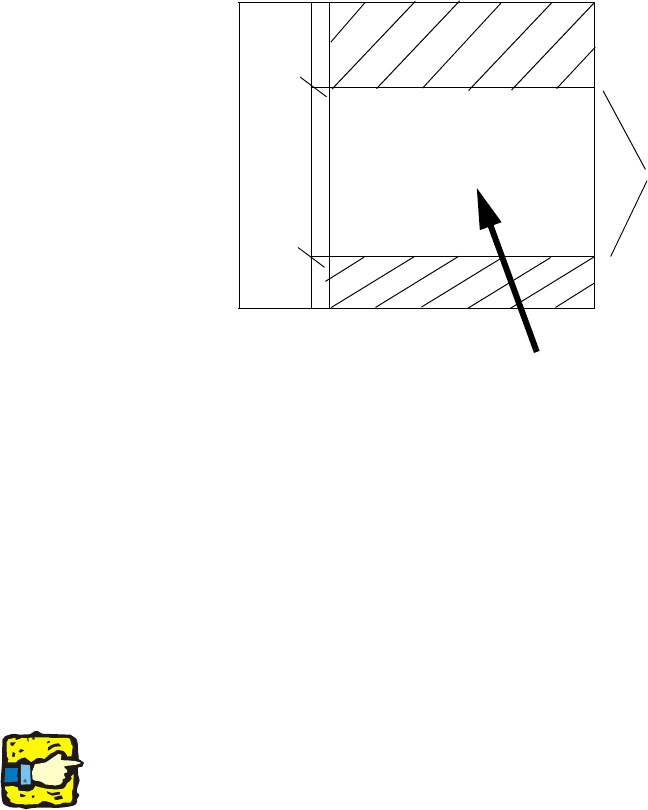
Example: 2
PCB length = 580 mm 2
580 mm - 450 mm = 130 mm 2
580 mm - 160 mm = 420 mm 2
Ranges for defining fiducials
610 mm - (2x160 mm)= 290 mm
160
160
290
680
160
50
290
500
Range for fiducials
Y
X
2 Retrofit instructions: 21" wide PCB (00176062-01) SIPLACE X-series Special Design
05/2006 Edition
18
2
2
Possible errors when describing the fiducials 2
– If fiducials are described outside the travelling range of the PCB camera, the job cannot be set.
There is still an error in SIPLACE Pro version 3.1: It is sometimes possible to describe fiducials
outside the travelling range and use them as a job setting.
– If two sets of fiducials are defined (for each placement area), then the feasibility fails and an
error message appears: "The batch files are inconsistent and could not be reoptimized".
2
2
Jobs with the LBO activated can only be set if the corresponding license number was entered. 2
2
Ymax = 420 mm
Ymin = 130 mm
130
420
580
Range for fiducials