00197597-02_IM_Station_Programming_1.1_EN.pdf - 第16页
Station Programmi ng 1.1 / Installation M anual 05/2015 Edition 16
Station Programming 1.1 / Installation Manual 05/2015 Edition
15
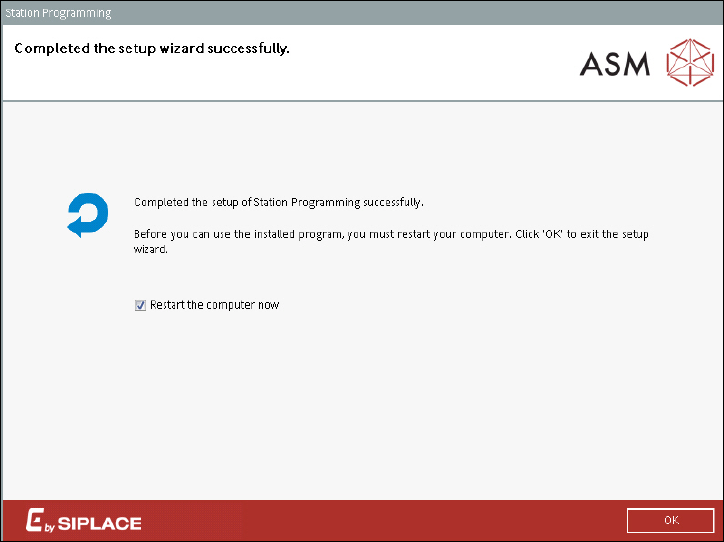
After the Station Programming installation has been removed, the following dialog is displayed.
Figure 7-4: Removing Station Programming completed
The station computer has to be restarted for the changes to take effect.
► Ensure that the Restart the computer now check box is activated (default).
► Click the OK button to exit the setup wizard.
After restart, the station computer logs in automatically using the Operator account of the station.
Station Programming 1.1 / Installation Manual 05/2015 Edition
16
acpage