Printer 600 Installation Documentation.pdf - 第3页
,167$//$ 7,21'2&80 (17$7,21 ,167$//$7 ,21&+(&. /,67 Chapter Issue 2 May 03 Instal lation Ma nual 9.3 No. MACHINE PERFORMANCE REFERENCE Completed 21 Carry out M achine Cap abili ty: Chapt er 8 Cp Cpk No…
,167$//$7,21'2&80(17$7,21
,167$//$7,21&+(&./,67
9.2 Installation Manual Chapter Issue 2 May 03
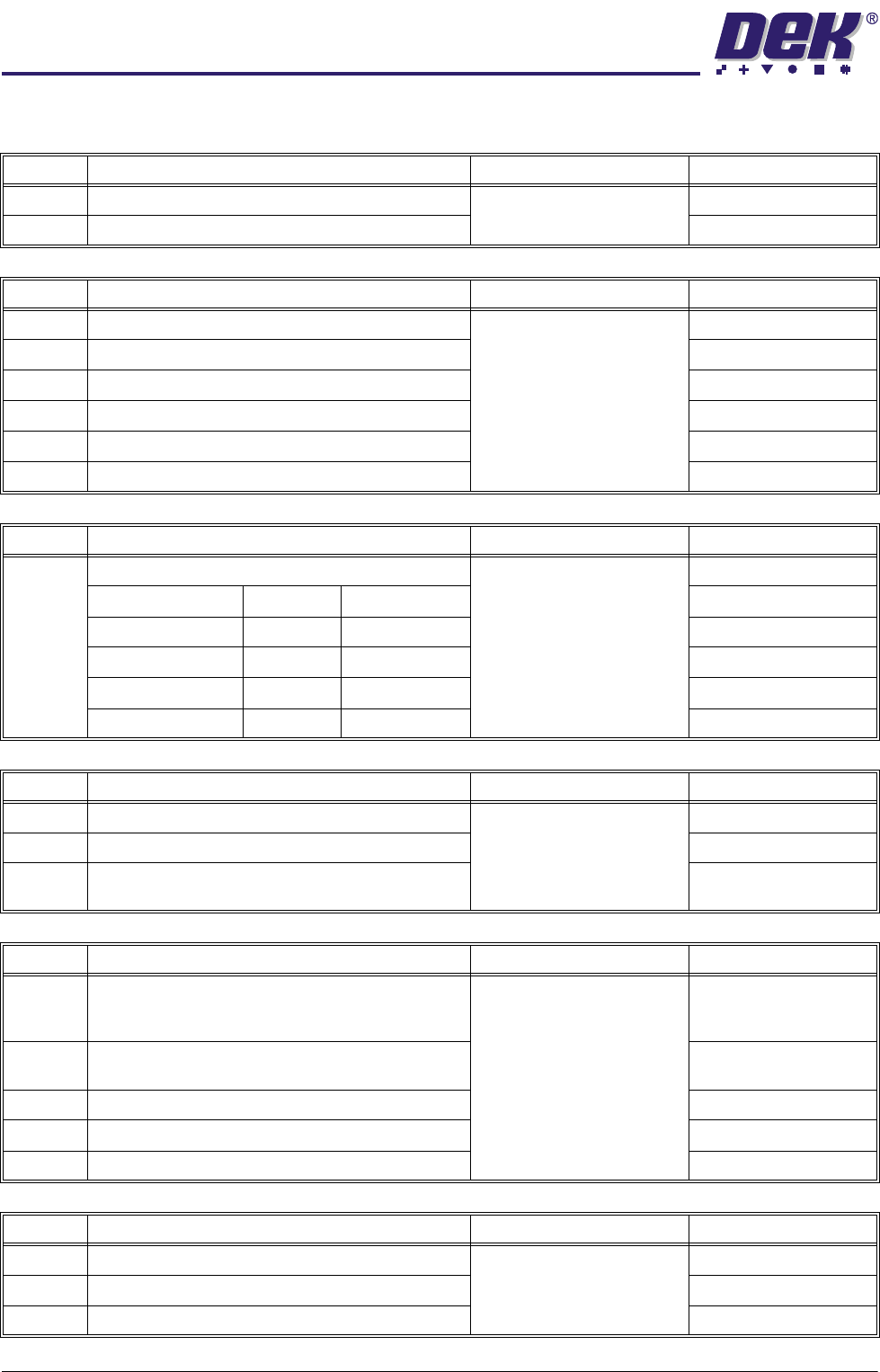
INSTALLATION CHECKLIST
No. GENERAL REFERENCE Completed
1 Check Machine for Transit Damage Chapter 4
2 Check Accessories are Correct to Work Order
No. MACHINE PREPARATION REFERENCE Completed
3 Transport to Final Destination Chapter 5
4 Remove Transit Brackets
5 Fit Machine Components
6 Vacuum Filtration Unit Voltage Check
7 Carry out Pre Installation Checks
8 Set Machine Height and Level
No. MACHINE PREPARATION REFERENCE Completed
9 Check Shock Watches: Chapter 5
Triggered: Un-Triggered:
Machine PC
Machine Controller
Printhead
Camera
No. SERVICES REFERENCE Completed
10 Measure Customer Factory Electrical Supply Chapter 6
11 Ensure transformer tapped correctly
12 Check Documentation and Machine Ser No. Plate
Matches Supply
No. POWER UP SEQUENCE REFERENCE Completed
13 Run Chkdsk (If any bad sectors are found, the log
file must be returned to the DEK UK Customer
Support Helpdesk)
Chapter 6
14 Check Correct Operation of E Stop Loop compo-
nents
15 Carry out Screen Clean Function Check (if fitted)
16 Carry out Paste Dispenser Function Check (if fitted)
17 Carry out New Product Set Up
No. FMI REFERENCE Completed
18 Check the MIU is Correctly Configured Chapter 7
19 Check that MIU is Selected in Set Prefs
20 Check Operation of Interface
,167$//$7,21'2&80(17$7,21
,167$//$7,21&+(&./,67
Chapter Issue 2 May 03 Installation Manual 9.3
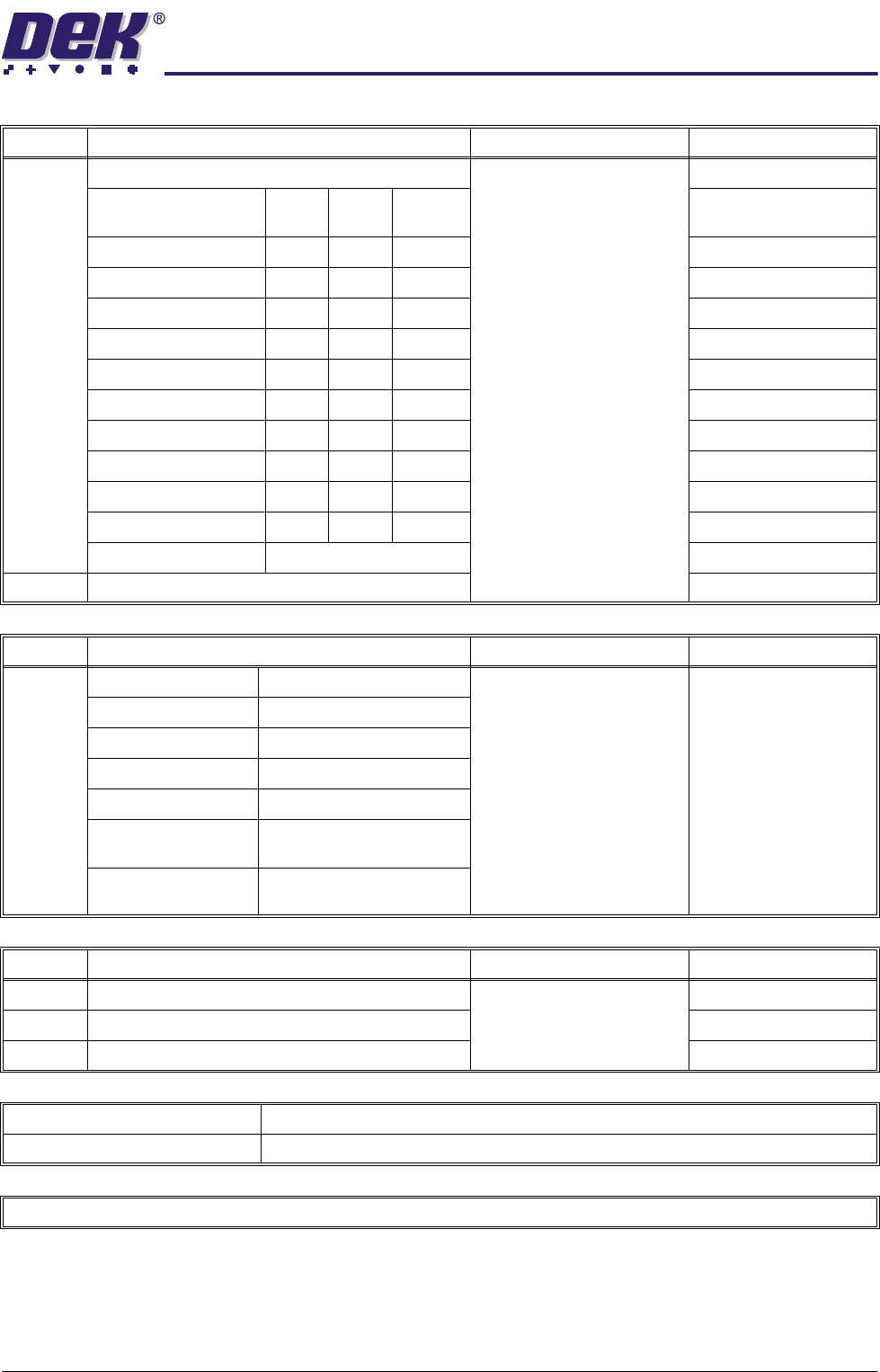
No. MACHINE PERFORMANCE REFERENCE Completed
21 Carry out Machine Capability: Chapter 8
Cp Cpk No
Change
X Alignment (Front)
X Alignment (Rear)
Y Alignment (Front)
Y Alignment (Rear)
θ Alignment (Front)
θ Alignment (Rear)
Front Pressure
Rear Pressure
Front Print Speed
Rear Print Speed
Cycle Time ..........................Secs
22 Carry out Virus Check
No. ON SITE TRAINING REFERENCE Completed
23 Safety Setting Up New Products Mach ine T raining
Powerpoint
and Workbook
Machine Overview Running Production
Loading a Board File Cleaning the Screen
Loading a Screen Cleaning the Printer
Setting Up Tooling Inspecting the Printer
Changing Squeegees Using the Machine Log
Book
Loading Paste Recovering from Common
Error Messages
No. DOCUMENTATION REFERENCE Completed
24 Service Report
25 Acceptance Report Chapter 9
26 Installation Report
MACHINE MODEL
MACHINE SERIAL NUMBER
RETURN COPY TO DEK CUSTOMER SUPPORT SUPERVISOR

,167$//$7,21'2&80(17$7,21
,167$//$7,21&+(&./,67
9.4 Installation Manual Chapter Issue 2 May 03
INTENTIONALLY LEFT BLANK