Printer 600 Installation Documentation.pdf - 第4页
,167$//$ 7,21'2&80 (17$7,21 ,167$//$ 7,21&+(& ./,67 9.4 Instal lation Ma nual Chapter Issue 2 May 03 INTENTIONALL Y LEFT BLANK
,167$//$7,21'2&80(17$7,21
,167$//$7,21&+(&./,67
Chapter Issue 2 May 03 Installation Manual 9.3
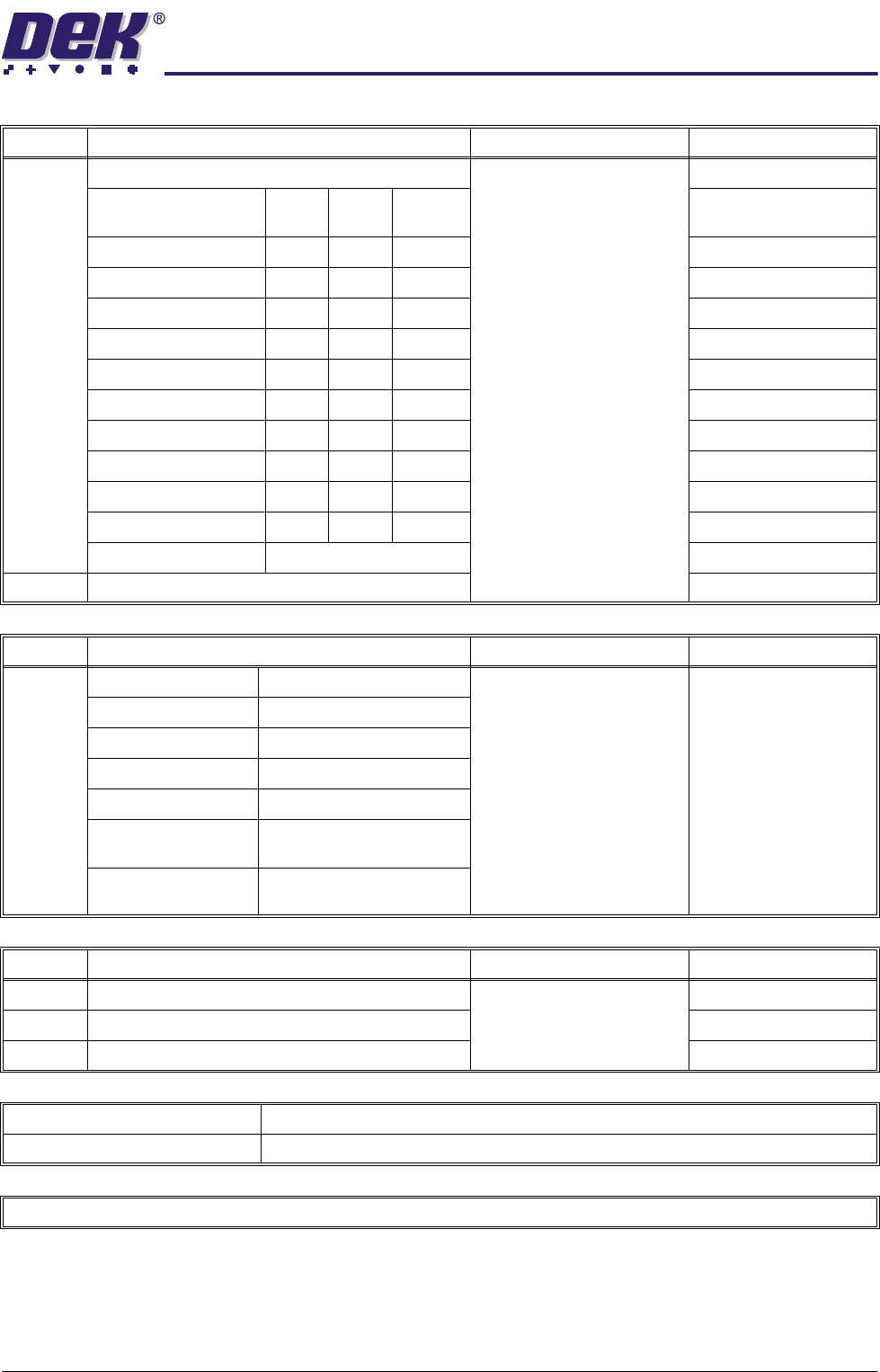
No. MACHINE PERFORMANCE REFERENCE Completed
21 Carry out Machine Capability: Chapter 8
Cp Cpk No
Change
X Alignment (Front)
X Alignment (Rear)
Y Alignment (Front)
Y Alignment (Rear)
θ Alignment (Front)
θ Alignment (Rear)
Front Pressure
Rear Pressure
Front Print Speed
Rear Print Speed
Cycle Time ..........................Secs
22 Carry out Virus Check
No. ON SITE TRAINING REFERENCE Completed
23 Safety Setting Up New Products Mach ine T raining
Powerpoint
and Workbook
Machine Overview Running Production
Loading a Board File Cleaning the Screen
Loading a Screen Cleaning the Printer
Setting Up Tooling Inspecting the Printer
Changing Squeegees Using the Machine Log
Book
Loading Paste Recovering from Common
Error Messages
No. DOCUMENTATION REFERENCE Completed
24 Service Report
25 Acceptance Report Chapter 9
26 Installation Report
MACHINE MODEL
MACHINE SERIAL NUMBER
RETURN COPY TO DEK CUSTOMER SUPPORT SUPERVISOR

,167$//$7,21'2&80(17$7,21
,167$//$7,21&+(&./,67
9.4 Installation Manual Chapter Issue 2 May 03
INTENTIONALLY LEFT BLANK

,167$//$7,21'2&80(17$7,21
$&&(37$1&('2&80(17
Chapter Issue 2 May 03 Installation Manual 9.5
ACCEPTANCE DOCUMENT
General This document is sub-divided into three parts:
• Full Acceptance
• Conditional Acceptance
• Outstanding Issues