00195050_NavigationGuide.pdf - 第8页
Navigation Guide for the installation procedure of SIPLACE software systems Edition 11/2007 4 Inst allation Dat abase The installation type of the database depends on the in stalled operating system. We re commend the us…
Navigation Guide for the installation procedure of SIPLACE software systems Edition 11/2007
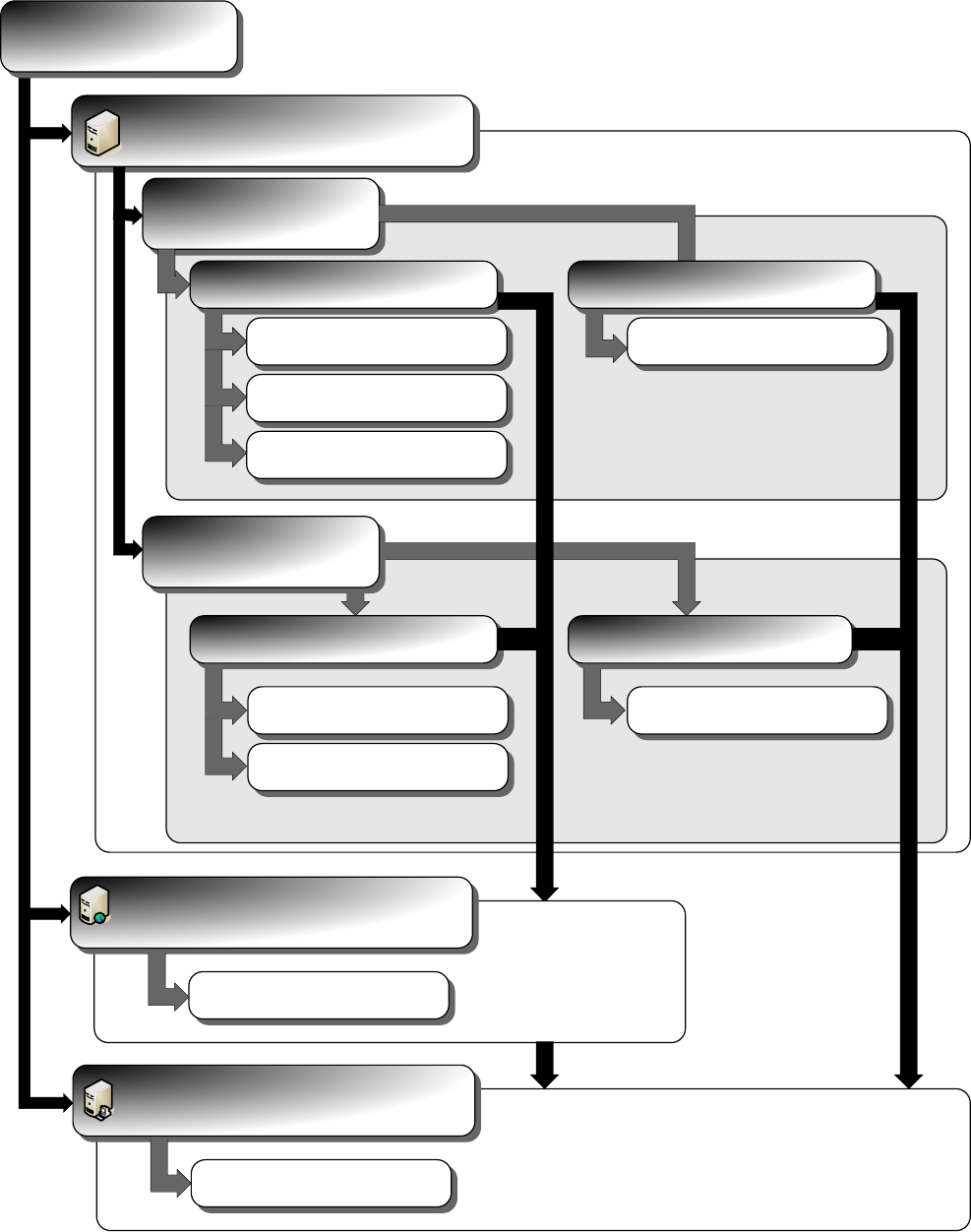
3 Installation Operating System
The following documents lead you through the installation procedure of the operating systems and time
synchronization for SIPLACE software system.
Unattended Setup
Manual Setup
Installation
Operating System
Siemens Hardware
Server Client
Windows XP SP2
Install_WinXP_SP2_unattended.pdf
Windows 2003 SP1
Install_Win2003_SP1_unattended.pdf
Windows XP SP2
Install_WinXP_SP2_unattended.pdf
Server Client
Time Sync
Windows XP SP2
Install_WinXP_SP2_manual.pdf
Windows 2003 SP1
Install_Win2003_SP1_manual.pdf
Windows XP SP2
Install_WinXP_SP2_manual.pdf
Time Sync
Install_TimeSync.pdf
Unknown Hardware
Internet Information Server
IIS
Install_IIS.pdf
Windows Vista
Install_WinVista_unattended.pdf
7

Navigation Guide for the installation procedure of SIPLACE software systems Edition 11/2007
4 Installation Database
The installation type of the database depends on the installed operating system. We recommend the usage of
MSDE only on a Desktop operating system like Windows XP.
Installation
Operating System
Database
SQL 2000 Standard Edition
Install_SQL2000Server_manual.pdf
SQL 2005 Standard Edition
Install_SQL2005Server_manual.pdf
MSDE
Install_MSDE_manual.pdf
SQL 2005 Express Edition
Install_SQL2005Express_manual.pdf
Server Edition Desktop Edition
Server Client
8
Navigation Guide for the installation procedure of SIPLACE software systems Edition 11/2007
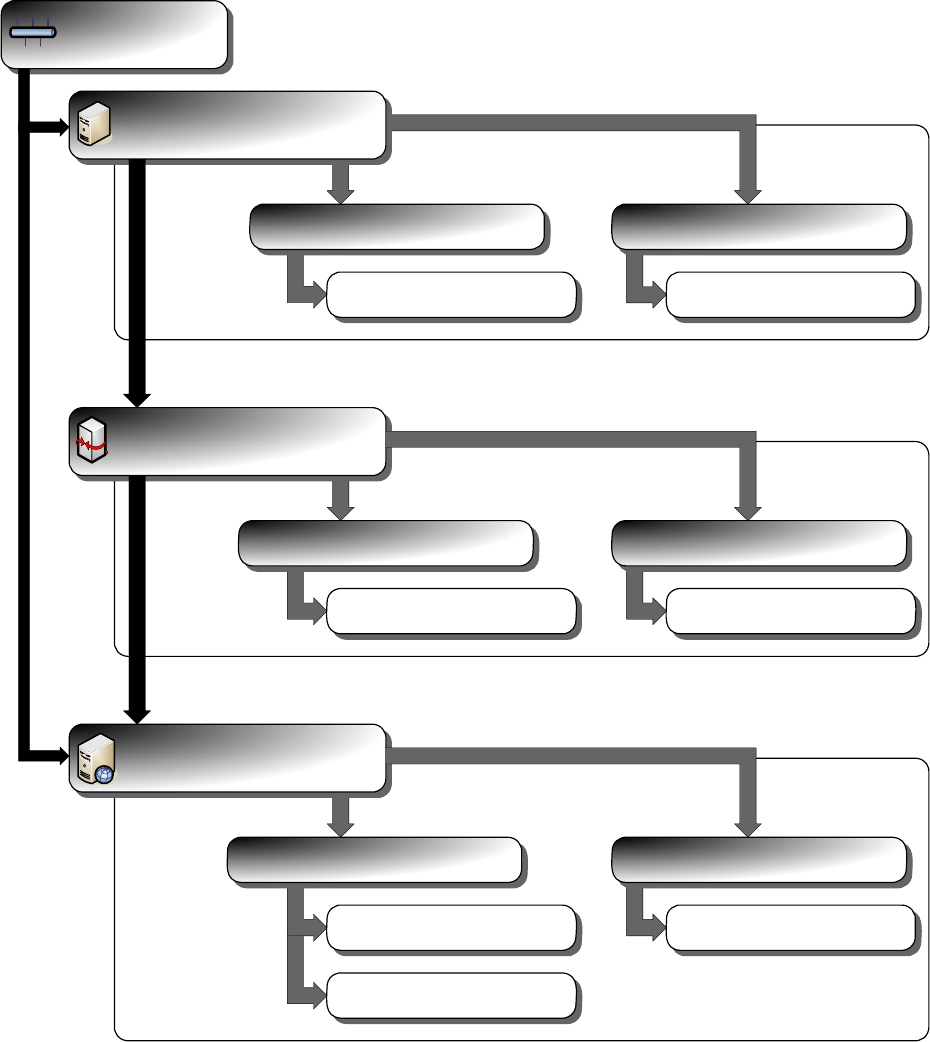
5 Network Adaption
The following documents lead you through the network adaptation procedure for SIPLACE software system.
NOTE:
• Please refer to the latest version description.
• Please consider that possible patches or upgrades from Microsoft or third party providers could impair
SIPLACE software systems.
• Please consider that a virus could result in system failure.
• For detailed questions please contact our SIPLACE system integration team.
Network
Workgroup
Integrate to Domain
Customer Domain
Prepare for Workgroup
Prepare_Windows_For_Workgroup.pdf
Server Client
Prepare for Workgroup
Prepare_Windows_For_Workgroup.pdf
Server Client
Integrate to Customer Domain
Integrate_To_Domain.pdf
Integrate to Customer Domain
Integrate_To_Domain.pdf
Server Client
Prepare Windows 2003
Prepare_Win2003_For_Domain.pdf
Prepare Windows XP
Prepare_WinXP_For_Domain.pdf
Prepare Windows XP
Prepare_WinXP_For_Domain.pdf
9