00197855-04_JC_PM_WF4_SX12_EN.pdf - 第60页
www.asm-smt.com
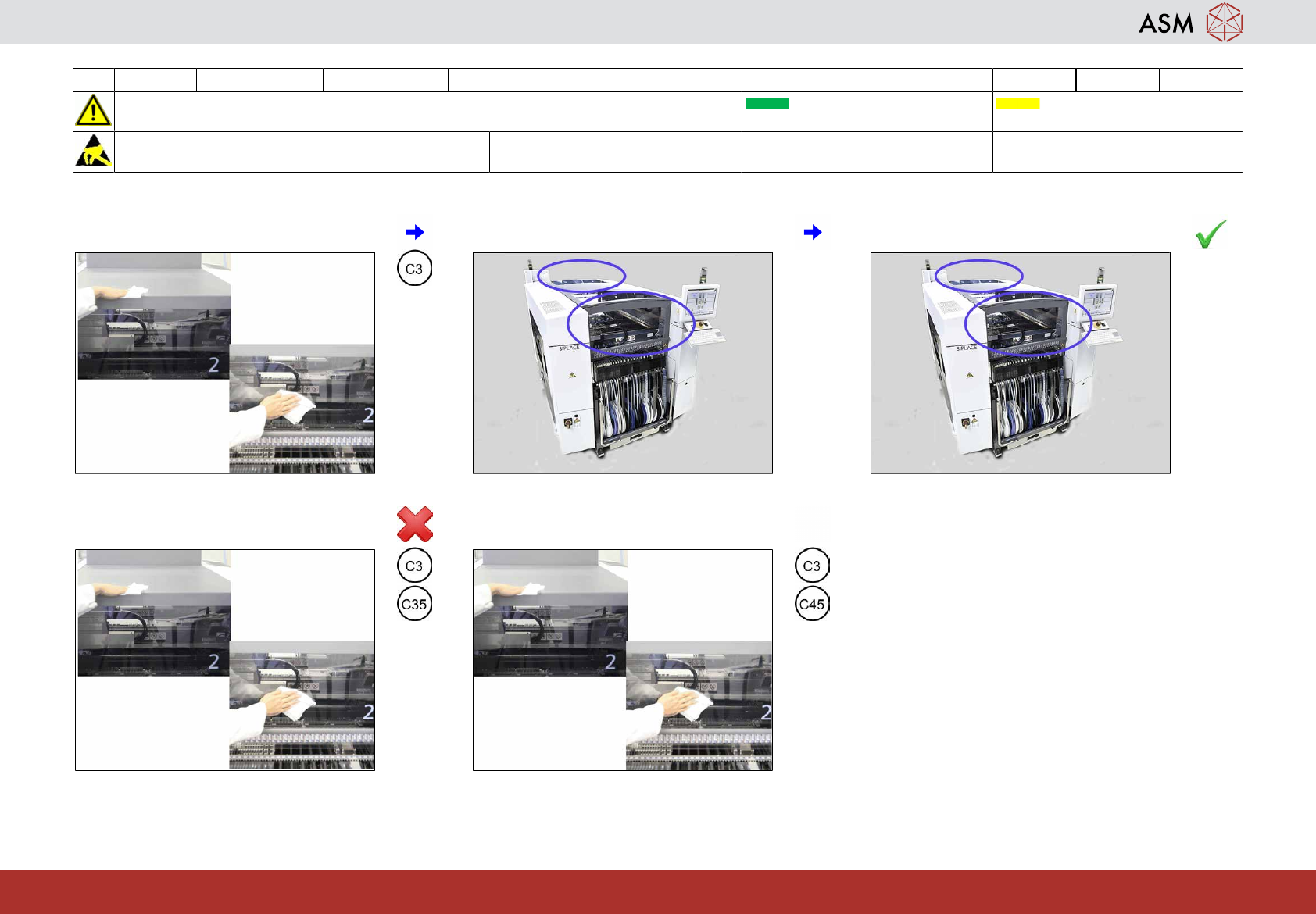
20 WF4 SX1/2 Clean the protection covers. 0.5 min 1 / 1
CAUTION! Refer to safety instructions in user manual before commencing Maintenance
Machine Status ON Transport Empty
NOTICE! ESD guidelines are to be followed Tool: Wear Part: Consumables:
C3, C35, C45
www.asm-smt.com
1 Clean all covers at the side and on top. 2 Are the covers clean ? 3 If OK than next task.
4 If not OK clean them once more with
cleaner.
5 Dry all covers.

www.asm-smt.com
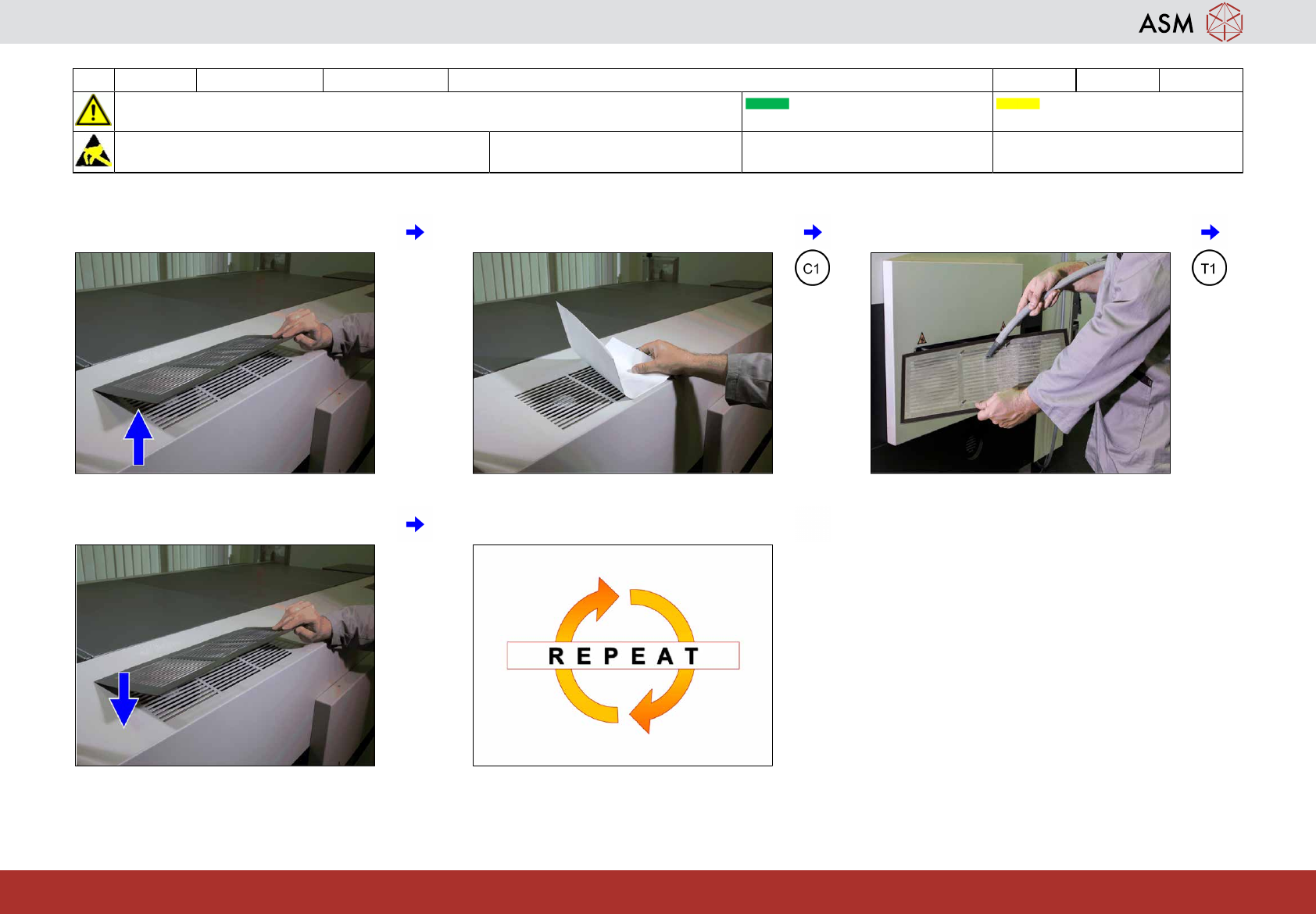
21 WF4 SX1/2 Check the cover fans and clean the protection cover. 1 min 1 / 1
CAUTION! Refer to safety instructions in user manual before commencing Maintenance
Machine Status ON Transport Empty
NOTICE! ESD guidelines are to be followed Tool:
T1
Wear Part: Consumables:
C1
www.asm-smt.com
1 Remove the protection cover. 2 Check the function of the cover fans. 3 Clean the protection cover.
4 Return the protection cover. 5 Repeat all steps for the other covers.