TT3756.History output of specified time.pdf - 第6页
SMT Software Engineeri ng Group IMOperationsYAMAHAMOTORCO. ,LTD. MD OC-SOFT50042 6/6 day is use d as the date ch aracter . Function of thi s time ( Ex, 09:00) Oct 1st 0:00 9:00 0:00 9:00 Oct 2nd …
SMT Software Engineering Group
IMOperationsYAMAHAMOTORCO.,LTD.
MDOC-SOFT50042
4/6
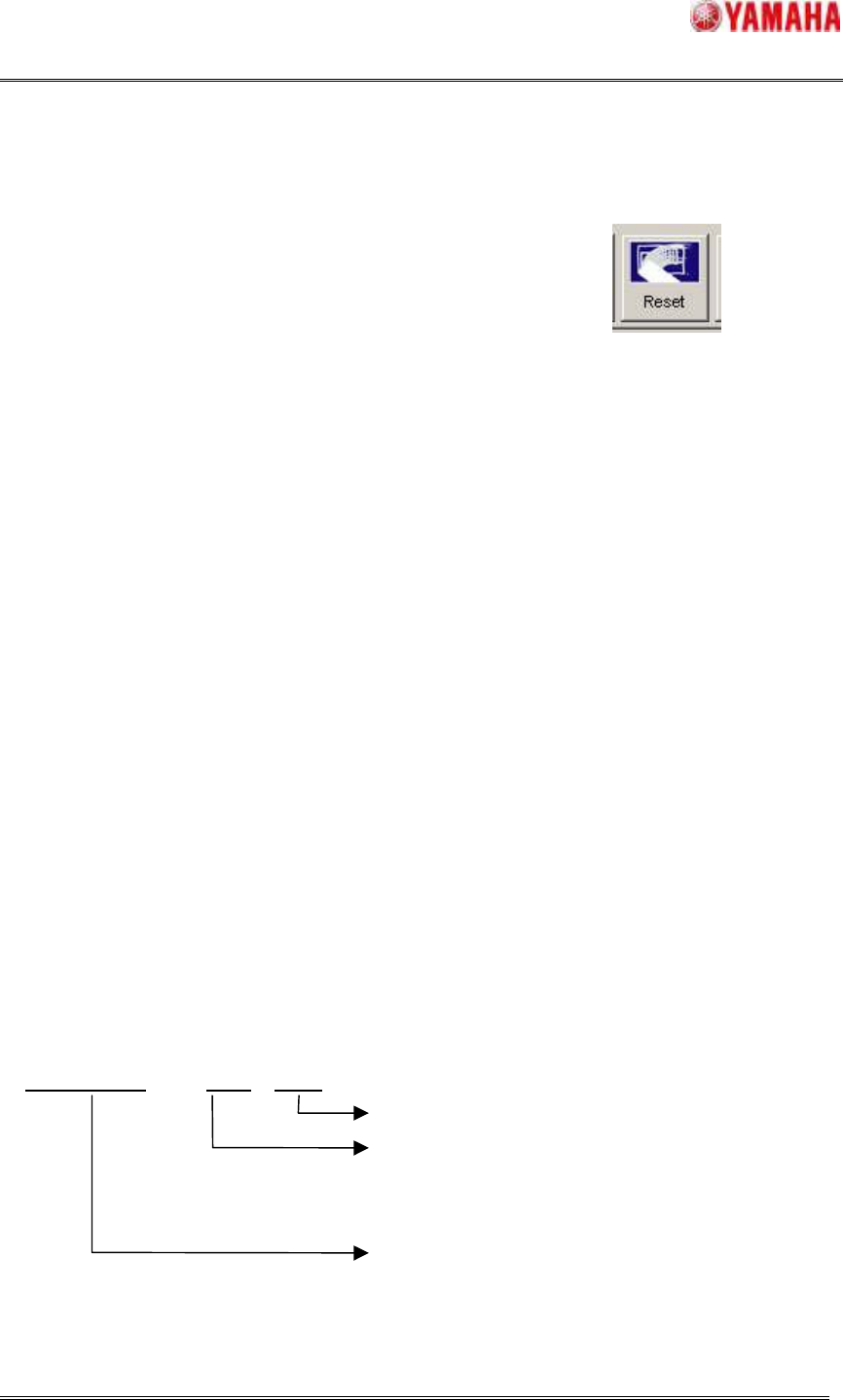
4.2. Reset operation
[Unit Log] is reset after the history is saved.
It is the same operation as the tapping [reset] button under the history screen.
After the operation is completed, [Ea12779: The auto reset of History data was executed.] is
recorded in [MIS] - [Log].
4.2.1. Reset target of the History
The following screens of [Unit Log] are reset.
・"Operator" information on Head, Nozzle, Feeder, Conveyor and Feeder ID
・"Current data" information on parts history
4.2.2. Notice of reset operation
When the machine is turned off in the specified time, the reset process is done at the next
machine started.
(The data until the day before is saved at the machine turn-off.)
4.3. Saving history to the server folder
When the server folder is specified on [Software Setting] - [History] - [MIS setting] or [Unit log
setting], the history file is saved in the each day file.
4.3.1. Common items of the each history
The history file is saved as the date character is added to the each history item name.
This rule is applied to saving the history in arbitrary timing.
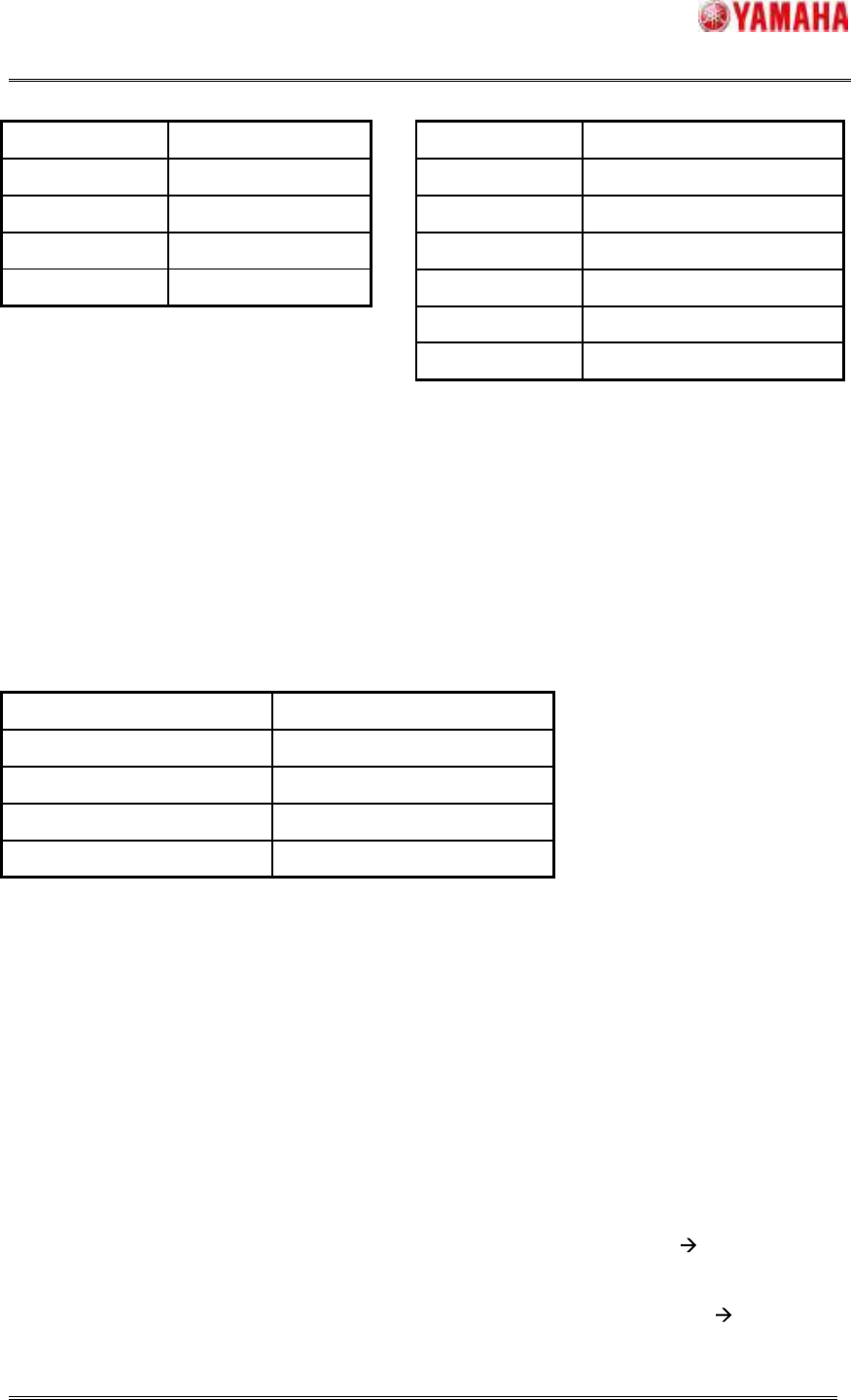
item name + date . csv
Fixed character
It is decided according to the judgment standard of
the each history. (Refer to 4.3.2 decision items of
the each history)
It is decided according to the kinds of the history.
SMT Software Engineering Group
IMOperationsYAMAHAMOTORCO.,LTD.
MDOC-SOFT50042
5/6
[MIS] Item name [Unit Log] Item name
Kinds of history Item name
Error log ErrLog
Board log PcbLog
Program log LotLog
Setup log SetupLog_Yxxxxx_*1
*1: The machine serial number is replaced in
xxxxx.
4.3.2. Decision items of the each history
The date which is added to the file name is decided in the following rule.
[MIS]: In the following histories, "Date character" is decided according to the occurrence time of
the each event.
Kinds of history Standard data of date
Error log Event Date
Board log Finish Time
Program log Start Date
Setup log Date
Example: When specified time is "Nine o'clock", The history from 2009/10/01 09:00 to
2009/10/02 08:59 is included in the "LotLog20091001.csv" file at the production beginning time.
[Unit log]:
The file which is automatically saved by [Specified time] is recorded with the date of the
previous day. Because the data of [Unit Log] is continuously generated from the previous day, it
is appropriate form the perspective of "the file name is created from the date of occurrence.”
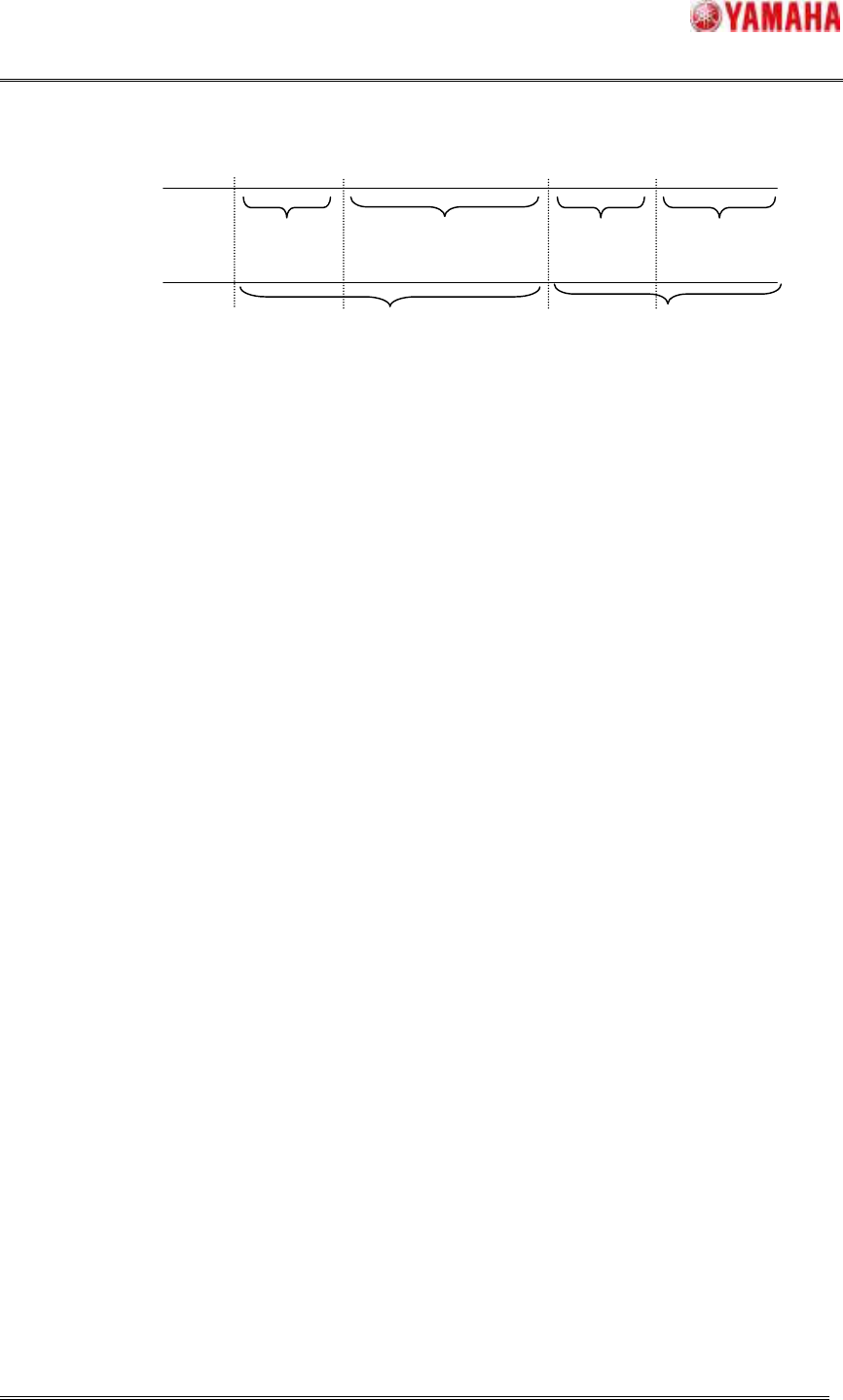
When the saving history is except for above-mentioned specified time (when the machine is
turned off, etc).
1. When the saving is executed in " from 0 o'clock to specified time " the date of the
previous day is used as the date character.
2. When the saving is executed in "from specified time to 0 o'clock" the current
Kinds of history Item name
Head Head
Nozzle Nozl
Feeder Feed
Conveyor Conv
Parts Part
FeederID FeederIDLog_Yxxxxx_ *1
SMT Software Engineering Group
IMOperationsYAMAHAMOTORCO.,LTD.
MDOC-SOFT50042
6/6
day is used as the date character.
Function of this time
(
Ex,
09:00)
Oct 1st
0:00
9:00
0:00
9:00
Oct 2nd
Output with Sep 30 Oct 1st
Function of the past
(
Fixed
0:00)
Oct 1st
Oct 2nd
Output with Oct 1st
Oct 2nd