ISM-1100_INM.pdf - 第2页
Quick reference handbook Barcode Reader software Quick reference handbook Barcode Reader software rev_6 Edition 06/2017 - Reproduction forbidden Page 2 Content Date Author Creation rev_4 06 /1 6 Cristian Blandino Rev_5: …
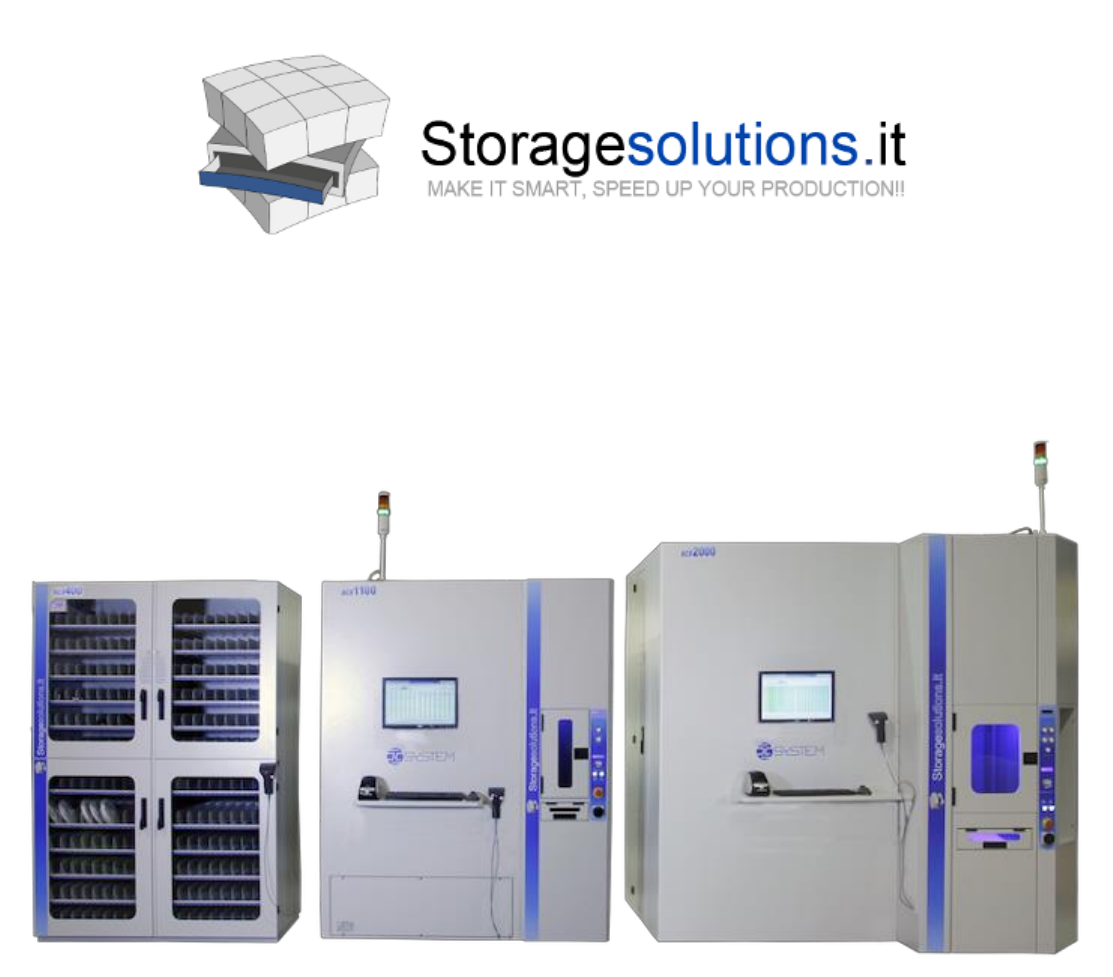
OPERATING AND
QUICK REFERENCE HANDBOOK
BARCODE READER SOFTWARE
Manufacturer:
ESSEGI SYSTEM SERVICE S.r.l.
Via Zambon, 14/16
36051 CREAZZO (Vicenza)
Tel. + 39 0444 376060
Fax. + 39 0444 378119
info@storagesolutions.it

Quick reference handbook Barcode Reader software
Quick reference handbook Barcode Reader software rev_6 Edition 06/2017 - Reproduction
forbidden
Page 2
Content
Date
Author
Creation rev_4
06/16
Cristian Blandino
Rev_5: add pages from 21 to 24
06/17
Cristian Blandino
Rev_6: modified page 16
06/17
Cristian Blandino

Quick reference handbook Barcode Reader software
Quick reference handbook Barcode Reader software rev_6 Edition 06/2017 - Reproduction
forbidden
Page 3
INTRODUCTION
The Barcode reader software has following advantages:
- Automatic identification of the size of the cases (based on case colour
recognition)
- Mixed insertions (cases with the same size but different colour/height)
- Reading of 1D or 2D (datamatrix, Qr code, etc.) barcodes
- Automatic Incoming of the information about the reel (items, quantity etc.)
- Saving images of the reels for traceability
- Making the “double step” reading to read the smaller barcodes.
- Using the Halcon DLL for reading more difficult barcodes 2d
Before using the Barcode reader software, please pay attention to following
requirements:
- Precision Camera Reader 5MP or 13 MP
- New release software (latest version 3.3.0)
- Autosmd Barcode Reader software (2.0.2.4 and subsequent versions)
- The new version uEyeDotNet.DLL (1.6.7.0)
- The new version uEyeDotNet drivers (4.82.17)
- Last Firmware Machine (Mainboard, Hub, Elevator, Puller, Handler) for
the upgrade of the Machine, please see the corresponding manual
STEP 1
Activation the operating method for reading code only for
ISM1100/ISM2000
In the file container.ini in c:\autosmd\container, you can activate one of the four
operating methods for reading the code.
Laser it only uses the Internal Laser Barcode Scanner
Cameraforcolour the Camera recognizes the colour cases and the Internal
barcode reads the barcode labels.
Mixed the camera recognizes the cases colour and the
Datamatrix (2D) codes and the Internal barcode scanner
reads the 1D codes.
Camera only the Camera will be used to recognize the colour of
the cases and 2D codes (Datamatrix, Qr Code etc.)
Note: When we cover the reading area of 15”x15”, the minimum 2D barcode
dimensions needs to be 13x13mm using a 5 MP camera.
If smaller codes are required, we have to reduce the reading area by moving the
camera closed to the reading area.
In any case, it is always possible to activate the “Double step Reading” changing
in container.ini the option (it must be CameraDoubleRead=Y) for the ISM2000
machine.
If you use a Halcon DLL, follow the indications on BARCODE PROCESS TAB.